%20(1)-B86R08ZzwhPzS6UZbG3mSxRWPCwGwn.png)


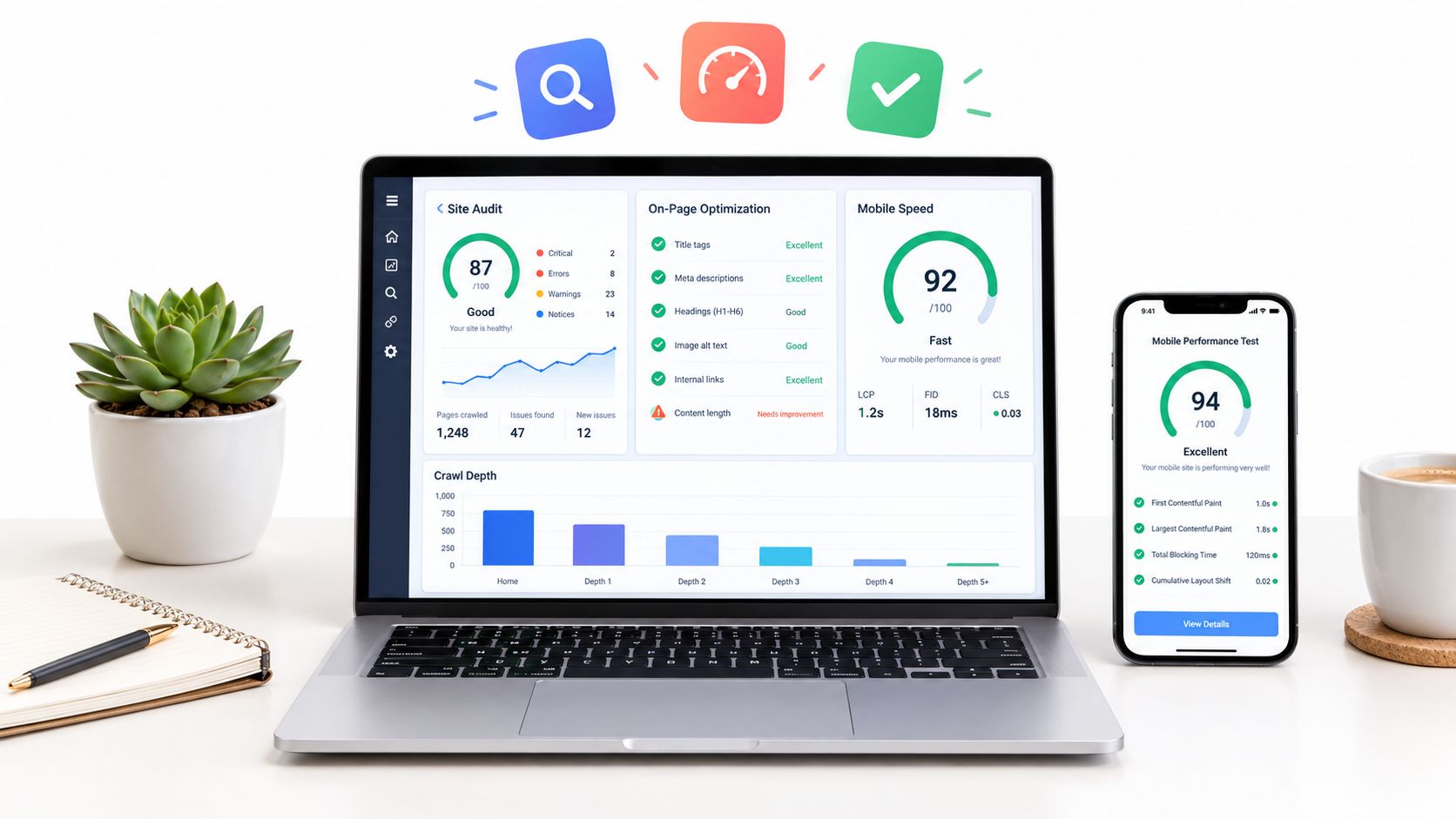
A long error list isn't the same as a useful SEO audit. I've seen teams spend days fixing title lengths while leaving important templates poorly linked, blocked from indexing, or invisible in the search results that matter most to the business.
I compare a website SEO checker by the job it performs in a real workflow. Can it discover the right URLs? Can it diagnose rendered JavaScript, indexability, internal links, and performance problems? Can I validate a fix after deployment, monitor regressions, and turn a technical finding into a decision about search intent, content, or page priority?
My process is straightforward. I crawl the site, separate blocking problems from cleanup, validate the changes, and connect technical findings to rankings and commercial importance. Speed and mobile checks matter, but I interpret them alongside templates, indexability, internal links, and business-critical URLs. Google's Core Web Vitals guidance gives useful thresholds, with LCP at or below 2.5 seconds, INP below 200 milliseconds, and CLS below 0.1 for the respective experience signals, but those numbers don't tell me which product page deserves attention first. (Google's Core Web Vitals guidance)
That distinction separates a checker people open once from one that supports ongoing SEO work. These are the tools I'd consider for discovery, diagnosis, validation, monitoring, and prioritization.
Table of Contents
- 1. SemDash, All-in-One SEO Platform
- 2. Ahrefs, Site Audit
- 3. Semrush, Site Audit
- 4. Screaming Frog SEO Spider
- 5. Sitebulb, Desktop and Sitebulb Cloud
- 6. SE Ranking, Website Audit
- 7. Sitechecker
- 8. Seobility, SEO Checker and Website Audit
- 9. Moz Pro, Site Crawl
- 10. Lumar, Formerly Deepcrawl
- Top 10 Website SEO Checkers: Feature Comparison
- Turn Audit Findings Into a Fix Queue
1. SemDash, All-in-One SEO Platform
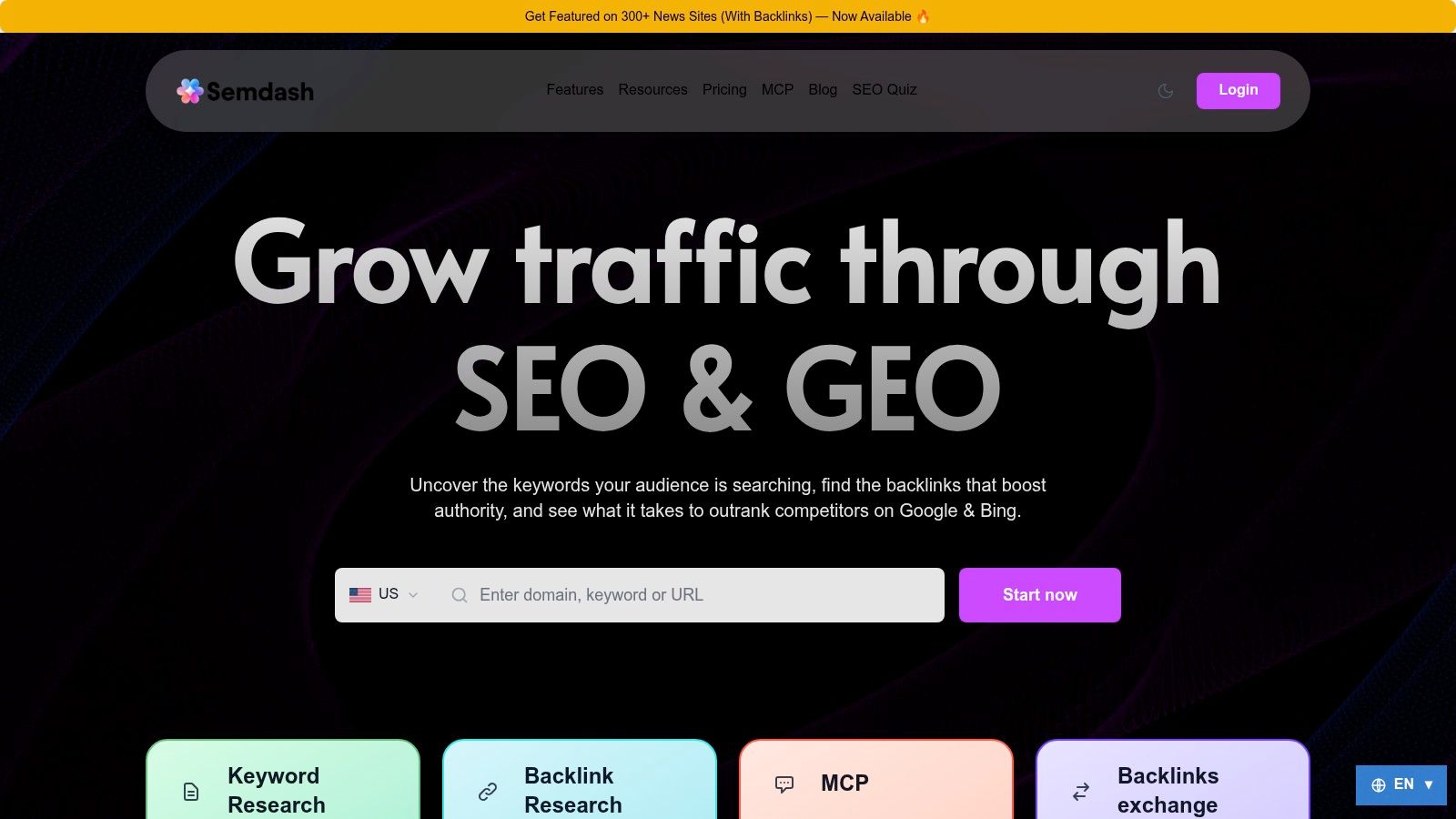
I use SemDash when a technical audit needs to lead directly into competitive and content decisions. It combines cloud-based crawling and SEO research with URL-level keyword mapping, so I can move from “this page has a problem” to “this exact page should target this demand, against these competitors, with this content gap.”
The research scale is useful when a site has more than a handful of priority pages. SemDash provides a 6.6B-keyword database, a 2.7T-link index, and 12-month SERP history, with product materials also describing 600M SERPs refreshed monthly. (SemDash's SEO research platform) I don't treat those figures as a reason to export everything. I use them to narrow the audit to pages that can win meaningful visibility.
Where SemDash earns its place
A crawler can tell me that a page is weak. SemDash helps explain why the page matters and what to do next.
- URL-level ranking analysis: I can see the precise page ranking for a keyword instead of assuming the homepage represents the whole domain.
- Competitive discovery: Top Pages, Traffic Share, Domain Keywords, and Keyword Gap reports expose competitors' successful page themes.
- Link recovery: Backlink Gap, unlinked mentions, broken-link recovery, referring domains, and anchor data give outreach a specific purpose.
- Content planning: Keyword clustering, People Also Ask suggestions, People Also Search suggestions, and AI-assisted briefs turn research into page-level assignments.
- AI visibility: AI Overviews tracking shows the keywords that trigger domain mentions and the URLs cited in Google's generated answers.
The trade-off is breadth. A small site needing one quick title and canonical check may find the paid subscription excessive, and new users need time to understand how the modules fit together. I also wouldn't use SemDash as my only JavaScript rendering debugger. I use it after or alongside a crawler when the next decision concerns competitor keywords, exact ranking URLs, backlink gaps, SERP history, AI Overviews citations, or content priorities.
2. Ahrefs, Site Audit
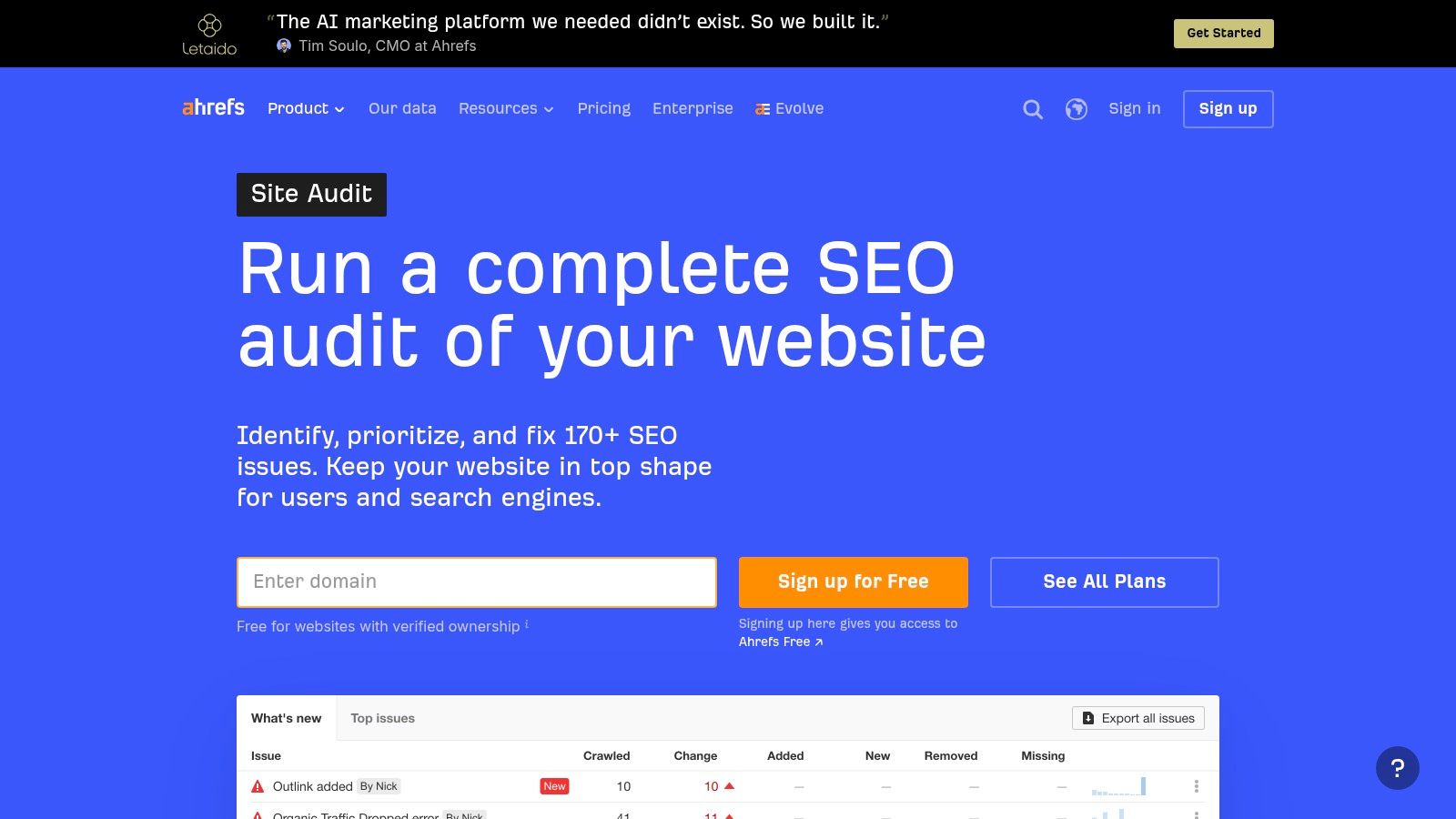
Ahrefs Site Audit fits teams that want a cloud crawler with a strong monitoring loop. I can verify a domain, launch a crawl, review prioritized issues, and compare later crawls without maintaining a desktop environment. The platform checks 170+ technical and on-page issues, and its explanations are accessible enough for a marketing lead to understand why an issue matters. (Ahrefs Site Audit)
I find the daily audit option particularly useful on sites where templates or releases change often. Page and Link Explorer filters let me isolate status codes, headers, indexability, internal links, or specific issue types. Side-by-side crawl comparisons are more valuable than a static health score because they show whether a deployment fixed the intended URLs or created a new regression.
The practical limitation
Crawl credits become a planning issue on large sites. I decide in advance whether I need a full crawl, a sitemap crawl, or a focused set of priority URLs, because wasting credits on irrelevant parameter combinations doesn't improve the audit. Ahrefs Free can support limited audits for verified sites, while paid plans add capacity, so the right plan depends on crawl frequency and site size.
The tool is strongest when I combine the audit with backlink and keyword data. On its own, it can identify a page-level defect, but it won't always tell me whether that page has enough demand or authority to justify immediate engineering work. For teams comparing the broader ecosystem, I also keep a practical comparison of Ahrefs alternatives nearby before committing to a full workflow.
3. Semrush, Site Audit
I reach for Semrush Site Audit when a non-technical team needs a clear fix queue and reporting that can survive client review. It runs 140+ automated checks across crawlability, HTTPS, internal linking, Core Web Vitals, hreflang, structured data, and other technical areas. (Semrush Site Audit) The severity grouping is useful, but I still inspect affected URLs before assigning a ticket.
The Crawled Pages report gives me a per-URL view, which helps distinguish a sitewide template problem from an isolated page defect. I can schedule recrawls and use a site, sitemap, or URL-list crawl source. That flexibility matters when a staging migration, product launch, or international folder needs separate validation from the main domain.
A useful modern check
Semrush also checks accessibility for AI and assistant bots, including robots directives related to OAI, ChatGPT, Perplexity, and Claude. I treat this as a discovery signal, not a guarantee of citations or traffic. A page can be crawlable by an assistant and still lack the authority, clarity, or evidence needed to appear in an answer.
The free SEO checker is useful for a quick view, but full Site Audit capability sits inside paid Semrush plans. Bulk exports can feel less flexible than a desktop crawler, especially when I need a custom internal-link map or a highly specific extraction. Semrush works best when reporting and guided prioritization matter more than raw crawl manipulation.
4. Screaming Frog SEO Spider
Screaming Frog is my choice when I need to inspect the site rather than just receive a score. It runs locally, gives me granular crawl controls, supports custom extractions, and handles the awkward edge cases that cloud reports often flatten into a generic warning. Its Chromium-based JavaScript rendering is important for modern frameworks where the raw HTML doesn't match the rendered page.
I use the spider for one-off deep audits, migration checks, log-informed investigations, and verification after a developer changes templates. It integrates with GA4, Google Search Console, PageSpeed Insights, and XML sitemap generation, which lets me bring analytics and search data into the same crawl view. (Screaming Frog SEO Spider)
Where desktop wins and loses
The free version has a 500-URL limit, and the full feature set requires an annual license. (Screaming Frog's SEO Spider documentation) Local crawling also consumes the machine's memory and processing capacity, so a large rendered crawl can disrupt other work. I schedule recurring audits where possible, but a desktop setup still needs someone to maintain the project files and exports.
Practical rule: Use Screaming Frog to answer “what exactly is happening on these URLs?” Then use a cloud platform to answer “did the problem return next week?”
For a broader toolset comparison, I refer to this SEO analysis tools guide. I also keep crawl budget principles in mind when deciding whether every discovered URL deserves a crawl, rather than treating the crawler's maximum reach as the audit's objective. (Guide to crawl budget for founders)
5. Sitebulb, Desktop and Sitebulb Cloud
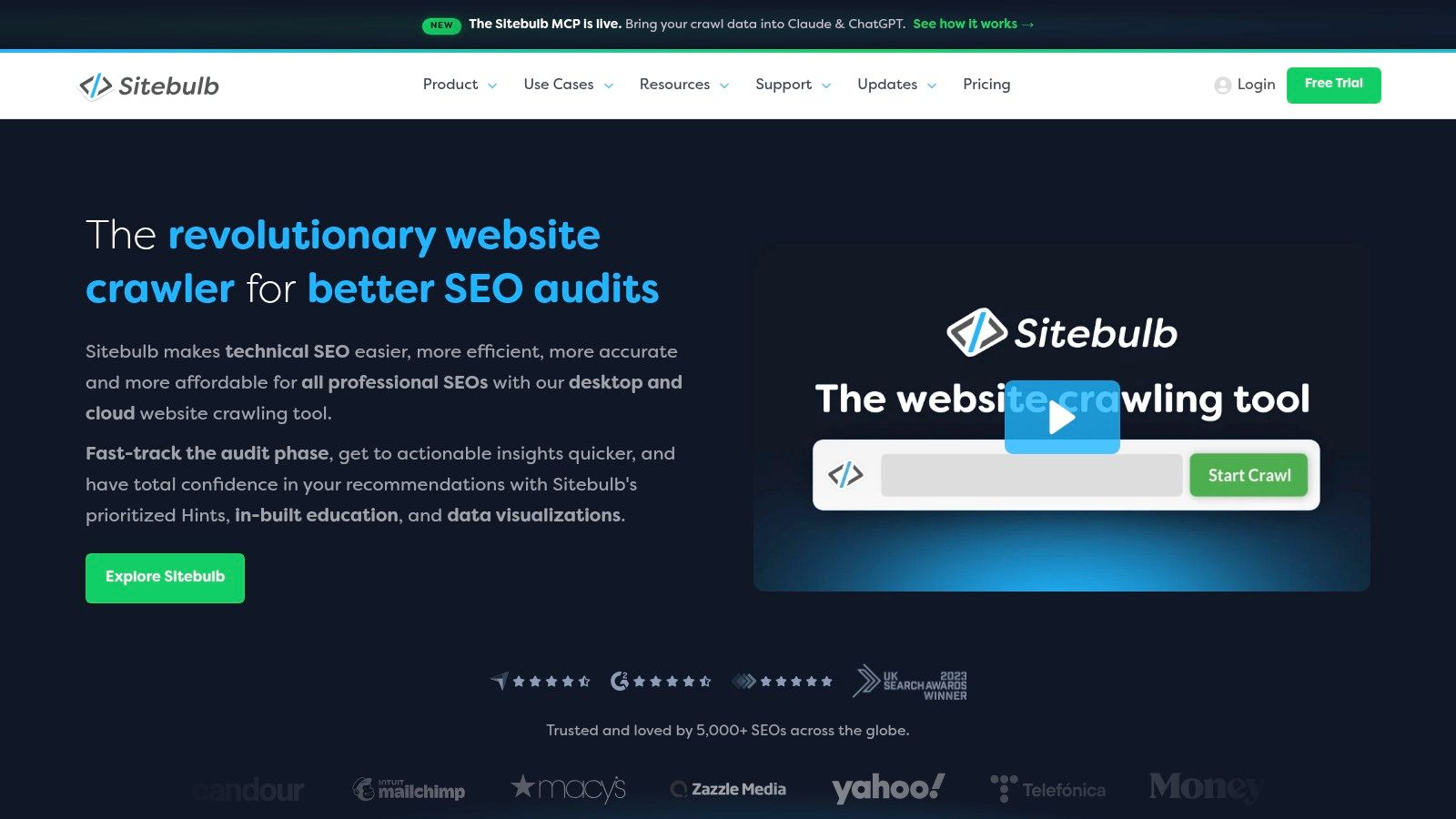
Sitebulb is the visual-first option I use when the audit needs to persuade people outside SEO. Its Crawl Maps make architecture, orphaned areas, click depth, and internal-link patterns easier to explain than a spreadsheet full of URLs. The product's Hints also translate technical findings into actions, which reduces the amount of interpretation I need to do before presenting a recommendation.
The JavaScript workflow is a strong point. Sitebulb separates response and rendered views, helping me see whether important content, links, canonicals, or directives appear only after rendering. Lighthouse-powered performance audits and per-URL Core Web Vitals add context, although I still validate important templates with field data and real devices rather than relying on one crawl.
Choosing desktop or cloud
Desktop Sitebulb suits an individual consultant who needs detailed analysis and visual evidence. Sitebulb Cloud makes more sense when several people need shared crawl data, recurring access, or collaboration around the same findings. I check the exact plan before recommending it because desktop and cloud packaging, features, and pricing work differently.
The trade-off is not audit quality. It's workflow fit. A developer may prefer Screaming Frog's extraction control, while a content or account team may act faster from Sitebulb's visual explanations. I choose Sitebulb when stakeholder comprehension is likely to determine whether the fix gets implemented.
6. SE Ranking, Website Audit
SE Ranking suits an SMB or agency that wants discovery, diagnosis, and rank tracking in one workspace. Its Website Audit runs 115+ technical and on-page checks, covering crawlability, indexability, HTTP codes, metadata, headers, canonicals, and hreflang. (SE Ranking Website Audit)
Page-level diagnostics help connect a project health score to the template or URL that needs attention. Core Web Vitals reporting adds performance context, while Looker Studio, GA, and GSC integrations connect findings with reports clients already receive. The crawl allowances on mid-tier plans can support regular audits, although I still divide large sites by sitemap or business area when each crawl needs a defined purpose.
Who should choose it
SE Ranking works well for teams that need an approachable cloud platform rather than a specialist crawler. The 14-day trial without a credit card lets me test crawl behavior, reporting, and export workflows before adding the tool to a client process.
Its limits become clear during validation. Teams needing custom extraction, complex rendering controls, or enterprise governance will have more control in a desktop or enterprise crawler. SE Ranking is better suited to repeatable monitoring and prioritization than highly specialized technical investigation.
After the audit identifies issues, SemDash can extend the workflow into competitor, keyword, SERP, and content decisions. That helps determine whether a technical fix supports a visible search opportunity, rather than treating every warning as equally important. For smaller teams, this connected process can be more practical than maintaining separate tools for auditing and rank tracking.
7. Sitechecker
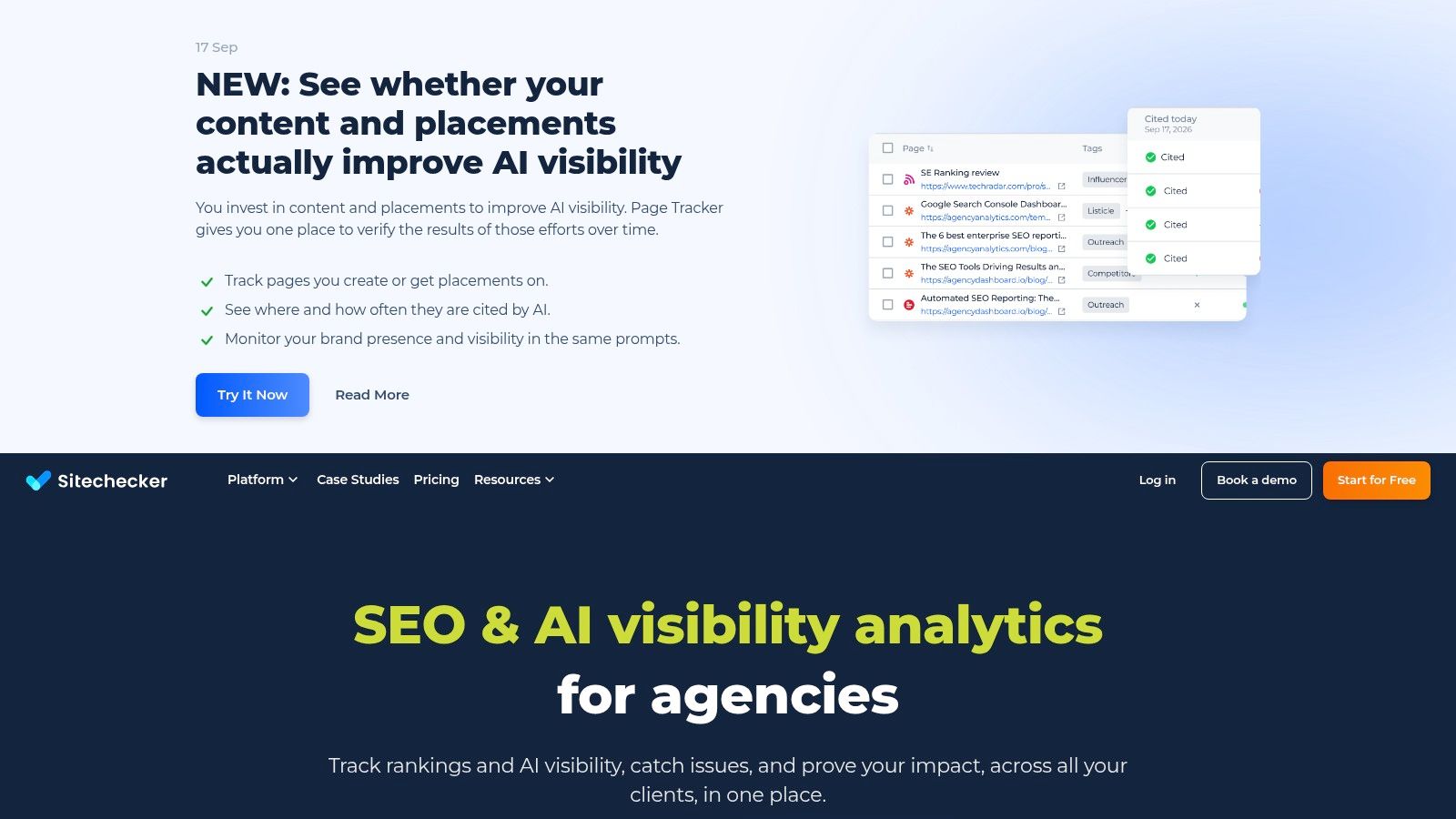
Sitechecker is built around operational SEO rather than deep competitor intelligence. I use it when a team needs a straightforward website audit, change tracking, page-level tasks, alerts, and client-ready reporting without asking every user to become a technical SEO specialist. The setup is quick, which matters when the goal is to establish a repeatable monitoring habit.
Continuous monitoring and real-time alerts help catch changes between scheduled audit reviews. If a title, canonical, status code, or other tracked element changes, the team can investigate while the deployment context is still available. The public API also makes it possible to pull audit and rank data into an external reporting or task system. (Sitechecker)
The boundary I keep clear
Sitechecker isn't a replacement for a full competitor-intelligence suite. I pair it with a separate keyword and backlink platform when I need market discovery, ranking-page analysis, or link-gap research. Its strength is execution, especially for agencies that need white-label reports, client portals, and a visible task queue.
Published pricing and self-serve upgrades reduce friction for small teams. I wouldn't choose it because it produces the longest issue list. I'd choose it when a client needs to see what changed, who owns the fix, and whether the issue is still present after implementation.
8. Seobility, SEO Checker and Website Audit
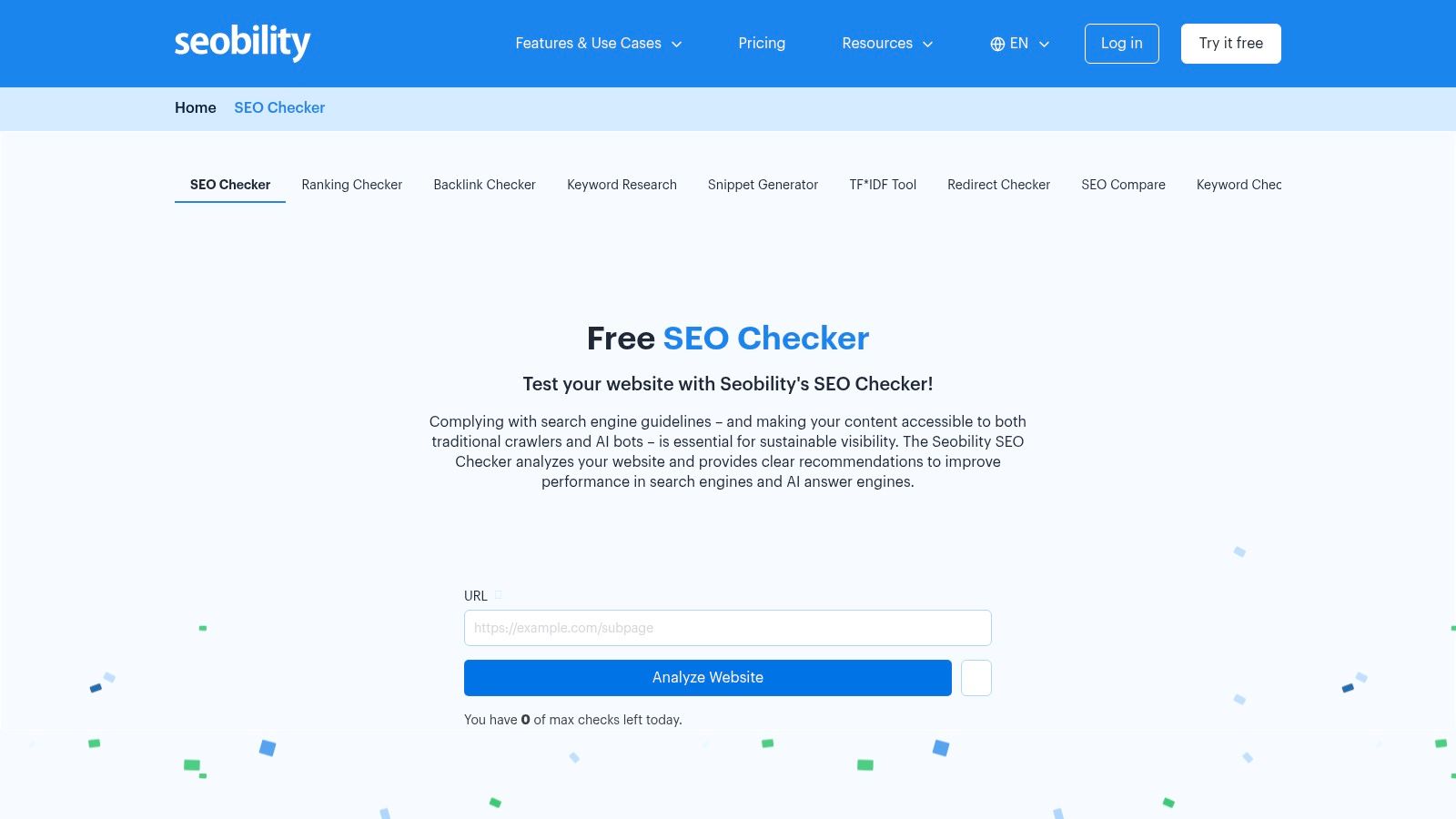
Seobility works well for solo practitioners and small teams that need clear recommendations without an elaborate setup. Its free page-level SEO Checker gives me a quick first look, while project-based audits support automatic recrawls, duplicate-content analysis, and keyword-cannibalization checks. (Seobility SEO Checker)
That page-level option is useful before a full crawl. I can inspect a proposed landing page, identify obvious metadata, structure, mobile, image, or link issues, and then decide whether the URL deserves deeper investigation. The project audit adds rank tracking, backlink monitoring, and uptime checks, with add-ons for additional projects or keywords.
What I would not expect from it
Seobility's issue lists are prescriptive, which helps when the person implementing fixes isn't a technical SEO. The trade-off is scale and integration depth. Larger organizations may need more enterprise connections, more complex governance, or fewer add-on decisions as the number of projects grows.
I also avoid treating its score as a ranking forecast. A clean page-level report doesn't prove that the page matches search intent, has enough authority, or deserves to outrank established competitors. I use the checker for diagnosis and cleanup, then use ranking and competitor research to decide whether the page itself is the right answer.
9. Moz Pro, Site Crawl
Moz Pro Site Crawl is a good fit when I need steady monitoring that a marketing team or client can interpret without much training. Campaign-based weekly crawls surface critical errors, warnings, metadata problems, content issues, and trends. The “Moz recommends fixing” workflow gives non-technical users a sensible starting point instead of forcing them to interpret every warning at once. (Moz Pro)
I like the cadence for stable sites where changes happen through planned releases. It creates a consistent review rhythm, especially when rank tracking and keyword research already live inside Moz Pro. Higher tiers provide more recrawl control, and plan-based add-ons can expand crawl limits when a project grows.
When weekly isn't enough
A weekly crawl can feel slow for a site that changes every day. I trigger manual recrawls where the plan allows it, particularly after navigation changes, redirects, or a large metadata deployment. If the site has frequent releases, I prefer a tool with continuous monitoring or a crawler integrated into the deployment process.
Moz is approachable, but useful capabilities may sit behind higher tiers or add-ons. I recommend it when interpretation and client communication matter more than maximum crawl customization. I don't recommend it as the only diagnostic layer for a JavaScript-heavy migration or a complex international site.
10. Lumar, Formerly Deepcrawl
Lumar is the enterprise choice for large, complex, or multi-site environments where SEO findings need to move through governance and engineering workflows. I look at it when a company has many stakeholders, substantial release risk, and a need for scalable crawling rather than a simple project dashboard. Its serverless crawler architecture is designed for very large sites, while the product packaging spans SEO, Web Governance, and AI or assistant visibility. (Lumar website crawler and monitoring)
The distinction is workflow maturity. Lumar supports enterprise reporting, issue workflows, governance, and customer-success-led onboarding, so SEO teams can involve product, engineering, legal, and web operations without rebuilding the same evidence in separate systems. That matters when the issue isn't merely “fix this canonical,” but “create a control that prevents this class of error across multiple properties.”
The cost of being enterprise-ready
Lumar doesn't publish pricing, so I expect a sales conversation and custom quoting. That isn't automatically a weakness, but it makes evaluation slower than signing up for a self-serve checker. Smaller sites may pay for governance and scale they don't need, especially if one SEO specialist owns the entire audit process.
I choose Lumar when the organization needs shared controls, repeatable workflows, and cross-functional accountability. I choose a desktop crawler or lighter cloud platform when the job is a focused audit with a small number of implementers.
Top 10 Website SEO Checkers: Feature Comparison
| Tool | Core features | Unique selling points ✨ | Target audience 👥 | UX & Pricing ★ / 💰 |
|---|---|---|---|---|
| SemDash – All-in-One SEO Platform 🏆 | Keyword (6.6B), Backlinks (2.7T), 12‑mo SERP, URL‑level mapping, AI briefs, Backlink/Keyword Gap, clustering | URL‑level ranking maps; AI Overviews & citation tracking; unlinked‑mention & broken‑link recovery; large refreshed datasets ✨ | Enterprise & agency teams needing scale, precision & end‑to‑end workflows 👥 | ★★★★★, Fast UI, multilingual; paid plans for full value 💰 |
| Ahrefs – Site Audit | Daily/cloud crawler; health score; page/link explorer; prioritized issues | Strong crawl controls & clear fix guidance; tight Ahrefs data integration ✨ | SEOs monitoring site health; teams using Ahrefs suite 👥 | ★★★★, Mid/high tier; crawl credits may apply 💰 |
| Semrush – Site Audit | 140+ checks (CWV, hreflang, structured data), per‑URL diagnostics, scheduled recrawls | Integrates with Semrush suite; AI/assistant bot accessibility checks ✨ | Agencies & marketing teams using Semrush tools 👥 | ★★★★, Paid plans; free checker limited 💰 |
| Screaming Frog SEO Spider | Desktop crawler; JS rendering (Chromium); GA4/GSC/Psi integrations; custom extracts | Granular crawl control, fast local crawling, deep custom audits ✨ | Technical SEOs and developers doing deep site audits 👥 | ★★★★, Desktop app; free 500 URLs; annual license for full features 💰 |
| Sitebulb (Desktop + Cloud) | Visual crawler, Crawl Maps, Lighthouse performance, response vs render reports | Visual site architecture & actionable "Hints" for stakeholders ✨ | Technical SEOs & teams wanting visuals and clear guidance 👥 | ★★★★, Desktop/cloud split; mid pricing depending on plan 💰 |
| SE Ranking – Website Audit | 115+ checks, CWV, page diagnostics, Looker/GSC/GA integrations | Balanced all‑in‑one (audit + tracking + research) at accessible pricing ✨ | SMBs and small agencies seeking value 👥 | ★★★★, Affordable plans; 14‑day trial 💰 |
| Sitechecker | Continuous monitoring, page tasking, real‑time alerts, API, white‑label reporting | Operational focus: real‑time alerts & client portals for agencies ✨ | Agencies and operational SEO teams focused on monitoring 👥 | ★★★, Transparent pricing; budget‑friendly tiers 💰 |
| Seobility – SEO Checker | Project audits, duplicate content & cannibalization checks, rank/backlink monitoring | Free single‑page tools and low‑cost entry plans for quick checks ✨ | Solo SEOs, small teams, cost‑conscious users 👥 | ★★★, Low cost; free tools available 💰 |
| Moz Pro – Site Crawl | Weekly crawls, guided "fix" workflow, integrated rank & keyword tools | Client‑friendly guidance and steady weekly monitoring ✨ | Marketers, consultants, and client‑facing teams 👥 | ★★★, Subscription tiers; add‑ons for higher limits 💰 |
| Lumar (formerly Deepcrawl) | High‑scale serverless crawler, governance, enterprise reporting & workflows | Purpose‑built for very large/complex sites; customer success onboarding ✨ | Large enterprises, multi‑site orgs, product/engineering teams 👥 | ★★★★, Enterprise pricing; custom quotes via sales 💰 |
Turn Audit Findings Into a Fix Queue
I don't choose a website SEO checker by its headline score or the length of its issue list. I match the tool to the site and the decision it needs to support.
For a small, stable site, Seobility, SE Ranking, Sitechecker, or Moz Pro may provide enough diagnosis and monitoring without unnecessary operational overhead. I choose Screaming Frog when I need custom extraction, local control, or a deep one-off investigation. Sitebulb is a strong fit when visual architecture and stakeholder understanding will determine whether recommendations get approved. Ahrefs and Semrush suit teams that want cloud monitoring connected to wider SEO research. Lumar belongs in the shortlist when the site portfolio, governance needs, and engineering complexity justify an enterprise workflow.
SemDash plays a different role in the stack. I use it when the technical finding raises a search question that a crawler can't answer. Which competitor owns the demand? Is the current URL the right page to optimize? Has SERP intent shifted? Which domains link to competing pages but not mine? Does Google show an AI Overview for the query, and which URL receives the citation?
A prioritization method that survives contact with implementation
I rank every finding against four factors:
- Search impact: Does the issue affect crawling, indexability, rendering, internal equity, or a page that already has valuable visibility?
- Affected URLs: Is this a single low-value page, a reusable template, or a problem affecting a large section of the site?
- Implementation effort: Can the team fix it through a CMS change, or does it require engineering, QA, and deployment coordination?
- Business value: Does the affected page support revenue, leads, retention, or a strategic topic?
I don't let a performance warning outrank an indexing directive just because it has a visible score. I also don't fix every missing alt attribute before checking whether the affected images sit on business-critical pages. Independent audit data found performance failures on 71.2% of sites, structured-data failures on 64.8%, image failures on 63.5%, and link failures on 57.3%, across more than 100,000 sites, so these categories are common enough to require prioritization rather than panic. (2026 audit category findings)
Indexing deserves special care. Google says robots.txt controls crawling, not whether a URL remains in search results. If I need a page excluded, I use noindex or password protection, and I make sure the crawler can access the page to read the directive. (Google Search guidance on crawling and indexing) A noindex rule can appear in a meta tag or an X-Robots-Tag header, but robots.txt blocking the same URL can prevent Google from seeing it. (Google's noindex documentation)
AI visibility adds another reason not to stop at technical health. One industry dataset found Google AI Overviews appearing on roughly 48% of queries, while Search Console reporting has only begun rolling out in a limited impressions-only form. (AI Overviews checker research) A technically sound informational page can still lose clicks if the answer is absorbed above the traditional results, so I use SemDash when I need to inspect AI Overview citations, ranking URLs, SERP history, and the content structure behind competing pages.
Finally, I re-crawl after implementation. I compare the affected URLs, confirm that the intended directive or rendering change is present, and check that the fix hasn't damaged internal links, canonicals, templates, or important page groups. The strongest website SEO checker isn't the one that reports the most issues. It's the one that helps the team resolve and verify the right ones.
SemDash connects technical SEO decisions to competitor keywords, exact ranking URLs, backlink gaps, SERP history, AI Overviews citations, and page-level content planning. Visit SemDash to turn audit findings into a focused research and action workflow.