%20(1)-B86R08ZzwhPzS6UZbG3mSxRWPCwGwn.png)
Connect Search Console to Claude & ChatGPT
Give your AI real Google Search Console data instead of guesses. It can find ranking opportunities, spot traffic drops, and plan content — then you review the work inside Semdash.

Your data, working inside ChatGPT
Semdash MCP isn't locked to one assistant. Connect the same Search Console property to ChatGPT and ask it the same questions — rankings, traffic drops, content gaps — with answers pulled straight from your real data.
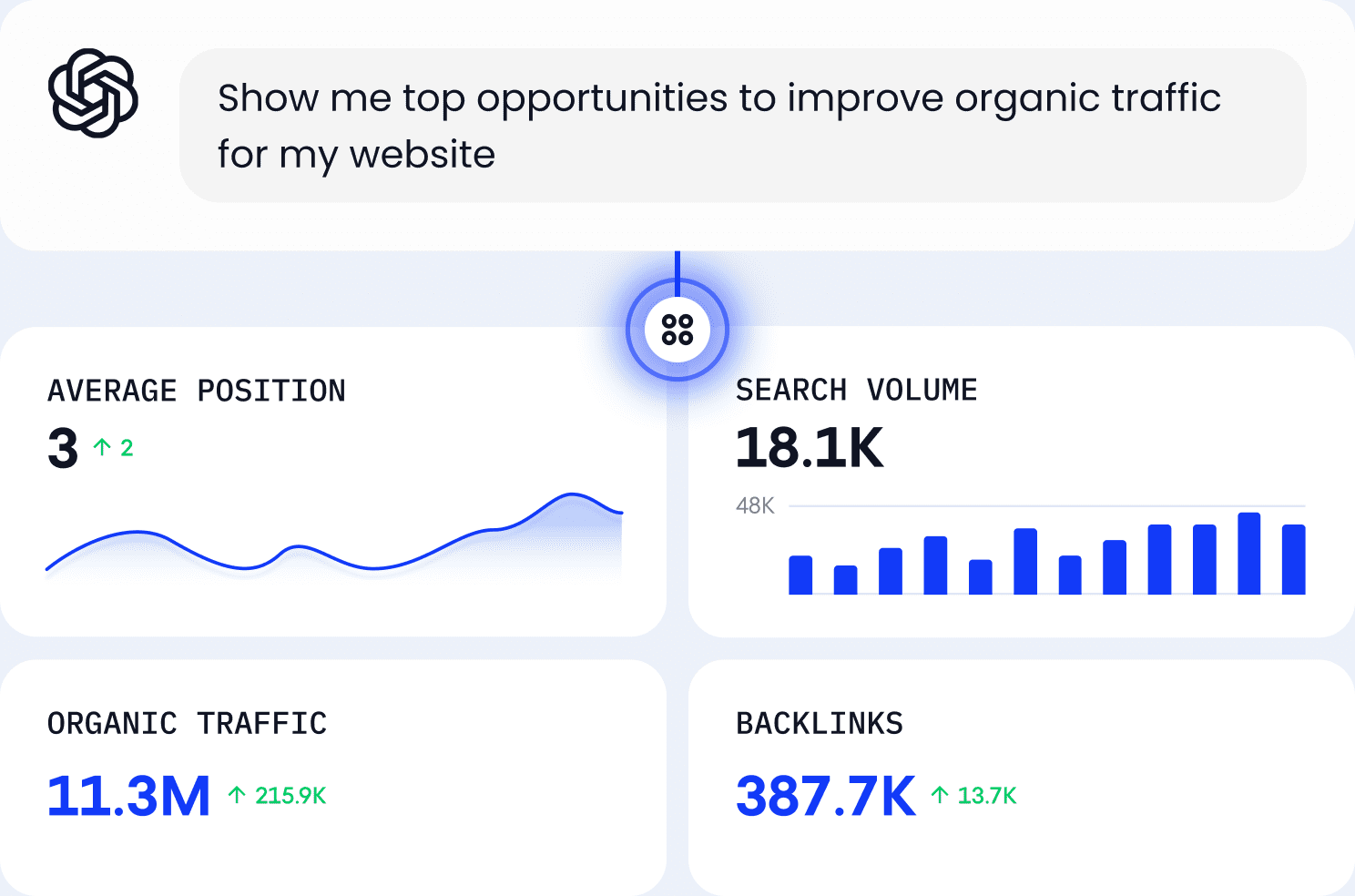
"What changed after I updated this page?"
"Give me the five highest-impact SEO tasks for this week."
What you can do
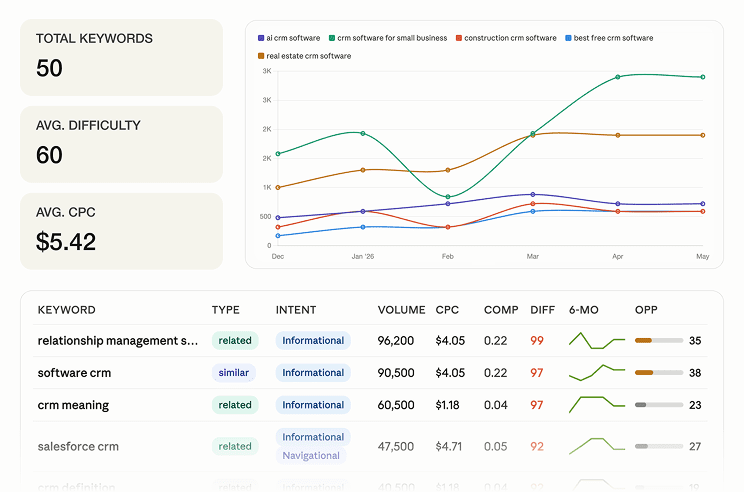
Keyword research
Ask for keywords ranking on page 2 with high impressions. Move a few positions and grow traffic — no CSV export required.
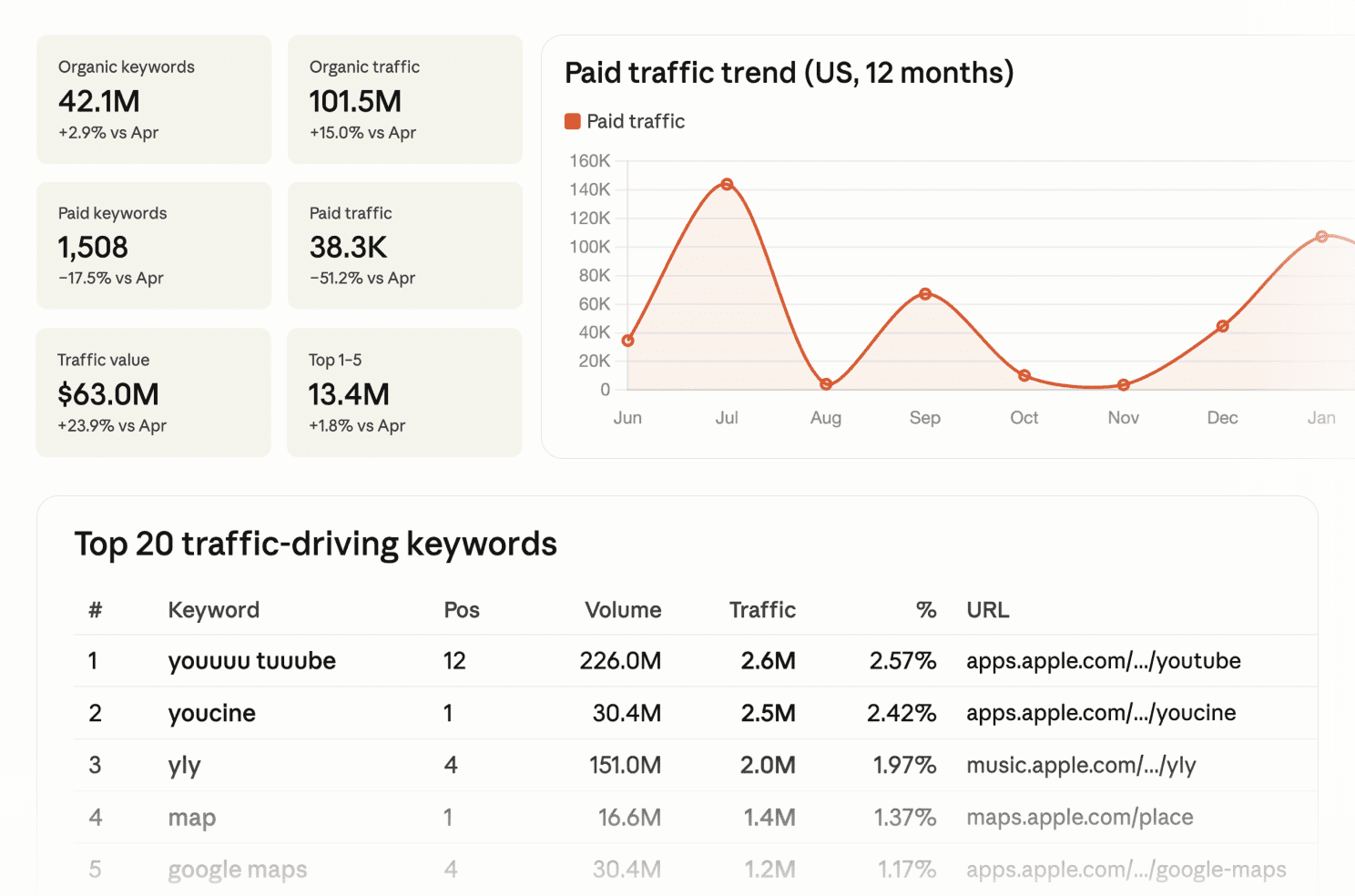
Domain performance
Instead of staring at graphs, ask which pages lost clicks and what changed. Get answers in plain English.
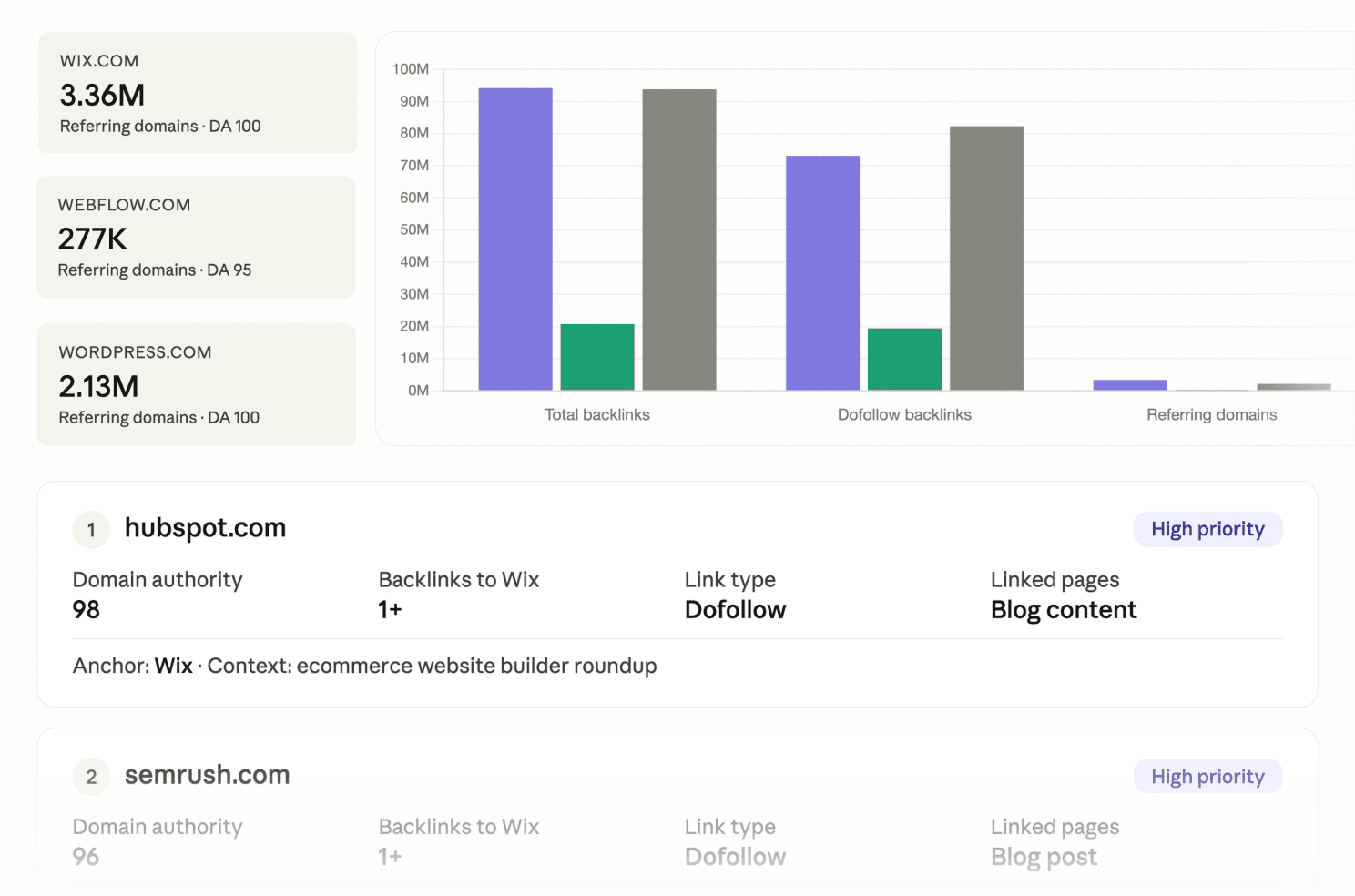
Backlink research
Surface your link profile and gaps against competitors without leaving the chat you're already working in.
Data you can act on
Use cases
- Find keywords ranking between position 8 and 15.
- Which pages lost the most clicks in the last 30 days?
- Find pages with high impressions but low CTR.
- Which queries drive impressions without a matching page?
- Which pages compete for the same keywords?
- Why did this page lose traffic after my last update?
Safe by design
- Read-only access
- Uses your existing Google permissions
- Never changes your website
- Never submits sitemaps
- Never edits Search Console
Your AI can analyze your data. It can't modify it.
Three steps. No API keys.
Connect Google
Connect your Google account.
Pick a property
Choose your Search Console property.
Open Claude or ChatGPT
Open Claude or ChatGPT. Start asking questions.
Here's a step-by-step video on how to connect it and some use cases:
Frequently asked questions
Start getting SEO answers
instead of SEO reports.
The data has always been there. Now you can finally ask it questions.