
Most rank reports that need fixing rely too heavily on average position or a search made in someone's own logged-in browser. Google Search Console defines position as the topmost result from a site, averaged across searches. Its position documentation also shows why that figure can shift by query, date, device and country. A branded query can lift the average while rankings for valuable terms fall.
A fair comparison uses the same keyword set, locations and devices for every tool, then checks the results against Search Console impressions and clicks. For search visibility measurement for small businesses, the practical test is whether a tracker separates local results from national ones, makes ranking volatility clear and keeps reporting manageable. A blended average is useful for a broad trend, but keyword- and location-level views are better for deciding what to investigate.
Table of Contents
- 1. Ai Overview Checker
- 2. Semrush Position Tracking
- 3. Ahrefs Rank Tracker
- 4. SE Ranking Rank Tracker
- 5. AccuRanker
- 6. Wincher
- 7. Nightwatch
- 8. ProRankTracker
- 9. Serpstat Rank Tracker
- 10. Google Search Console
- Google Rank Checker Tools Compared
- Choosing Your Rank Tracking Setup
1. Ai Overview Checker
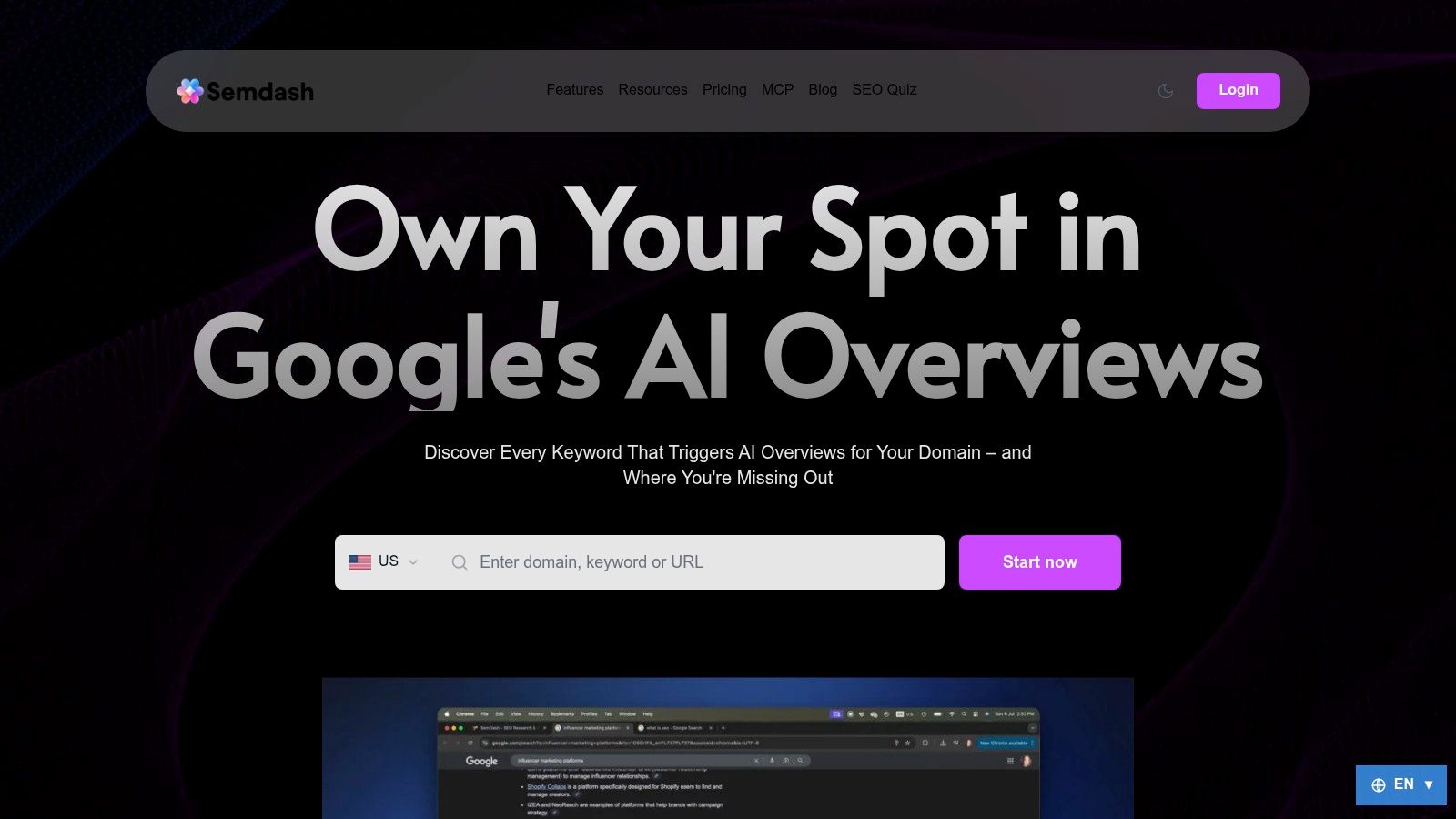
A high organic position does not guarantee a click. Google's AI Overviews can answer a query above the standard results, reducing clicks to organic pages even when they rank well. The SemDash AI Overview Checker adds a separate view: which keywords trigger Google to mention a site, whether competitors appear, and the precise URLs Google cites in its AI-generated answers.
Start with keywords that matter to the business. Check whether Google cites the page you want to surface, then compare it with the URLs cited for competitors. If a competitor's guide appears while your product page ranks organically, that may point to a content mismatch: a focused answer to a related question could be more useful than adding links to the product page.
Where It Fits and Where It Doesn't
Use the checker to track AI citations alongside a conventional rank tracker. It helps identify citation gaps for content planning, but it does not replace position history or show whether a citation produced a visit. Treat AI Overview appearances as snapshots: results can shift, so recheck after content changes.
Practical rule: Report organic position and AI citations as separate measures. A strong ranking can coexist with limited visibility in an AI answer, and a citation alone does not show how much traffic it generated.
Before building a recurring report around the checker, confirm that its locations, refresh frequency, and limits fit your tracking needs. Those details affect how useful its results will be for local comparisons, volatile queries, and client reporting.
2. Semrush Position Tracking
Semrush Position Tracking is the one I reach for when a client already lives in Semrush and wants ranking, audit and keyword research in one login. I set campaigns by location and device, add competitors, and use visibility and share of voice to explain movement without cherry-picking single keywords. That context saves me time when a drop is a SERP reshuffle.
What I like in practice is the SERP feature tracking. If a keyword holds position three but loses a featured snippet, the traffic story changes and Semrush surfaces that quickly. Automated reporting also holds up for in-house teams who need the same view every Monday.
Where it frustrates me is scope. If you only need a Google rank checker, you're paying for a broad platform and your limits still depend on plan. I've written more about choosing between dedicated and suite options in my guide to rank tracking software choices for different team sizes, because I've seen small teams buy Semrush for 50 keywords and never touch the rest.
- Best fit: Teams already using Semrush for research and audits
- Watch out for: Plan-based tracking limits that bite on local splits
- My setup tip: Split desktop and mobile campaigns from day one
3. Ahrefs Rank Tracker
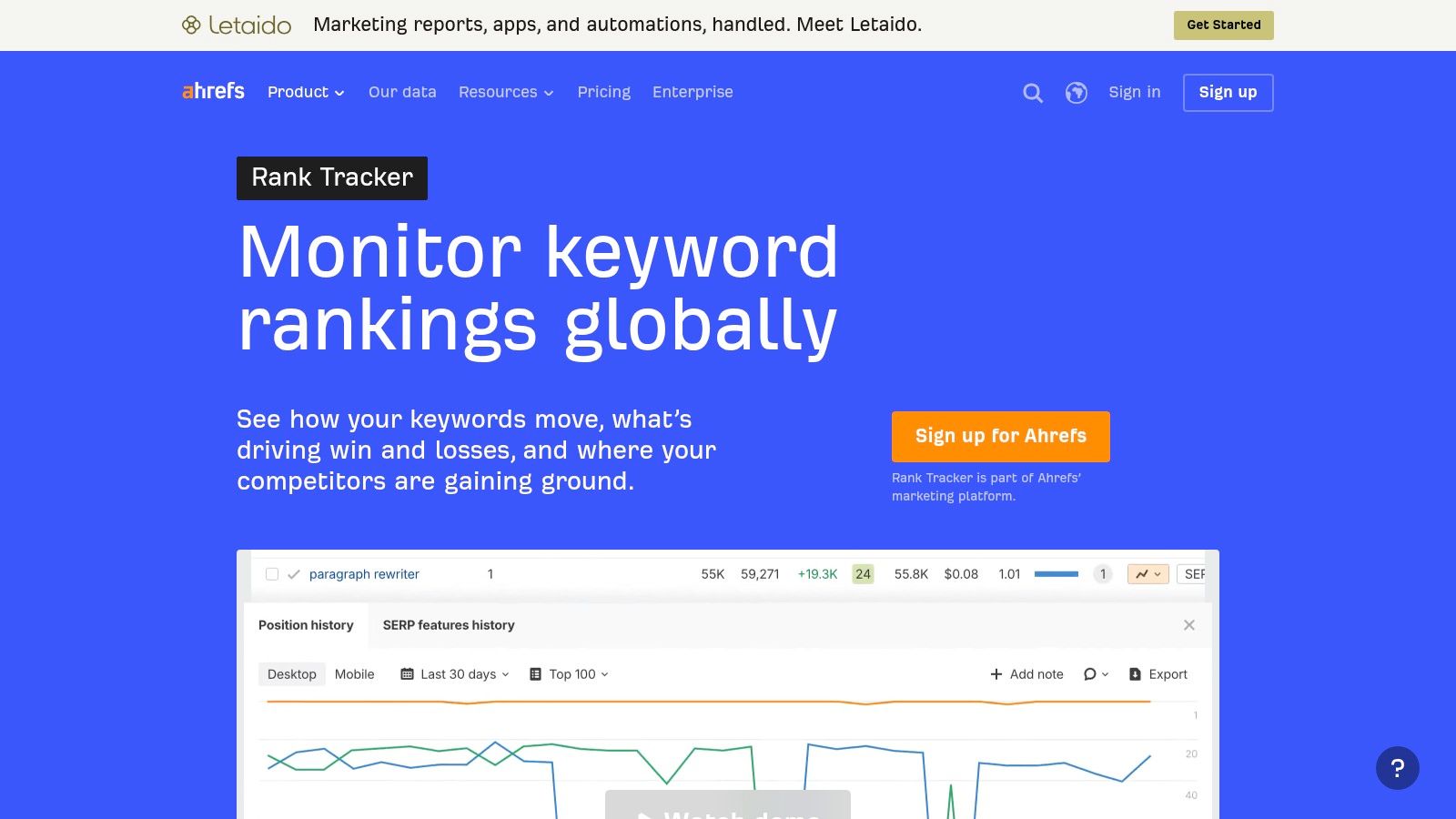
I trust Ahrefs Rank Tracker most when the question after a drop is, who out-linked us. The position history charts are clean, geographic tracking does what I need, and I can jump straight from a ranking URL into backlink and keyword data without exporting anything. That jump matters on client calls.
I also keep link claims in check when I use it. Google defines link spam as creating links mainly to manipulate search rankings, and the Google spam policies documentation warns that benefits from spammy links can disappear when systems remove their effects. I annotate acquisition dates and anchor text for that reason, rather than crediting every lift to outreach.
The trade-off is price for casual use. If you're checking 30 keywords once a week, Ahrefs is hard to justify and allowances vary by subscription. If you're already investigating competitors and links weekly, I find the combined view worth it.
- Best fit: Link-led investigations tied to ranking movement
- Watch out for: Cost if rank checking is your only job
- My setup tip: Tag money pages so URL switching is obvious
4. SE Ranking Rank Tracker
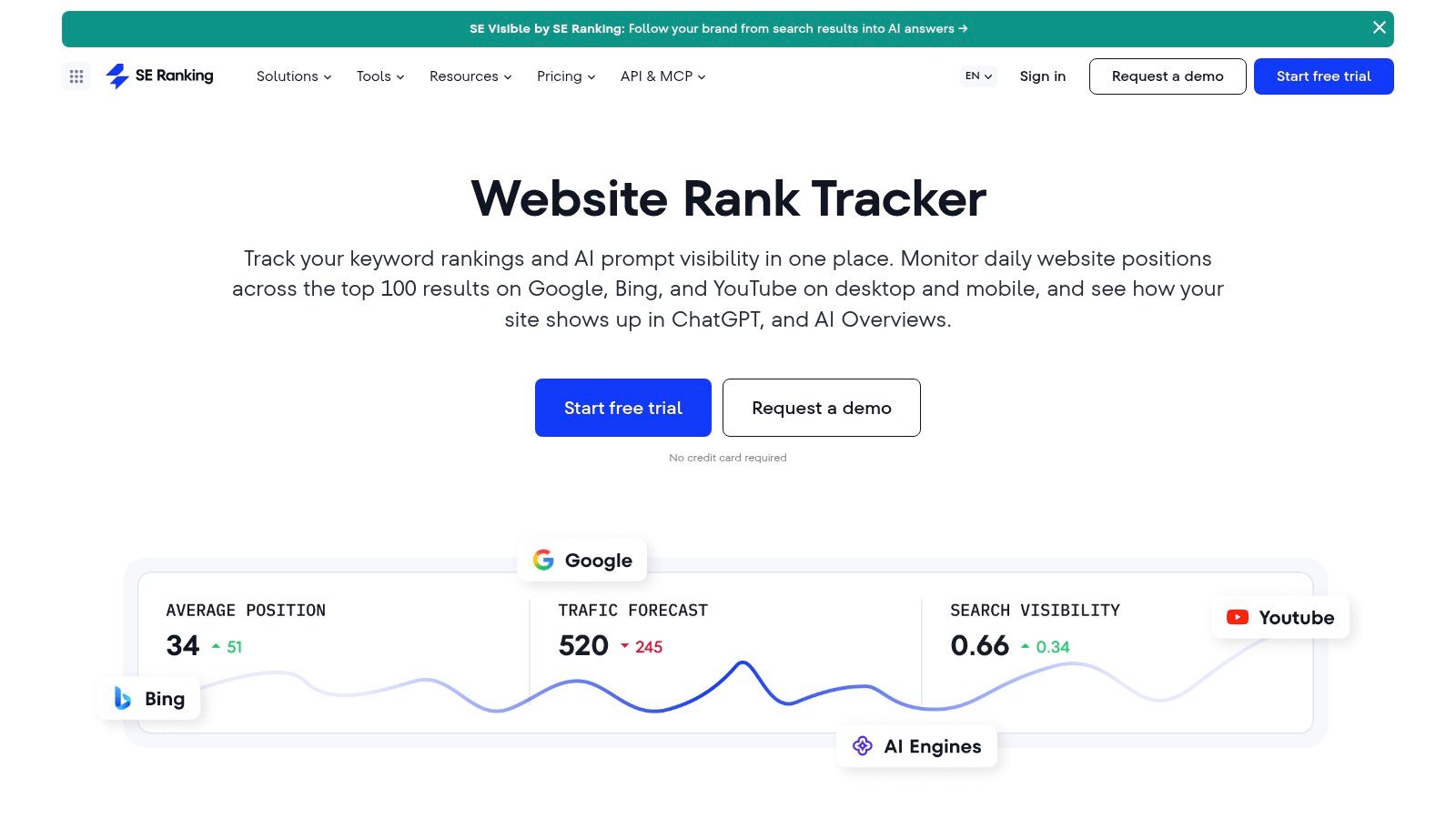
SE Ranking Rank Tracker is the suite I recommend when an agency wants rank tracking, audits and backlink research without forcing every client into a separate stack. I connect Google Analytics, Search Console and Looker Studio, then let clients see positions next to actual clicks. That kills most arguments about a single position change.
In my tests, the day-to-day work felt straightforward. I could compare competitors, check supported search engines beyond Google, and move into keyword research when a tracked term stalled. Trial access helps because you can test location depth with your own list before committing.
It's still a suite, so it can be more than you need for occasional checks, and cost depends on plan and add-ons. I'd map your add-ons first. I've inherited accounts where reporting add-ons doubled the bill.
Don't buy reporting integrations until you've proven a client will open the report. I start manual, then automate what's read.
5. AccuRanker
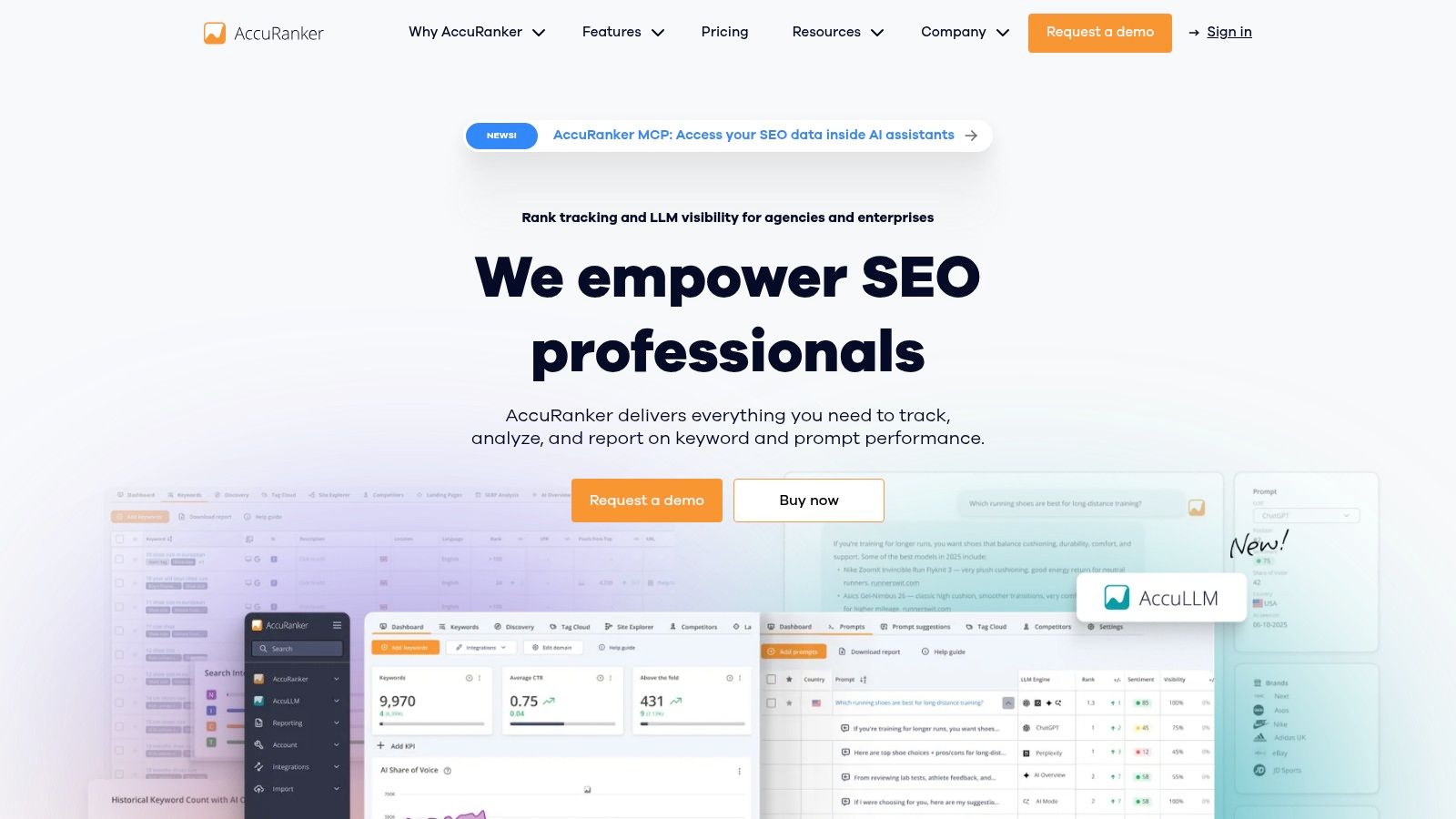
AccuRanker is the dedicated tracker I use when the keyword set gets large and messy. Tagging and advanced filters aren't glamorous, but they're how I separate branded, local and product terms so averages don't lie to me. Daily updates, exports and connections to Search Console and Analytics keep the analysis in one place.
Volatility handling is where I judge it. Google makes significant, broad core changes several times a year, and Google's core updates documentation notes that the helpful content system became part of core ranking systems in March 2024. When an update lands, I need clean date comparisons by segment, not a panicked domain average. AccuRanker's filtering makes that diagnosis faster.
The downside is obvious for small sets. It can feel expensive if you track a few dozen terms, and it won't replace deep keyword or backlink research. I pair it with a research tool rather than forcing it to be one.
- Best fit: Agencies reviewing large sets daily
- Watch out for: Overpaying for small, stable lists
- My setup tip: Tag by intent before the first update hits
6. Wincher
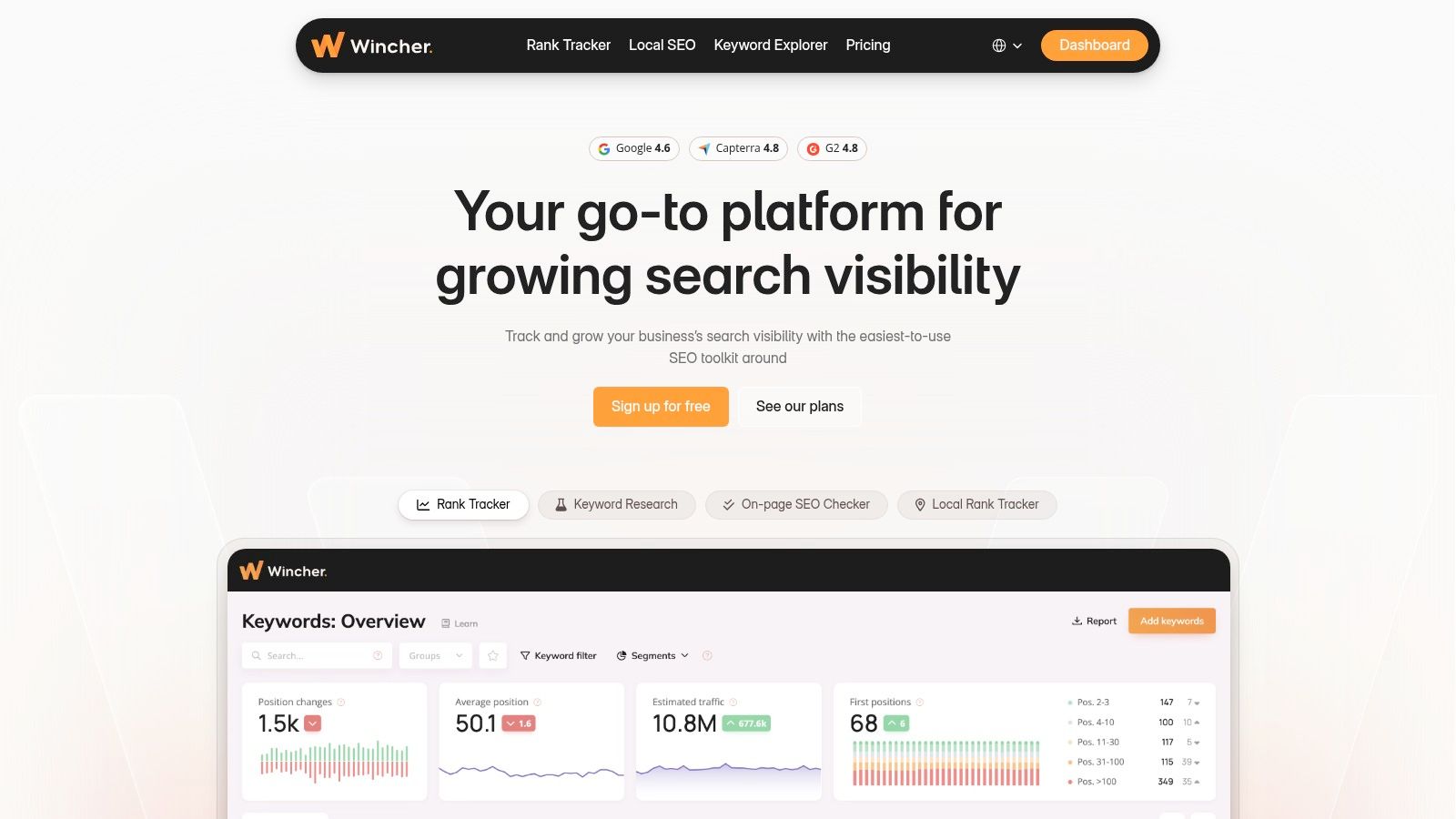
I recommend Wincher to smaller teams who want daily rankings without a week of onboarding. The workflow is direct, competitor tracking is easy to set up, and local tracking including Google Maps positions gives local clients something they recognize. Keyword Explorer and grouping live in the same product, which reduces tool-hopping.
Local is where I push Wincher hardest in testing. A national position three means little if you're invisible in the Map Pack in the city that buys from you. I track the web result and Maps result separately, then report them separately, because conflating them creates false confidence.
Check the plan edges before you promise anything. API access, multiple users and white-label reporting vary by plan, and competitor and location limits can catch growing agencies out. For a solo consultant or small team, I find that trade-off fair. For multi-location reporting at scale, I'd stress-test it first.
My Local Setup
I create one project per location, group keywords by service, and never average cities together. That structure takes ten minutes and saves hours of explaining later.
7. Nightwatch
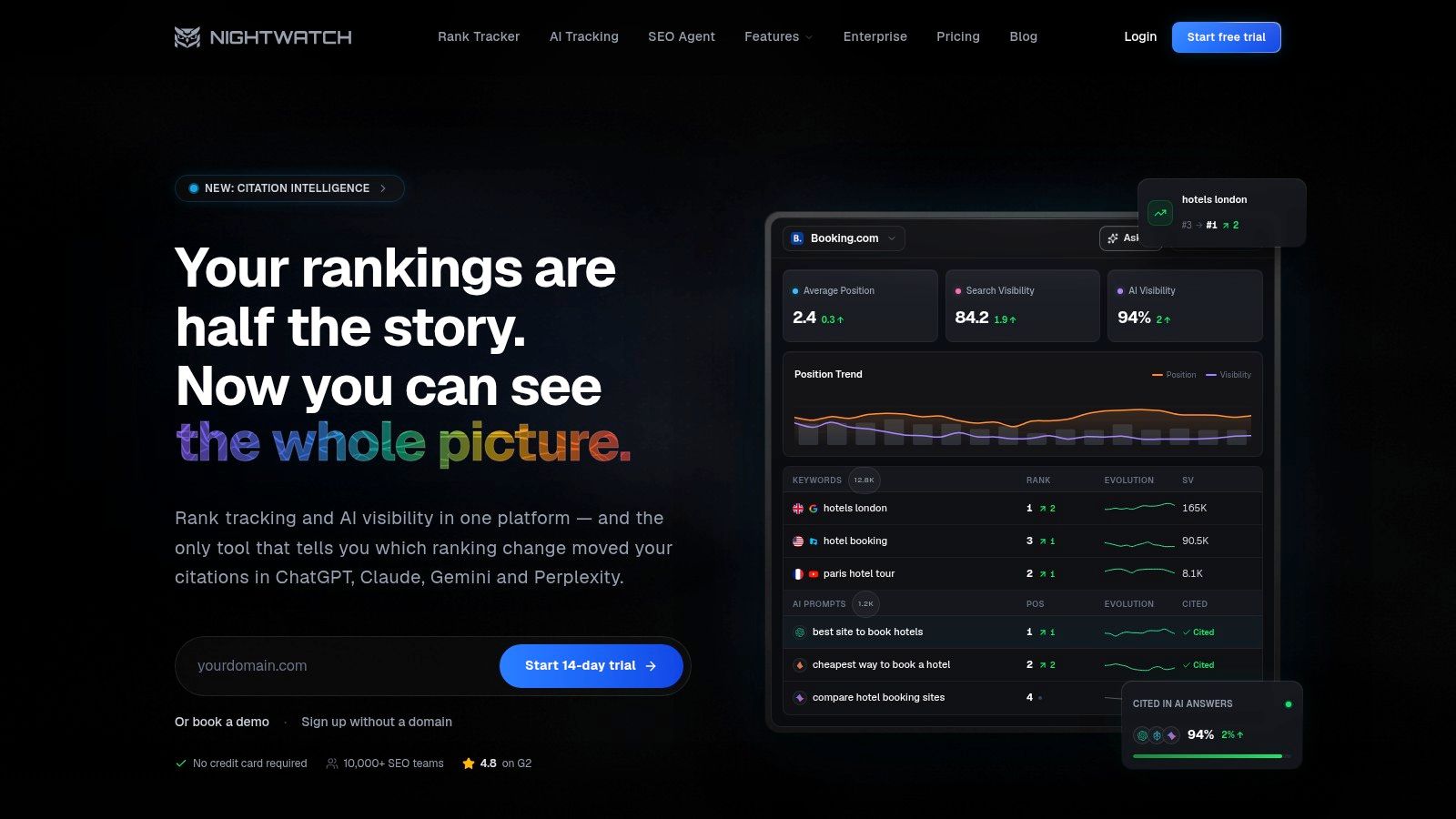
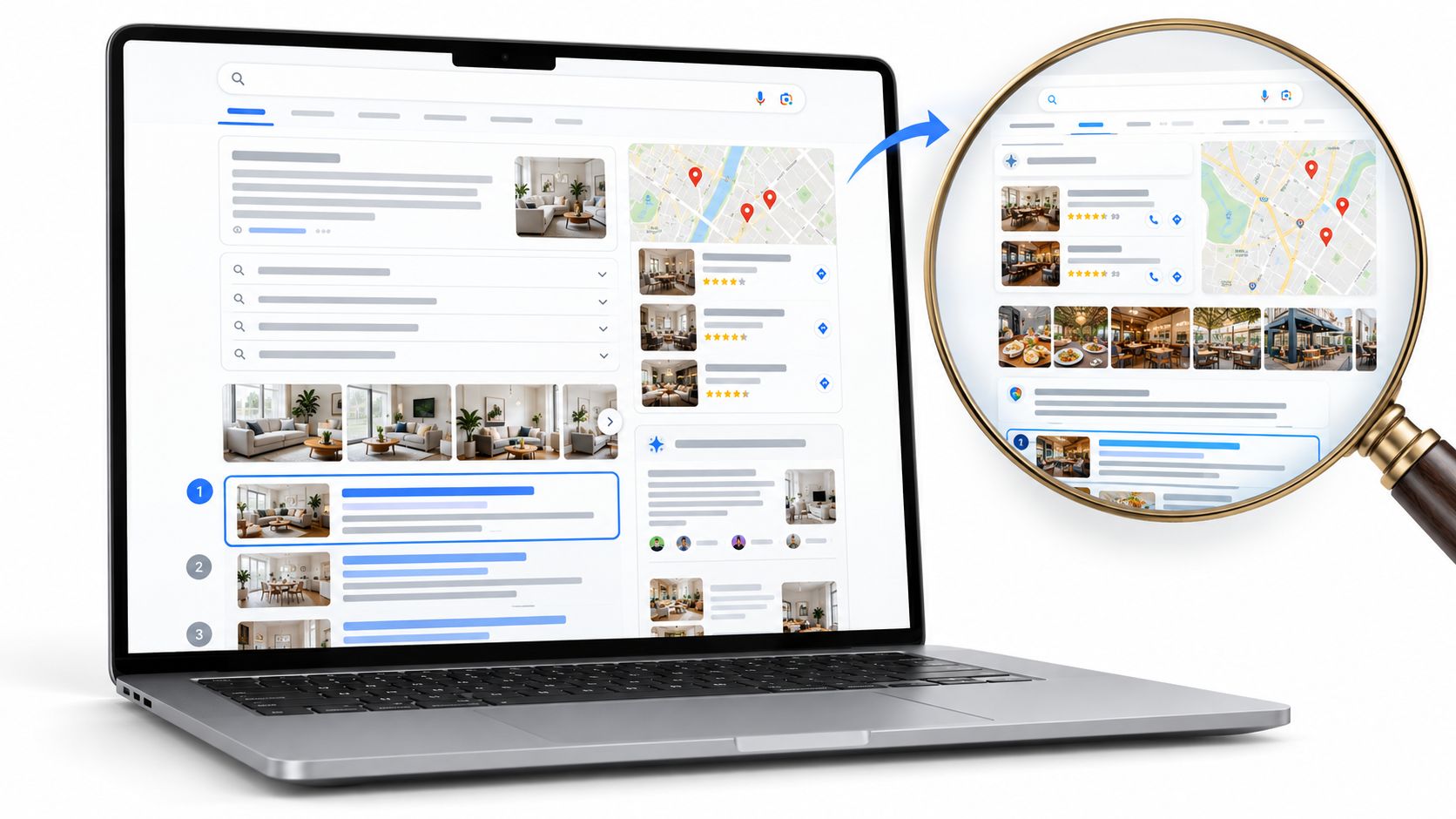
A ranking dispute often comes down to where and how the search was run. Nightwatch is useful for checking that difference: its Search Simulator lets you inspect results by location or device and show a client the result page a searcher elsewhere might see. A screenshot makes the comparison concrete.
Google explains that results can vary with location, language, device, search history, settings and rollout timing in its help page on why search results differ. Nightwatch supports daily tracking across locations and languages, along with AI visibility monitoring on current plans. For local work, keep locations separate; combining them can hide movement in the market that matters.
Plan limits on AI checks deserve a close look. Compare the limits and current trial and seat terms on Nightwatch's pricing page against your reporting needs before choosing a plan.
- Best fit: Multi-location and multi-language checks
- Watch out for: Plan limits on AI checks
- Setup tip: Use the simulator to investigate differences between tracked results and manual checks.
8. ProRankTracker
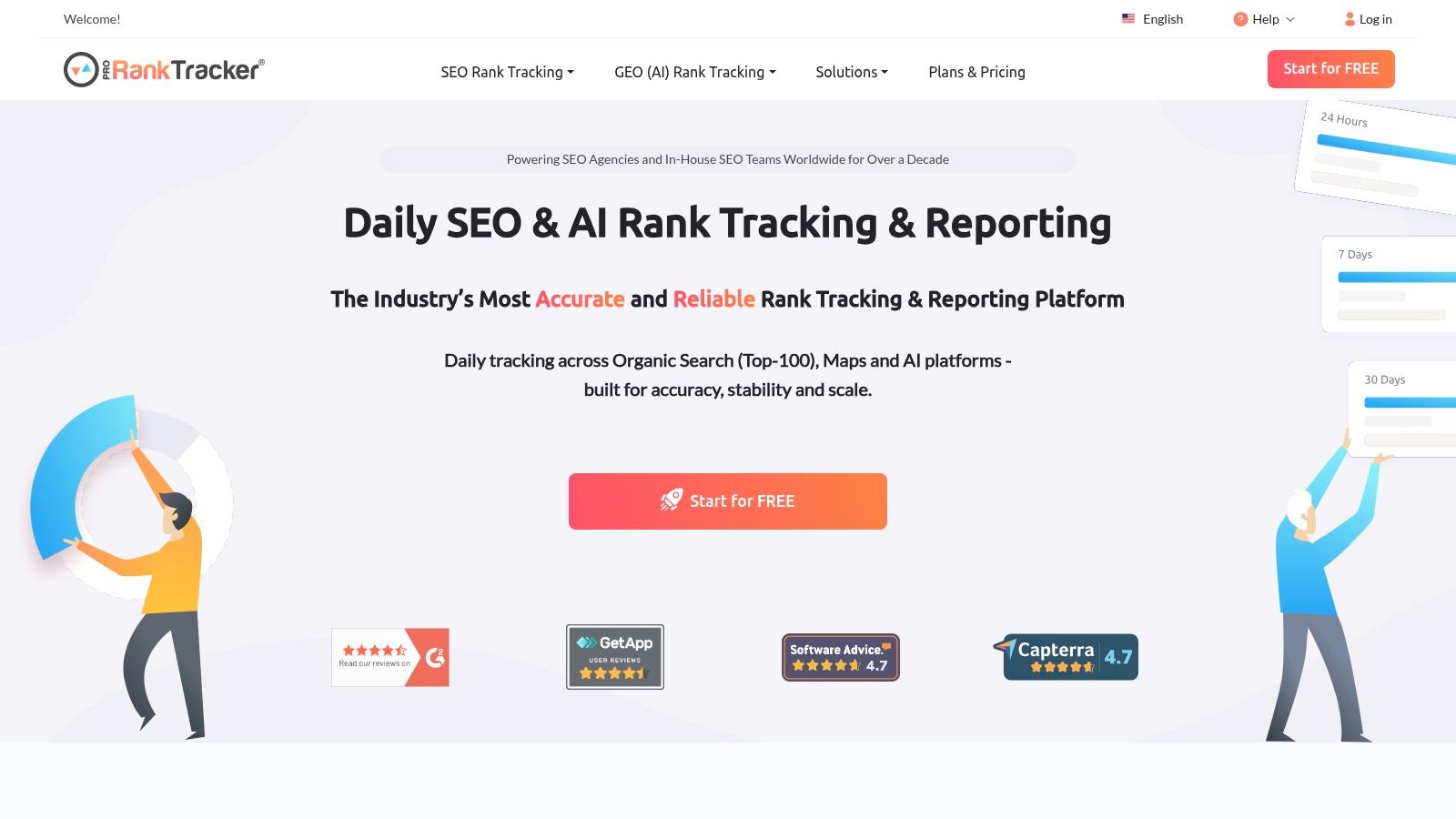
ProRankTracker excels in reporting overhead, not research depth. If your agency job is sending branded, scheduled ranking reports that clients forward internally, the shared reports, position-change alerts and white-label options are the point. I set alerts only on money keywords. Alert on everything and you'll ignore everything by week two.
I also use its keyword suggestions and Google search-volume data cautiously. Volume helps me prioritize, but it doesn't tell me which URL should rank or whether intent matches my page. I still check the live SERP composition before I add terms to a client report, otherwise you end up tracking vanity phrases nobody can win.
Plan details decide whether it fits. Keyword allowances need checking against your location and device splits, and API access and white labeling may depend on plan. As a dedicated Google rank checker for client-facing reporting, I find the focus refreshing. As a research platform, you'll outgrow it.
Reporting test I use: If a report needs a 20-minute call to explain it, the report failed, no matter how accurate the positions are.
9. Serpstat Rank Tracker
Serpstat puts rank tracking inside a broader platform with keyword research, backlink analysis, site audits and competitor research. I used daily checks with desktop and mobile positions separated, then moved into competitor comparisons when a keyword slipped. That flow works if you want one account for several jobs.
The broader market context explains why suites keep absorbing tracking. The global link-building-tool market was valued at $537 million in 2025 according to Dataintelo's link-building-tool market report, and rank tracking represented 21.7% of that market, equivalent to $116.5 million. Vendors bundle tracking because it's the daily habit that keeps you subscribed. I don't mind that, as long as limits are clear.
Position-check, project and user limits differ by plan, so I'd count your projects before buying. If the suite feels heavy, my roundup of Serpstat alternatives for leaner SEO workflows covers lighter options. For teams who use audits and competitor data weekly, Serpstat holds its own.
10. Google Search Console
I never run a tracker without Google Search Console beside it. It's free for verified owners and it's Google's own record of impressions, clicks, CTR and average position by query and page. When a tracker shows a gain, I open Search Console and ask a blunt question. Did anyone click more?
Google cautions that absolute average position shouldn't be treated as the primary success measure, and the Search Console starter guide from Google frames impressions and clicks as ultimately more meaningful. I follow that order. Position is my diagnostic signal, clicks and conversions are my verdict.
What Search Console won't do is scheduled, location-specific competitor tracking. You can't see a rival's positions, data can be delayed, and average position can differ from a specific search by device or city. I treat it as the validation layer, not the Google rank checker itself.
- Best fit: Validating every other tool's claims
- Watch out for: Reading averages as exact ranks
- My setup tip: Always segment by page, country and device
Google Rank Checker Tools Compared
| Best For | Tracking Scope | Trial or Free Access | Standalone vs. Suite |
|---|---|---|---|
| Auditing Google AI Overview citations and finding content opportunities | Keywords triggering AI Overviews, domain mentions, and cited URLs | Get started for free | AI Overview checker within SemDash's broader SEO platform |
| Teams needing daily rankings alongside SEO research and reporting | Keyword rankings by location and device, competitors, visibility, share of voice, and SERP features | Details vary by plan | Part of a broad SEO suite |
| Tracking keyword trends alongside backlink and competitor research | Keyword positions over time, geographic tracking, and competitor visibility | Details vary by plan | Part of a broad SEO suite |
| Professionals and agencies combining rank tracking with SEO workflows | Search-engine rankings, competitors, audits, and backlink research | Trial access available | Part of a broad SEO platform |
| Agencies and businesses tracking substantial keyword lists | Daily rankings, filters, tags, and performance reporting | Details vary by plan | Dedicated rank-tracking service |
| Smaller teams seeking tracking with keyword research | Daily and local rankings, including Google Maps, plus competitor tracking | Details vary by plan | Combines rank tracking with keyword and SEO tools |
| Teams monitoring localized rankings and inspecting search results | Daily tracking by location and language, plus AI visibility | 14-day trial; no credit card required | Rank-tracking and search-visibility platform |
| Agencies needing scheduled, branded ranking reports | Ranking data, alerts, shared reports, and client reporting | Details vary by plan | Dedicated rank-tracking service |
| Users combining rank tracking with keyword and competitor research | Daily desktop and mobile rankings and competitor comparisons | Details vary by plan | Part of a broader SEO platform |
| Verified site owners seeking first-party Google Search performance data | Query- and page-level impressions, clicks, CTR, and average position | Free for verified site owners | Standalone Google service |
Choosing Your Rank Tracking Setup
Choose a tracker based on what you need to do with its data. For a small keyword set where the priority is alerts and client reports, a dedicated tool such as AccuRanker, Wincher or ProRankTracker may be enough. For diagnosing ranking changes, choose a setup that lets you compare positions with competitor, content and backlink data. Either way, keep keyword, URL, country, device, language and date consistent across checks.
PageRank was one of Google's original ranking systems, as described in Google's guide to ranking systems. Rankings reflect more than keyword use, so a position without its search context can be misleading.
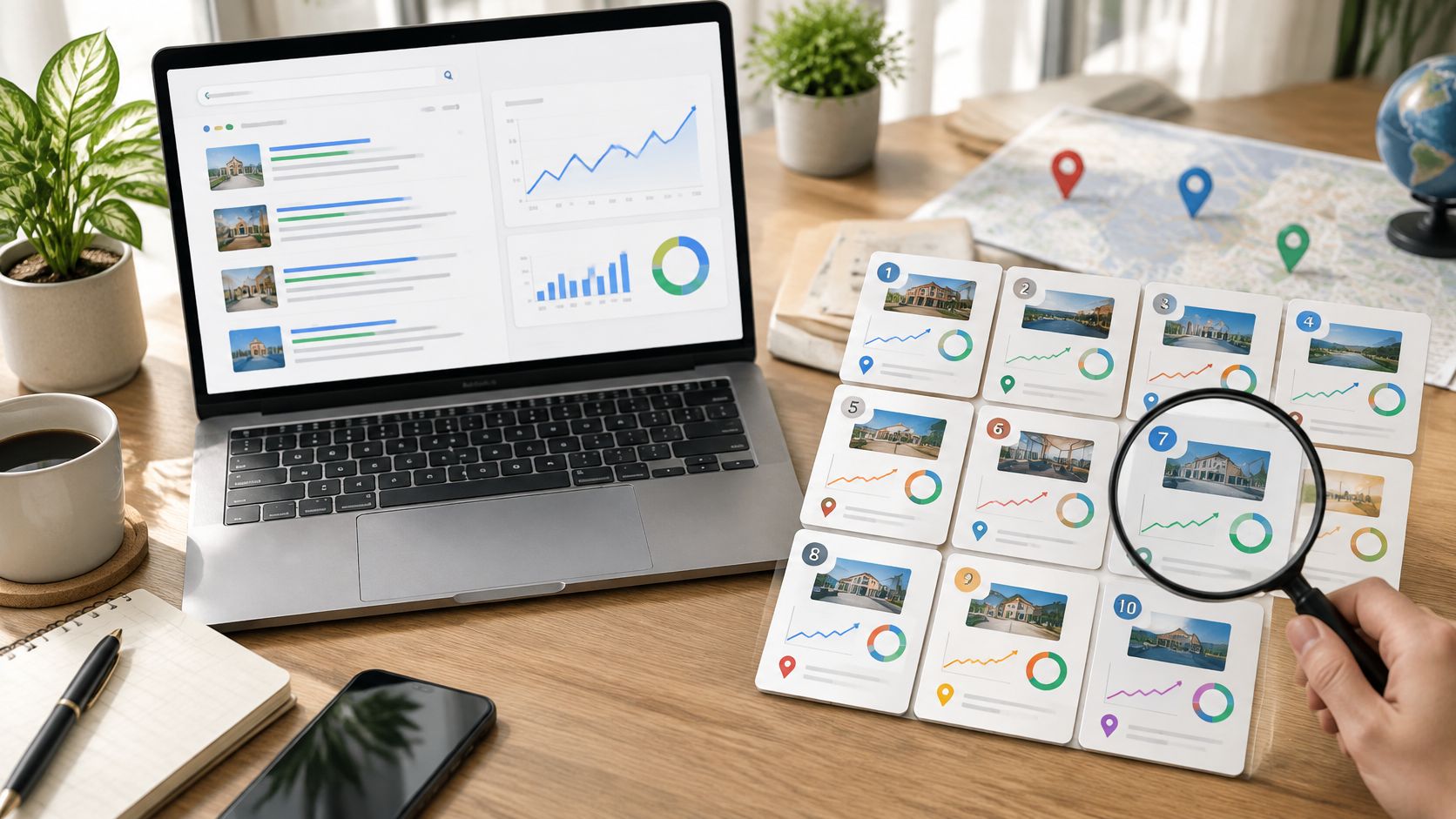
Local tracking needs careful configuration. Separate national results from city-level and Maps checks, and label branded and non-branded terms distinctly. A summary of Backlinko's 2024 organic CTR analysis reports a 27.6% average click-through rate for Google's first organic result. Treat that as context, not a traffic forecast. Check your own click-through rate in Search Console before estimating the impact of a position change.
How I Pair Any Tracker With Search Console
A weekly comparison can connect ranking movement to site performance. Export tracked positions for priority pages, then compare them with Search Console clicks and impressions for the same URLs. If a page rises in position while impressions fall, check whether demand or the search results changed.
AI Overviews add another visibility signal. Google's guidance on AI features in Search explains that these features provide summaries and links, and that inclusion depends on meeting basic technical eligibility for a snippet. Record the cited URL as well as the keyword, since a ranking report alone may not show which page Google references in an AI-generated answer.
SemDash offers more than 20 SEO research tools, and users can get started for free. Its AI Overview visibility feature shows which keywords trigger mentions of a site and the exact URLs Google cites. Use a setup you can review regularly, segment location and device carefully, and use Search Console to check whether ranking changes coincide with changes in clicks and impressions.
Track the keywords that matter to the business, then judge the setup by whether its reports make changes easy to investigate. SemDash also provides 12 months of SERP history and the specific ranking page for each keyword, useful context when comparing a position change with shifts in the results.