%20(1)-B86R08ZzwhPzS6UZbG3mSxRWPCwGwn.png)


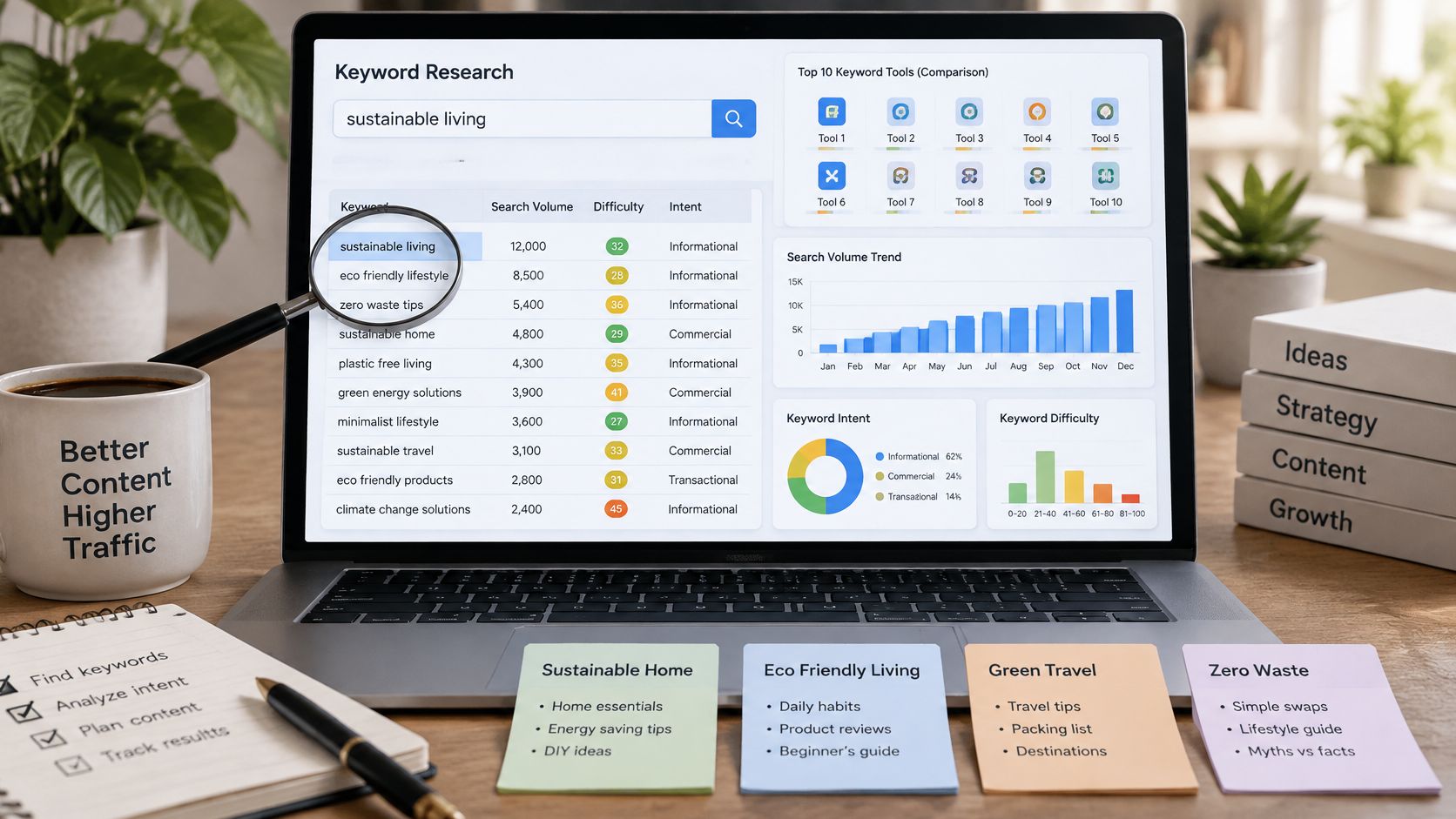
The most popular keyword research advice is also the advice I'd challenge first: find high-volume keywords with low difficulty, then publish. Search volume, ranking difficulty, and intent aren't interchangeable scores, and none tells me whether a particular page deserves investment. A keyword can look attractive in an export while requiring the wrong page format, attracting the wrong audience, or offering little reason to click.
The best SEO keyword planner is the one I can act on. I begin with the business goal and the page that needs to win, then choose tools according to the questions I still need to answer. Am I validating demand, examining competing URLs, checking backlinks, or deciding whether related searches belong on the same page?
I don't want the longest keyword list. I want enough evidence to choose between publishing, updating, consolidating, and leaving a topic alone.
For a hypothetical appointment-software site, “appointment scheduling,” “salon booking software,” and “how to reduce missed appointments” would require separate investigation. I wouldn't assume they deserve the same format or commercial priority just because they share a topic.
The tools below support different parts of that decision process, from baseline demand validation to competitor, SERP, backlink, clustering, and multi-platform research. My recommendations focus on what I'd use each tool to decide, what I'd verify elsewhere, and where the workflow can become unnecessarily expensive or misleading.
Table of Contents
- 1. SemDash
- 2. Google Keyword Planner
- 3. Semrush Keyword Magic Tool
- 4. Ahrefs Keywords Explorer
- 5. Moz Keyword Explorer
- 6. SE Ranking Keyword Research
- 7. KWFinder by Mangools
- 8. SpyFu
- 9. Ubersuggest
- 10. Keyword Tool
- Top 10 SEO Keyword Planner Tools: Feature Comparison
- Turn Keyword Data Into a Publishing Decision
1. SemDash
I'd put SemDash on the shortlist when keyword discovery needs to lead directly into competitor-page analysis and content planning. Its appeal is the connected workflow: keyword research, ranking URLs, backlinks, SERP history, clustering, and content briefs in the same workspace.
For an appointment-software project, I'd start with competing domains rather than an unrestricted seed search. Domain Keywords and Keyword Gap reports let me investigate relevant terms and identify the precise pages ranking for them. That page-level connection matters more to my brief than a domain-wide competitor label.
How I'd turn a gap into an assignment
I'd separate product-led searches from educational questions, inspect the ranking pages, and then use long-tail, People Also Ask, and related-search suggestions to expand coverage. Clustering and AI intent analysis would provide a draft structure, not permission to publish automatically.
- Choose the destination: Assign each cluster to an existing URL or a proposed page before commissioning content.
- Check competitive support: Use backlink research and competitor backlink gaps to investigate whether a content gap also involves a link gap.
- Review changing visibility: Compare SERP history and inspect AI Overview mentions and cited URLs before assuming that rankings alone describe the opportunity.
SemDash also includes unlinked brand-mention detection and broken-backlink discovery. I'd treat those as separate recovery queues rather than mixing every possible outreach task into the publishing backlog.
The trade-off is purchasing clarity. Exact subscription pricing and plan limits aren't specified in the available product information, and a free trial is advertised. I'd use that trial to test coverage in my actual market, export requirements, and multi-domain workflow rather than buying on database scale alone.
For onboarding, the SEO Academy, YouTube tutorials, roadmap, and free live calls offer useful support options. I'd favor SemDash when I need connected research without maintaining separate keyword, backlink, and SERP research workflows.
2. Google Keyword Planner
I use Google Keyword Planner as a demand reference, not an organic ranking recommendation. It supports keyword discovery from seed terms or a website, alongside search estimates and advertising-cost information, without a separate planner subscription.
Access runs through Google Ads account setup and billing information, but using the planner doesn't itself require buying ads. That makes it a practical starting point when I need to validate a topic before committing to a paid SEO platform.
Keep historical demand separate from forecasts
Google calculates average monthly searches across a 12-month period by default, with settings for date range, location, language, and network that need to remain consistent when comparing keywords, as explained in its Keyword Planner metrics documentation.
I'd export the monthly pattern alongside the headline average. For seasonal topics, an average alone isn't enough to choose when to prepare or update a page.
Planning rule: Google Ads competition describes advertiser competition. I never substitute it for organic ranking difficulty.
Forecasts answer a different question. Google says they're refreshed daily using the previous 7–10 days of data, adjusted for seasonality, in its forecast methodology guidance.
I'd reserve forecasts for advertising scenarios. For SEO, I still need live results, competing URLs, intent validation, and a realistic assessment of my page's strengths.
3. Semrush Keyword Magic Tool
Broad seed terms are where I'd consider Semrush Keyword Magic Tool. Keyword filtering, groupings, and question-oriented ideas help me turn an untidy subject into researchable branches, while the wider platform supports competitor investigation.
For “booking software,” I'd separate audience modifiers, feature requirements, comparisons, and informational questions. I wouldn't send the complete export to a writer. I'd first remove irrelevant audiences and investigate which branches deserve commercial pages rather than articles.
- What I'd keep: Groups that connect clearly to an offering, customer problem, or existing content gap.
- What I'd inspect: The exact competitor URL ranking for each promising query and whether my proposed page matches its purpose.
- What I'd reject: Keyword variations that add wording but don't justify a distinct page or section.
The main convenience is moving from discovery into broader competitive research without switching platforms. If my team already uses Semrush, I'd evaluate the included workflow before adding another subscription.
Don't confuse grouping with page architecture
A topical grouping isn't automatically a publishing plan. I'd validate the groups against live results and use a documented SEO keyword research process to keep demand, intent, destination URLs, and priorities separate.
The trade-off is suite size and usage limits. Limited free access is available, but plan allowances and included features vary. I'd check my target markets and expected research volume before paying for capabilities I won't use.
4. Ahrefs Keywords Explorer
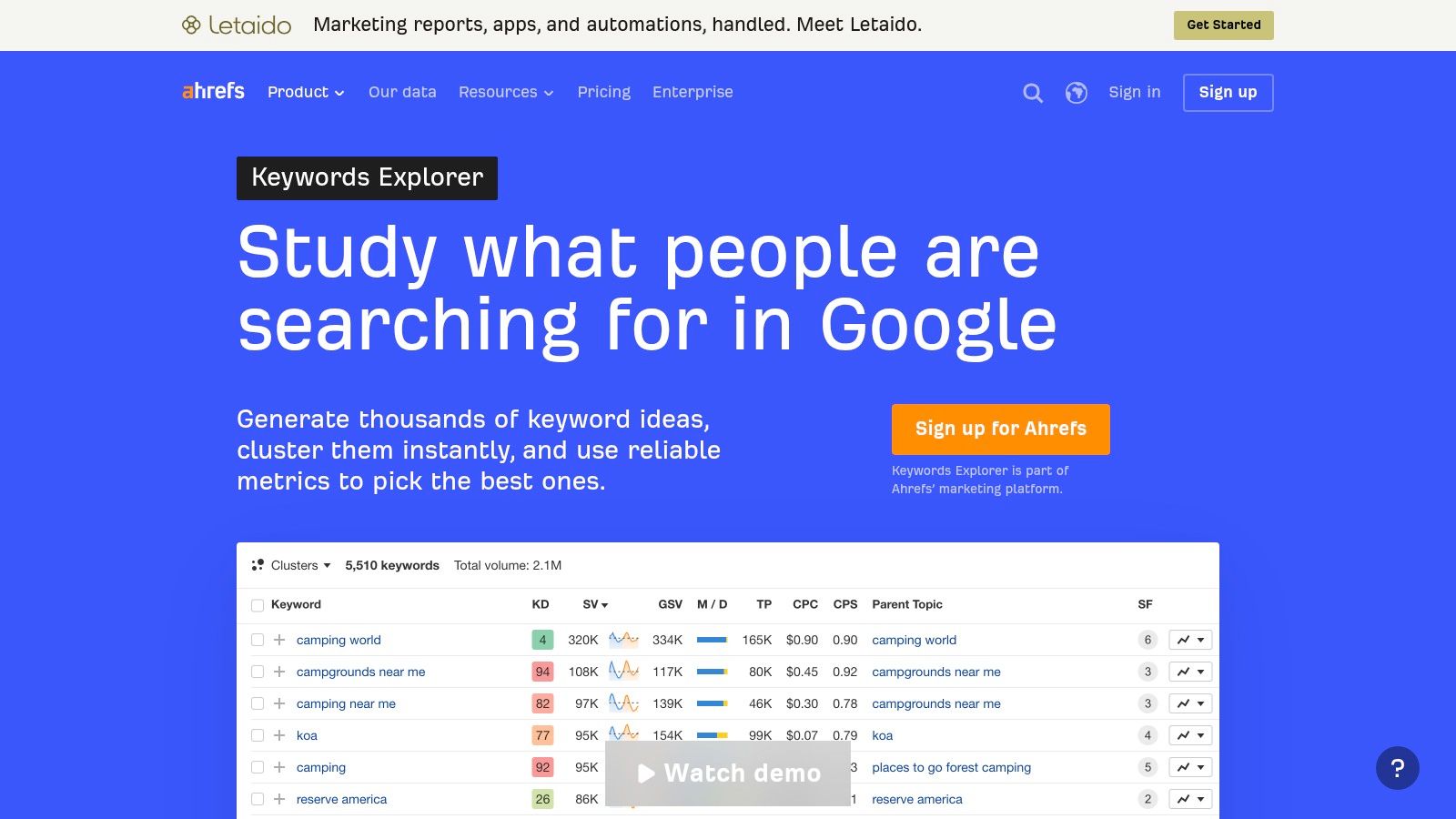
When a keyword looks relevant but I'm unsure whether my page can compete, I'd lean toward Ahrefs Keywords Explorer. Its connection to wider SERP, domain, competitor, and backlink research supports that investigation.
My starting question would be specific: what would my proposed page need to do better than the URLs already ranking? I'd compare format, topical coverage, freshness requirements, and backlink support rather than rejecting a query solely because of a difficulty score.
Use backlinks to explain the competitive gap
For a hypothetical salon-software comparison page, I'd inspect links to competing comparison URLs separately from links to their homepages. Then I'd assess whether I have a credible content advantage, relevant internal support, and a plausible outreach angle.
I wouldn't assume that copying the headings of a well-linked page creates an equivalent opportunity. Nor would I assume that every ranking page needs an identical backlink profile.
- Best fit: Research where keyword selection depends heavily on understanding competitor pages and their link support.
- Budget caution: Starter access has usage limits, while additional functionality and capacity depend on higher plans.
- Workflow caution: Check credits, report allowances, and access to lists or clustering before designing a recurring research process.
I would compare those requirements against other keyword research tools, not just compare subscription labels. For occasional ideation, paid access may be difficult to justify; for recurring competitive investigations, the connected research deserves closer consideration.
5. Moz Keyword Explorer
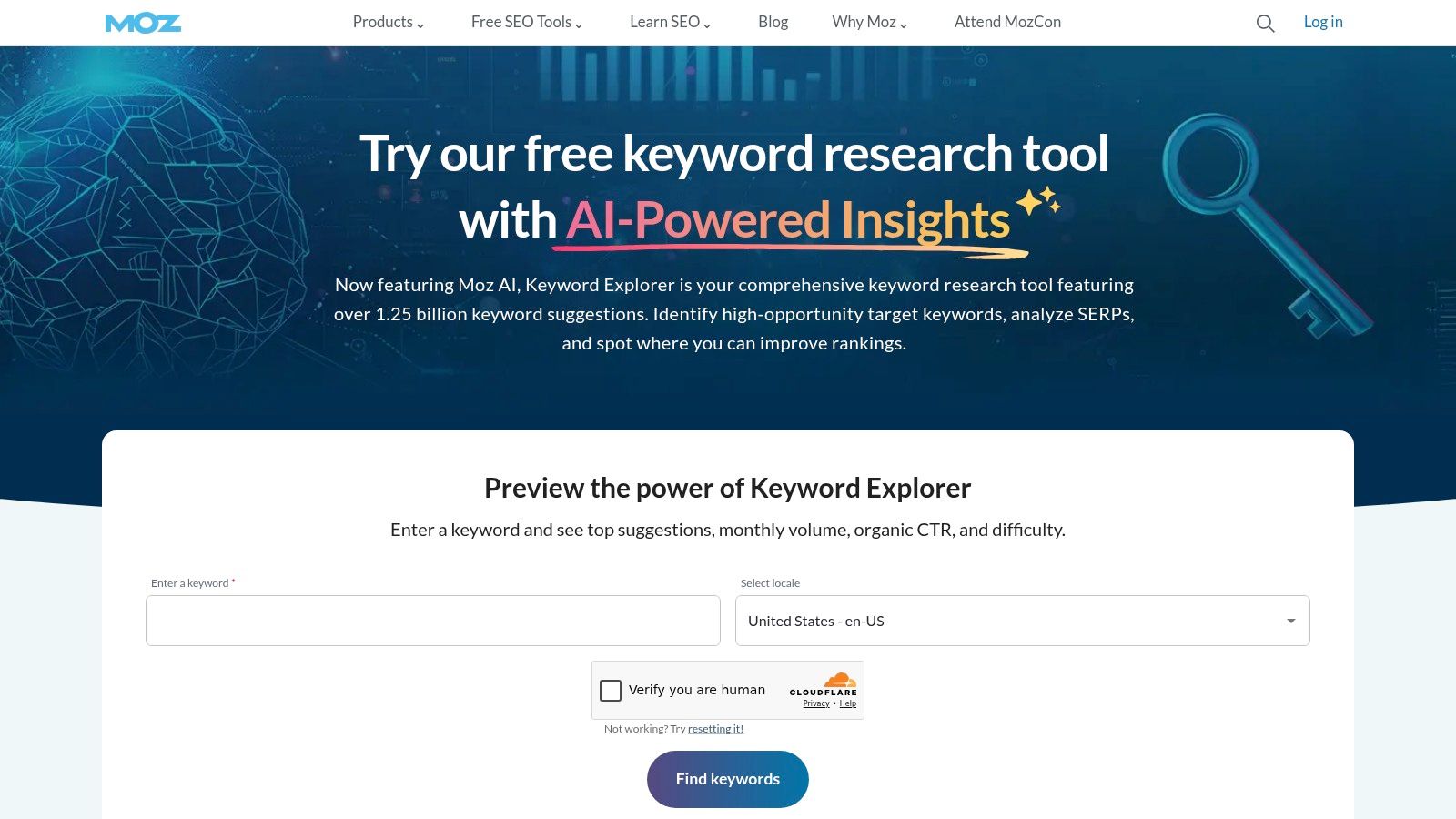
I'd consider Moz Keyword Explorer when I want research to continue into ongoing tracking and site analysis. It's included in Moz Pro rather than sold as a standalone keyword planner, so I'd evaluate the complete working setup.
For an existing site, I'd begin with a small set of commercially meaningful topics and assign a destination URL before tracking. That gives me a clearer question later: did the intended page become more competitive, or did I merely discover additional keywords?
Make monitoring part of the brief
My handoff would record the target query, supporting terms, intended format, current ranking URL, and reason for the update. I'd also note what evidence would make me reconsider the assignment, such as a different page format appearing in live results.
Moz combines keyword research with tracking, SERP-related research, and broader site SEO tools. Listed plans also include additional AI-search features, which I'd assess against the visibility questions I need to answer.
A keyword list is useful before publication. A clear page-to-keyword mapping is useful both before and after publication.
The trade-off is capacity. Published plans clarify project and tracking allowances, but I'd check research volume and site requirements together.
I wouldn't choose Moz merely to generate an isolated list if I didn't need its broader toolkit. I'd shortlist it when maintaining a consistent research-and-monitoring process matters more than adding another discovery interface.
6. SE Ranking Keyword Research
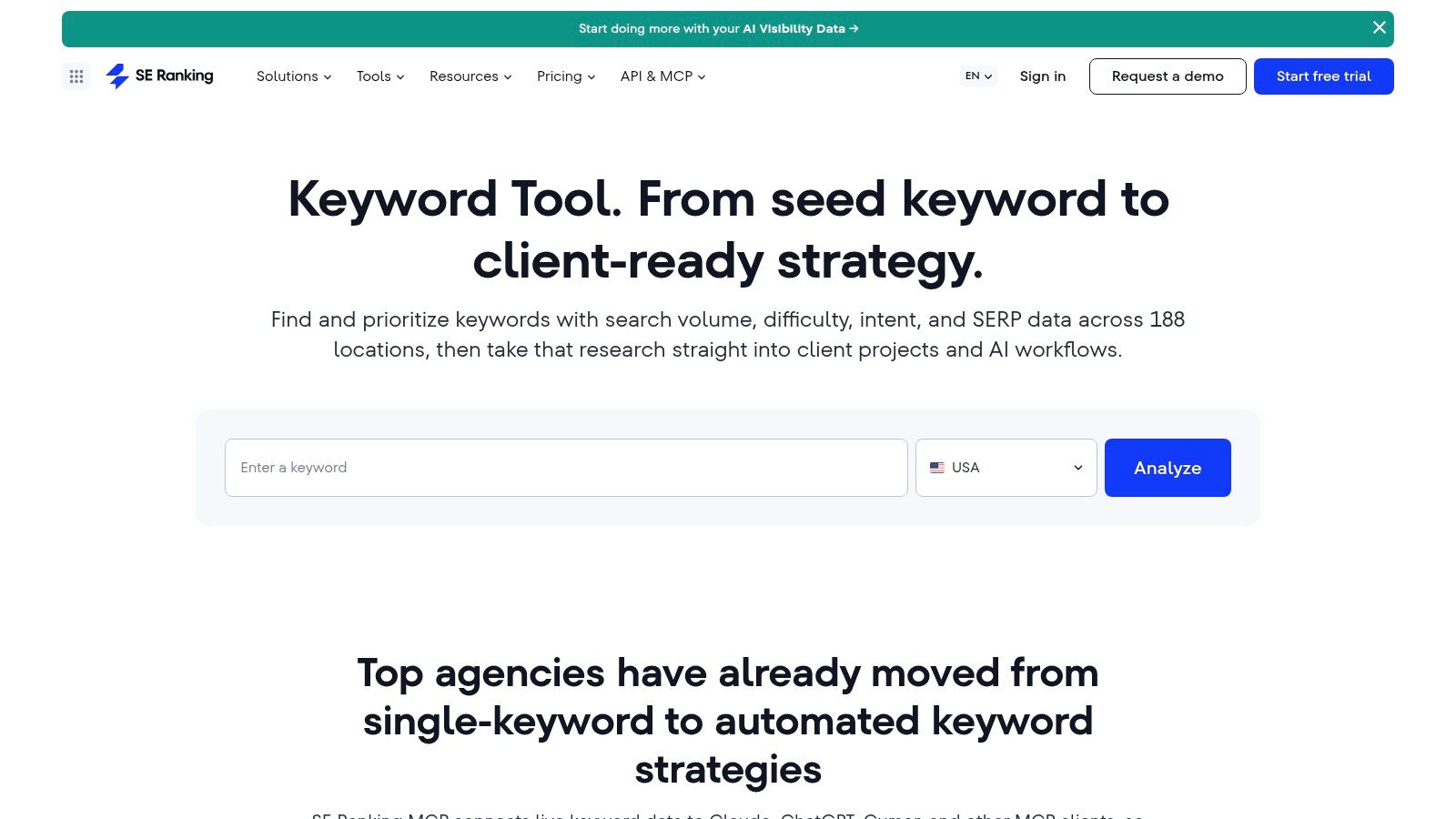
A keyword assignment isn't ready if I haven't checked the intended page's implementation. I'd consider SE Ranking Keyword Research when I need discovery, competitor research, rank tracking, SERP analysis, auditing, and backlink tools within the same platform.
My workflow would start by checking whether an appropriate page already exists. I'd then compare competitor URLs, review the live SERP, and investigate the existing page before deciding between an update and a new brief.
- For an existing page: Check intent alignment, competing coverage, and technical findings before expanding the copy.
- For a proposed page: Record its relationship to nearby topics so the assignment doesn't duplicate an existing URL.
- For agency work: Confirm research, tracking, and team requirements against the selected tier and any add-ons.
Test the complete handoff
SE Ranking advertises a free trial without a credit card. I'd use it to carry a real topic from discovery through analysis and tracking, rather than spending the trial browsing unrelated reports.
The advantage is consolidation, especially when my work includes both planning and auditing. The downside is paying for a broader platform when I only need occasional keyword suggestions.
Daily research and tracking limits vary by tier, and some agency-oriented capabilities require a higher plan or add-on. I'd check those limits against routine work and busier planning periods before committing.
7. KWFinder by Mangools
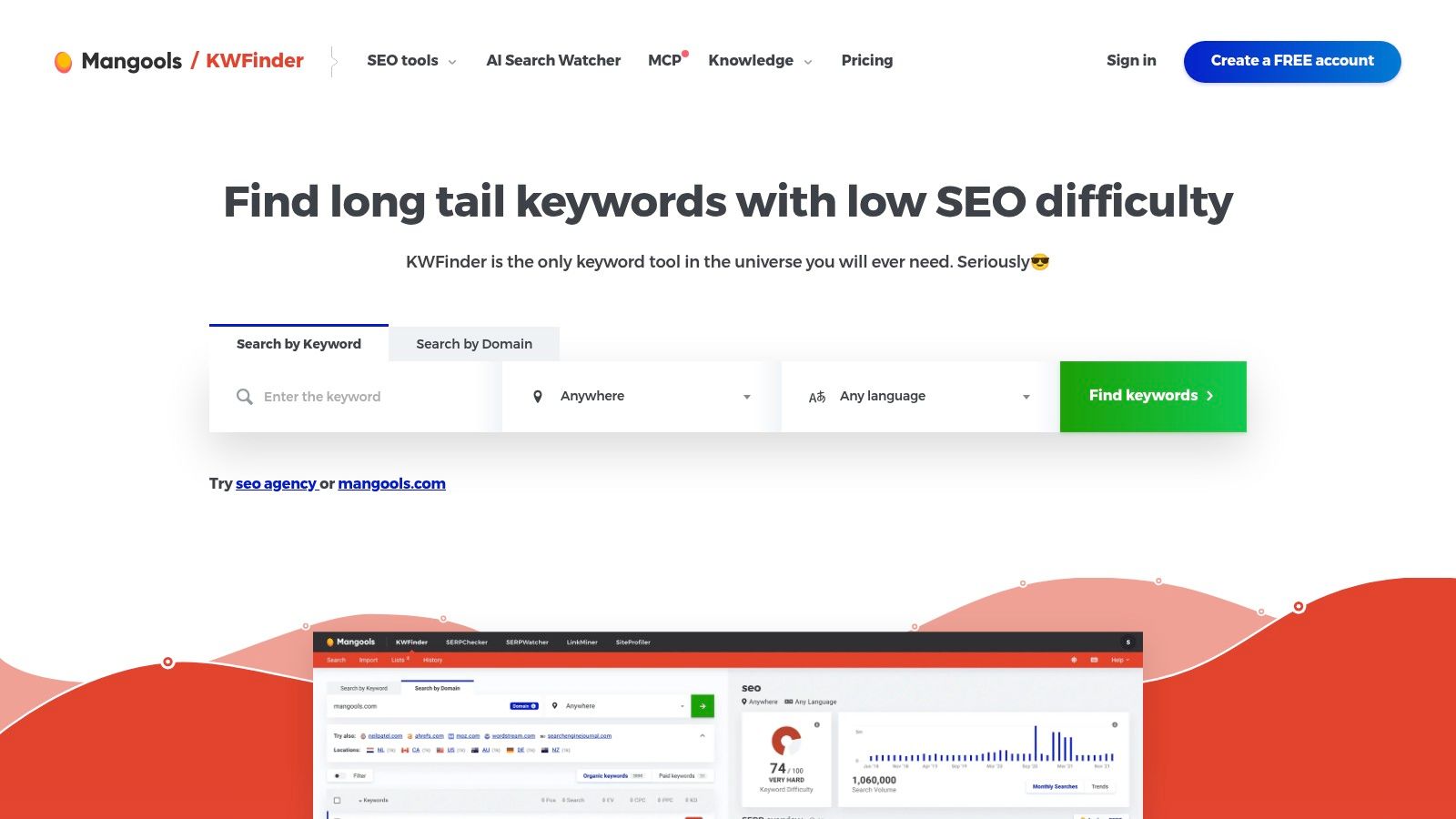
"Salon booking software" and "salon appointment cancellation policy" can sit in the same account, yet they demand different pages and different outcomes. When I'm sorting terms like these in one focused session, I shortlist KWFinder by Mangools. Its emphasis on long-tail discovery, keyword difficulty, competitor keywords, trends, local research, and lists fits a narrower task than running a large competitive-research program.
I begin with a specific offering and, where relevant, a location. Then I inspect the attached SERP analysis before keeping any suggestion. A low score alone never earns a place in my backlog.
Low difficulty still needs an explanation
The score is a filter. The verdict comes from the ranking pages: whether they leave a real need unmet, and whether I can meet that need with the right format.
- Useful opportunity: I can describe a content or product-fit advantage after reviewing the ranking URLs.
- Weak opportunity: I'm relying on the score alone, with no clear sense of who needs the page or what should happen next.
- Local edge case: I need results for the intended market, not a broad location setting reused by default.
KWFinder ships inside the Mangools suite, alongside SERP analysis, rank-tracking, and backlink tools. It isn't sold separately, so the question becomes whether the rest of the bundle earns its cost for my workflow.
Mangools offers a free plan and a 48-hour refund policy, according to the published product information linked above. I'd still check research requests, suggestion volumes, import allowances, and tracking limits against my actual workload before paying.
8. SpyFu
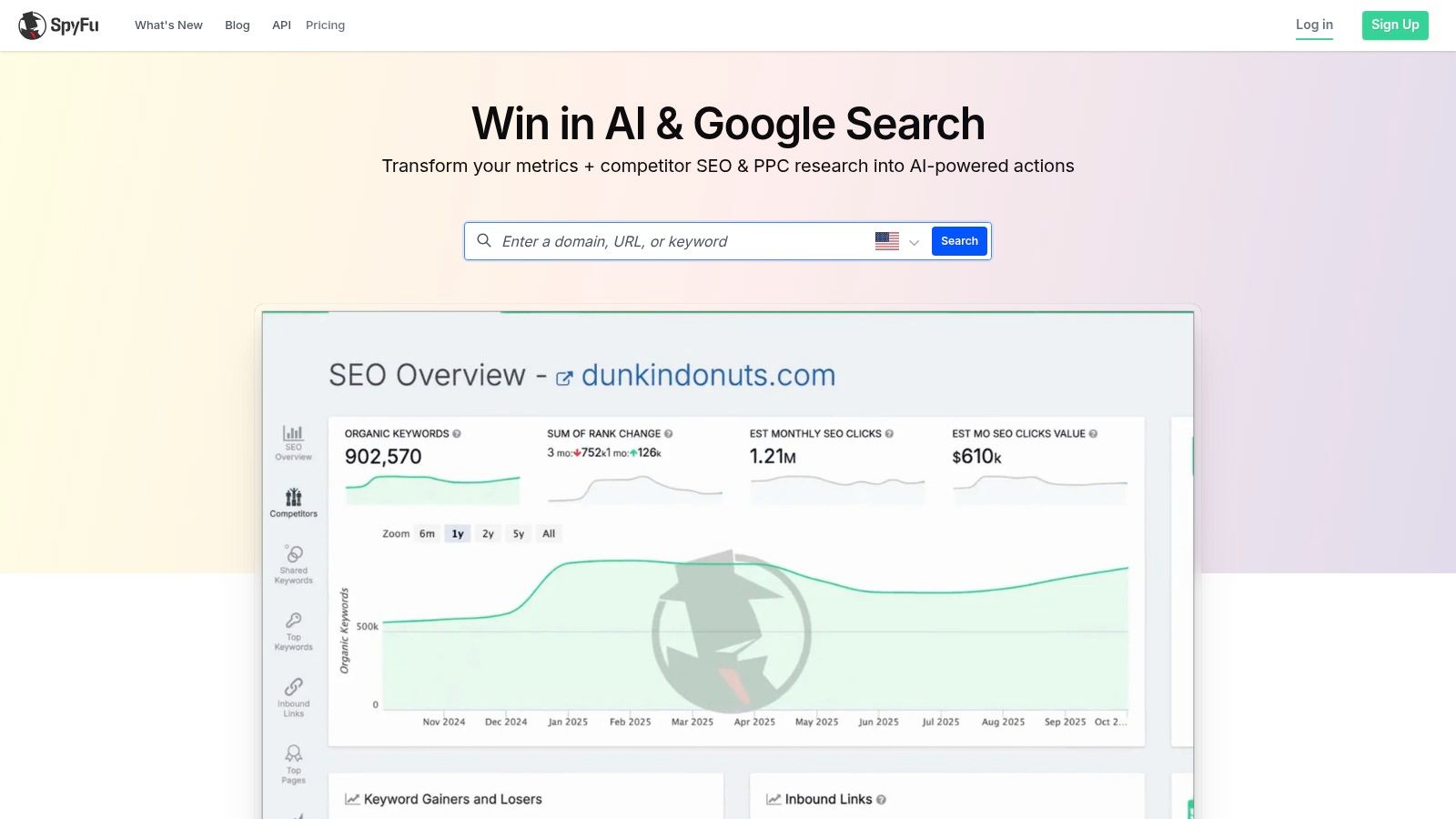
Sometimes I'd rather start with a competitor's search activity than brainstorm seed terms. That's the use case I'd bring to SpyFu, with its emphasis on organic and paid competitor keywords, overlap, advertising history, and historical domain research.
I'd investigate a direct commercial competitor and a competing publisher separately. The first helps me examine product-related targeting; the second helps me explore informational coverage I might otherwise miss.
Borrow questions, not priorities
A competitor's keyword isn't automatically my opportunity. Before adding it to the backlog, I'd ask whether it matches my offering, whether I can produce the required page, and whether the query deserves organic content rather than an advertising test.
- Organic research: Investigate relevant competing pages and missing topic coverage.
- Paid research: Examine advertising activity without treating estimated costs as proof of organic difficulty.
- Historical research: Use available history to frame questions, then verify the current SERP before briefing.
SpyFu offers limited free research, and its paid plans advertise unlimited searches. That doesn't mean every result, export, or historical view is unrestricted: Basic has result-row and export limits, while broader historical access and unlimited results require higher plans.
I'd favor SpyFu when competitor targeting is the missing input. For extensive content clustering or brief production, I'd expect to add a separate planning step rather than force a competitor-research workflow to do every job.
9. Ubersuggest
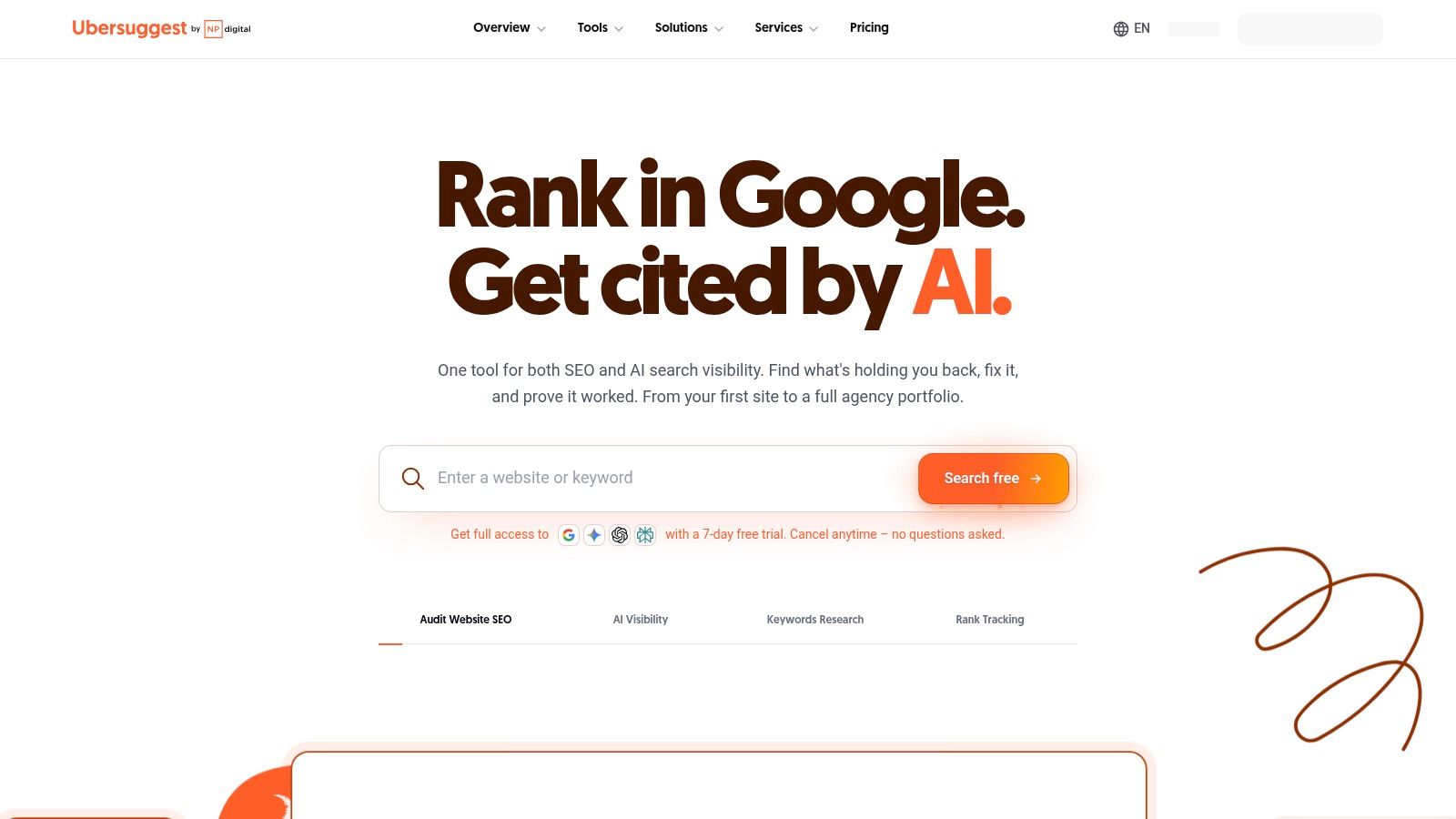
I'd evaluate Ubersuggest for a smaller research workload that still needs competitor and top-page context. It combines keyword suggestions and volume research with content planning, rank tracking, audits, and backlink insights.
My starting point would be an existing service page, not a blank spreadsheet. I'd collect relevant suggestions, review competing top pages, and decide whether the existing URL needs expansion before proposing another page.
Purchase around a repeatable task
Ubersuggest offers limited free access, monthly subscriptions, and lifetime purchase options. I'd test a complete recurring task before choosing between those arrangements, because payment structure doesn't tell me whether the included capacity fits.
- Discovery test: Can I obtain useful suggestions for my actual offering and market?
- Planning test: Can I connect those suggestions to competitor pages and a clear destination URL?
- Capacity test: Do keyword, bulk-analysis, and export allowances accommodate my normal workload?
Its keyword data draws on multiple providers, so I'd compare commercially important estimates with another source while keeping market and date settings consistent. I wouldn't interpret a small difference between tools as evidence that one estimate is exact.
The main constraint is limited free usage and plan-dependent capacity. I'd use free access for focused evaluation, then upgrade only if the research process is useful enough to repeat. A larger export isn't a reason to subscribe unless I can turn it into better page decisions.
10. Keyword Tool
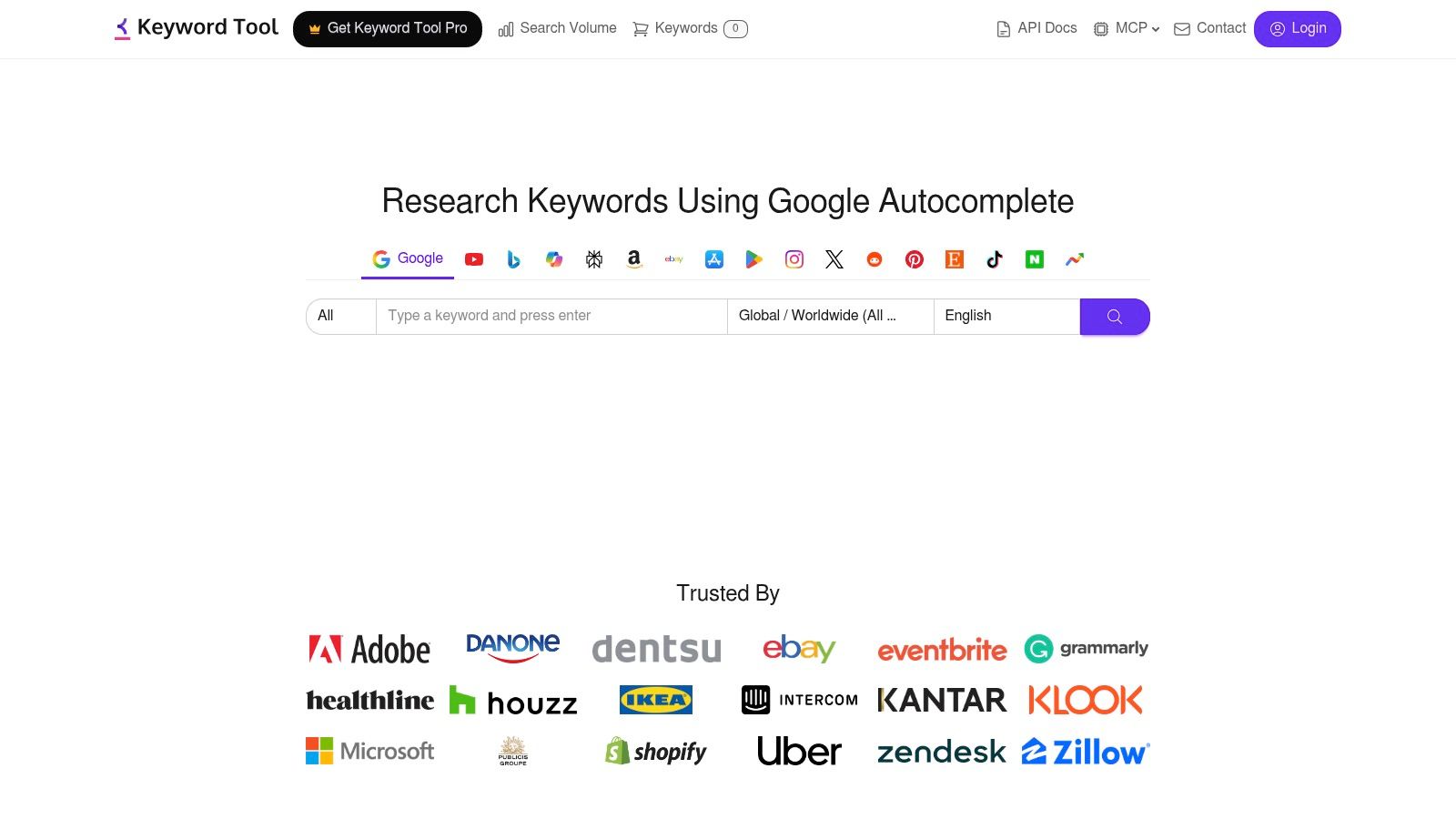
I'd choose Keyword Tool when my research needs to extend beyond conventional Google keyword lists. It generates autocomplete-based suggestions across platforms including Google, YouTube, Bing, Amazon, TikTok, and Reddit, with country and language selection.
For a hypothetical salon-software campaign, I'd investigate Google queries for website pages and YouTube suggestions for demonstrations or tutorials. I wouldn't merge those suggestions into a single undifferentiated SEO backlog.
Keep platform intent attached to the keyword
The same wording can lead to different content decisions depending on where I found it. I'd preserve the platform, country, language, and seed term in the export so I can explain why a suggestion belongs in a particular channel.
- Free discovery: Surface suggestions without an account when I need language and topic ideas.
- Paid evaluation: Add available search-volume, CPC, competition, and trend metrics when those inputs support a decision.
- Automated research: Investigate paid API capabilities when manual discovery no longer fits the workflow.
The web product doesn't fetch suggestions for multiple seed terms at once, so I'd test the practical effort involved before planning a large research batch. API access also needs evaluating against the intended process rather than assuming it solves every bulk task.
Keyword Tool is a discovery specialist, not a complete SEO platform. I'd pair its suggestions with live SERP inspection, competitor-page research, and URL mapping before turning them into assignments.
Top 10 SEO Keyword Planner Tools: Feature Comparison
| Tool | Core SEO coverage | Standout feature | Experience / quality | Best suited to | Price / value |
|---|---|---|---|---|---|
| 🏆 SemDash | Keywords, backlinks, competitors, SERPs, content planning | ✨ 6.6B keywords, 2.7T-link index, URL-level mapping, AI Overviews tracking | ★ Fast, simplified interface; learning resources | 👥 SEO specialists, agencies, content teams, small businesses | 💰 Free trial; exact plan pricing not provided |
| Google Keyword Planner | Keyword ideas, search estimates, ad-cost estimates | Google Ads forecasts and campaign planning | Basic access requires Google Ads account setup and billing details | 👥 Advertisers validating keyword demand | 💰 No separate planner fee; ads not required |
| Semrush Keyword Magic Tool | Keyword discovery, filters, groupings, competitor research | Part of a broader SEO and marketing suite | Usage and features vary by plan | 👥 Teams already using Semrush | 💰 Limited free access; paid plans vary |
| Ahrefs Keywords Explorer | Keywords, SERPs, competitors, domains, backlinks | Connects keyword research to backlink and domain tools | Usage credits and advanced features depend on plan | 👥 SEO users needing integrated research | 💰 Paid plans; entry-level access has limits |
| Moz Keyword Explorer | Keyword research, SERPs, rank tracking, site analysis | Research and monitoring within Moz Pro | Project and tracking capacity varies by plan | 👥 Teams wanting one SEO toolkit | 💰 Included in Moz Pro; plan limits apply |
| SE Ranking Keyword Research | Keywords, competitors, SERPs, audits, backlinks | All-in-one platform with rank tracking | ★ Free trial available without a credit card | 👥 Individuals, agencies, larger organizations | 💰 Tiered plans; capacities vary |
| KWFinder by Mangools | Long-tail keywords, difficulty, competitors, local research | Focused keyword discovery with supporting SEO tools | Free plan and 48-hour refund policy | 👥 Users prioritizing practical keyword research | 💰 Sold as part of Mangools; limits vary |
| SpyFu | Competitor organic and paid keywords, history, rank tracking | Competitor and paid-ad history research | Free research is limited; plan limits vary | 👥 Marketers focused on competitor search activity | 💰 Paid plans; Basic has result and export limits |
| Ubersuggest | Keywords, competitors, top pages, audits, backlinks | Monthly and lifetime purchase options | Free access is limited; capacity varies by plan | 👥 Individuals and small teams seeking broad SEO basics | 💰 Free access, subscriptions, and lifetime options |
| Keyword Tool | Autocomplete keyword ideas across platforms | ✨ Google, YouTube, Bing, Amazon, TikTok, and Reddit suggestions | Localized by country and language | 👥 Creators and marketers researching multiple platforms | 💰 Free suggestions; metrics and API require paid plans |
Turn Keyword Data Into a Publishing Decision
My practical sequence starts with demand, but it doesn't end there. I'd use Google Keyword Planner or another lightweight source to confirm interest, inspect the live SERP to determine intent, and compare the ranking pages with the page I can realistically produce.
I'd look for specific weaknesses rather than vaguely declaring a SERP competitive. Are the ranking pages relevant to the query? Do they provide the required format, current information, and useful detail? Can I offer something stronger without publishing a page that competes with my own existing content?
Decide which outcome matters
I separate traffic acquisition, brand visibility, and conversion intent before prioritizing. In Pew Research Center data summarized by CMSWire, traditional-result clicks occurred on 8% of visits with an AI summary versus 15% without one, while cited-summary links received clicks on 1% of visits, as detailed in its analysis of search visibility and traffic measurement.
I wouldn't turn that evidence into a blanket rejection of informational keywords. I'd inspect whether the particular query still supports a useful click, a meaningful brand appearance, or a commercially relevant next step.
Then I'd use SemDash, Ahrefs, Semrush, Moz, or SE Ranking to connect demand with competitor URLs, content gaps, and backlink requirements. The tool choice depends on which evidence I'm missing, not which interface produces the most impressive spreadsheet.
- Publish: The query matches a business goal, the intended format fits, and no existing URL adequately serves the topic.
- Update: A suitable page exists, but I can identify shortcomings in intent alignment, coverage, usability, or supporting links.
- Consolidate: Closely related assignments overlap enough that I'd rather strengthen a clear destination than maintain competing pages.
- Defer: I can't yet explain the audience value, competitive advantage, or intended outcome.
Give the chosen page a place on the site
My brief includes a destination URL, primary intent, supporting queries, competing pages, distinctive value, and internal-link sources. I also document why I chose that page over nearby alternatives.
For implementation, I'd verify real HTML anchors with destination addresses rather than trusting a visually clickable card. Google's crawlable-link guidance recommends conventional anchor elements with href attributes and an internal link to every page I care about.
I wouldn't publish because a keyword has high volume or low difficulty. I'd publish when the business case, SERP, page assignment, and competitive path agree, then recheck the evidence before each brief.
SemDash brings keyword discovery, competitor ranking URLs, backlink research, SERP analysis, and clustering into a connected planning workspace. Visit SemDash to investigate a topic from your backlog, compare the competing pages, and build a clearer publish-or-update decision.