%20(1)-B86R08ZzwhPzS6UZbG3mSxRWPCwGwn.png)


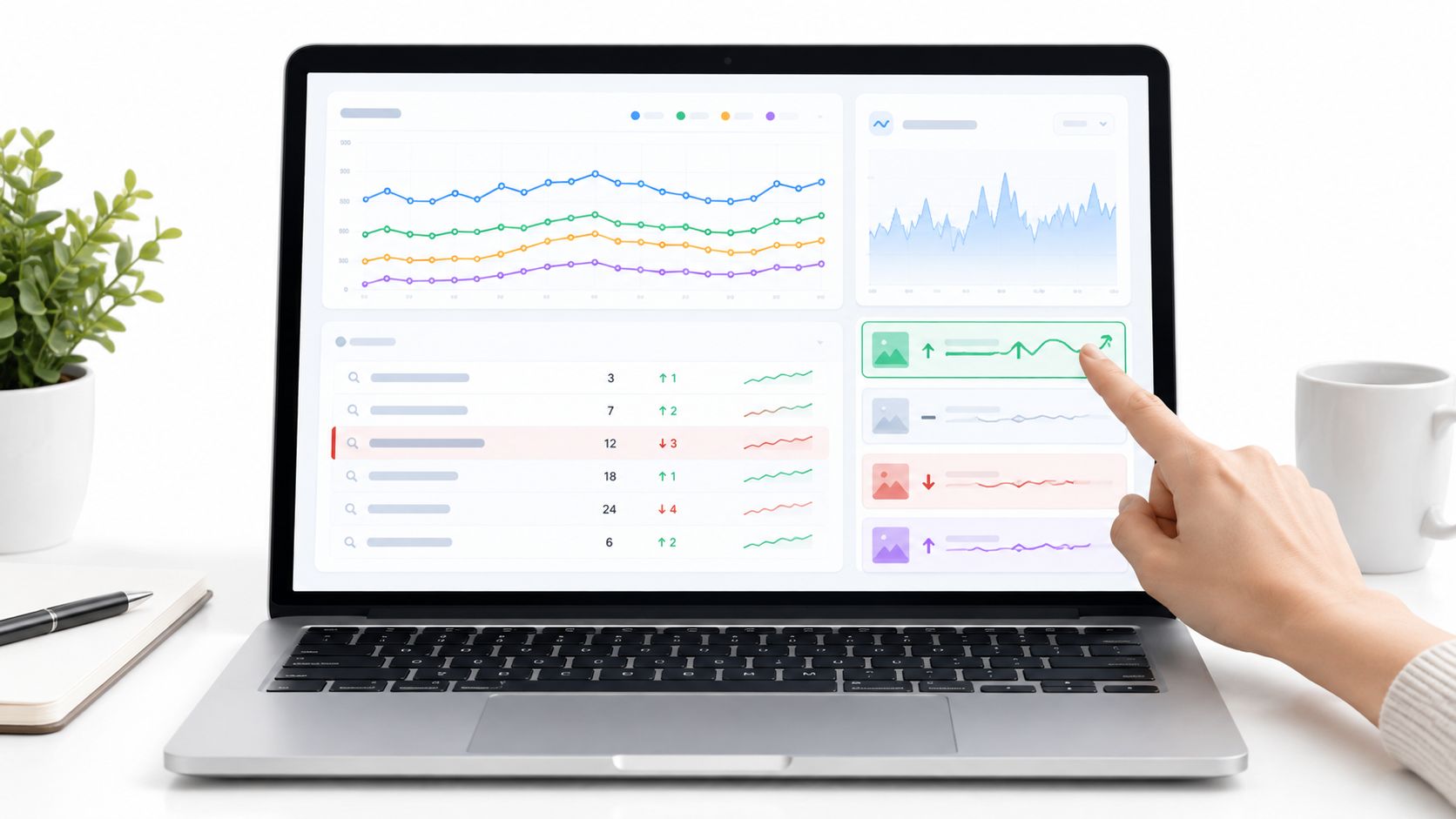
The most popular advice about choosing a website ranking tool is to buy the platform with the biggest feature list. I'd start somewhere else: choose the tool that helps you decide what to change next. A position chart isn't useful if you still can't identify the losing page, explain the movement, or assign a sensible next action.
My starting questions are practical. Which commercially important pages are losing visibility? Did a competitor improve, did the search results change, or am I comparing different locations and devices? Which URL should I update, and what evidence supports that decision?
There's a good reason not to treat rankings as an isolated metric. Google describes multiple ranking systems covering relevance, quality, links, and spam, rather than a single fixed algorithm you can reverse-engineer from a position chart. I'd use ranking data to locate the problem, then investigate the page, competing results, internal links, and backlinks.
The best rank tracker is the one you can act on. For a small site, that might mean a clear daily report. For an agency, it might mean reproducible location settings, client reporting, and exportable history. For competitive research, I'd prioritize exact ranking URLs and keyword gaps over another dashboard.
I also keep acquisition workflows separate. If you need to find enrichment tools for lead gen, evaluate that stack independently rather than expecting SEO software to handle prospect data. For ranking work, I'd shortlist the following tools by the decisions each helps me make.
Table of Contents
- 1. SemDash
- 2. Semrush Position Tracking
- 3. Ahrefs Rank Tracker
- 4. SE Ranking
- 5. Moz Pro
- 6. Serpstat
- 7. Mangools SERPWatcher
- 8. AccuRanker
- 9. Wincher
- 10. Advanced Web Ranking
- Top 10 Website Ranking Tools: Feature Comparison
- Build a Ranking Workflow You Can Trust
1. SemDash
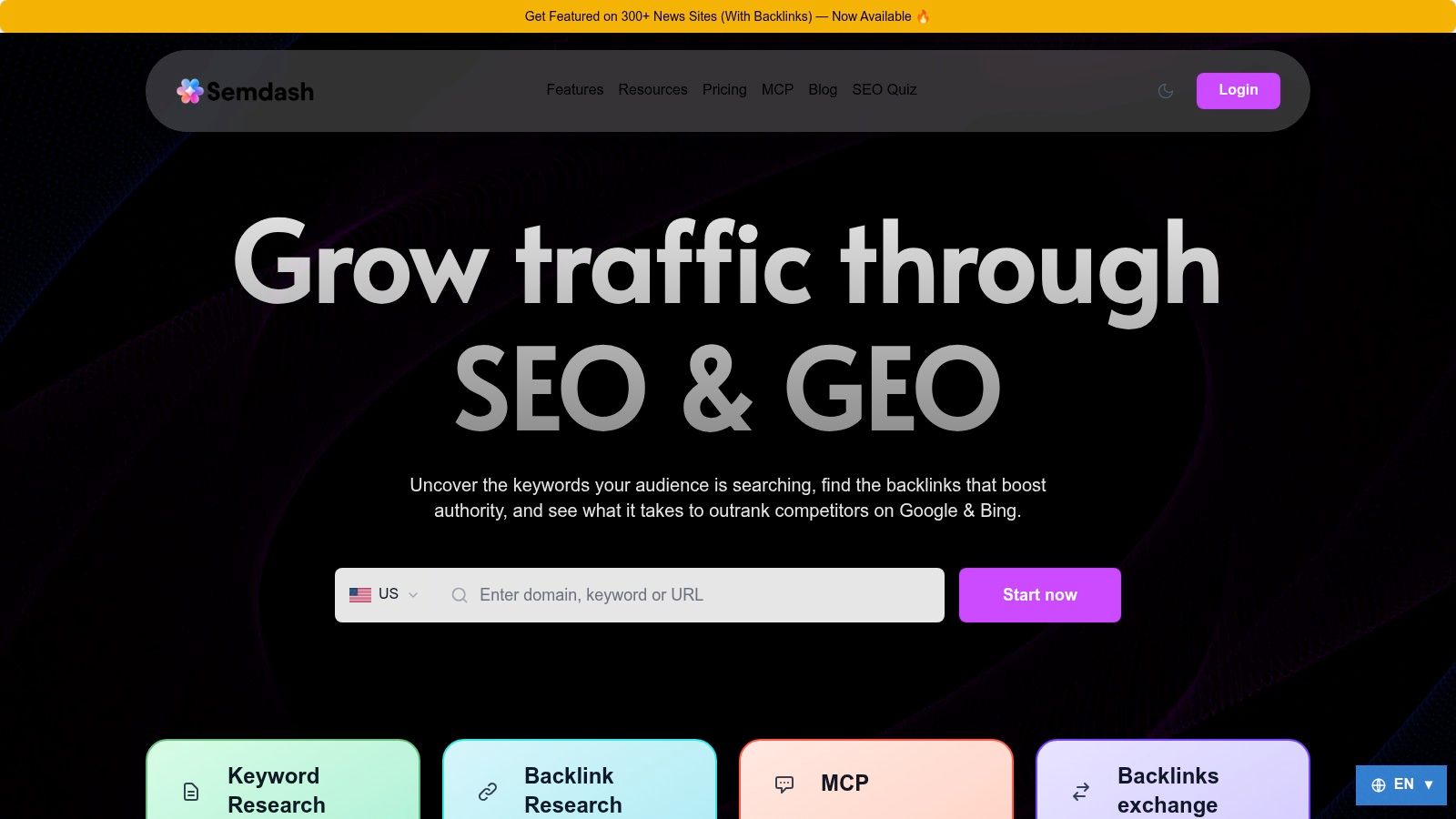
A rank tracker tells me a page moved. SemDash covers the step after that: identifying the exact ranking URL, comparing the competing pages, and building a keyword, content, or backlink plan around the difference.
SemDash publishes an index covering 6.6 billion Google keywords, 2.7 trillion links, 600 million SERPs, and 12 months of SERP history, alongside keyword clustering, AI-assisted briefs, and AI Overview citation tracking within its platform. I'd treat those published figures as a research resource and still verify depth in my own niche before assuming complete coverage.
My workflow starts with Domain Keywords and Top Pages. I identify a competing page, pull its ranking queries, and compare them against the queries my intended page wins. Keyword Gap and clustering then answer the practical question: improve the existing page or build a different resource.
Where I'd Use the Extra Context
For volatility investigations, I compare historical results before rewriting anything. When the ranking URLs shift from explanatory articles toward product pages, that's an intent signal, and adding more copy to the losing article rarely fixes it.
For AI visibility, I compare the organic ranking URL with the cited URL. When they differ, I review the cited page's definitions, evidence, and structure rather than adding keywords to the highest-ranking page.
- Strong fit: Competitor research, URL-level analysis, content planning, backlink gaps, and recovery work in a shared workspace.
- Useful support: Interfaces in English, German, Polish, and Spanish, plus an SEO Academy, tutorials, community resources, a roadmap, and live calls.
- Coverage trade-off: Customer feedback includes fewer keyword results than Ahrefs in one comparison and a request for multi-domain analysis. I'd test my actual niche before committing.
- Buying caution: Pricing needs verification. I'd also assess the optional news-placement service separately from the research software, since paid placement carries its own risks and costs.
The clean-interface feedback is encouraging, including a B2B SaaS founder's recommendation for keyword and backlink research. What matters is whether a finding becomes an assigned page update, and on that measure the workflow holds up.
2. Semrush Position Tracking
I'd shortlist Semrush Position Tracking when rankings sit inside a broader technical and competitive SEO workflow. Daily monitoring is useful, but the stronger reason to consider the suite is being able to investigate keywords, backlinks, and site-audit findings without switching platforms.
Semrush lists SEO Toolkit Pro at $139.95 per month with 500 tracked keywords and offers a 7-day trial for most toolkits. I'd verify the chosen plan's targeting, scheduled-reporting, and integration allowances before importing a client portfolio.
My setup would separate branded queries, commercial landing pages, and informational content. I wouldn't combine everything into an average-position report because improvement on low-priority articles could distract from declining product-page visibility.
Test the Targeting Before the Dashboard
Competitor and location tracking matter most when I can preserve consistent settings. If I need multiple locations or devices, I'd confirm whether the required multi-targeting is available on the plan rather than assuming every tracking configuration is included.
- What works: Connecting a ranking decline to technical checks, keyword research, and competitor comparisons.
- What needs discipline: Learning the reports and keeping research projects separate from the production tracking set.
- What I'd test: Whether scheduled reports contain the landing-page and market detail I need.
I'd use this rank-tracking software comparison to distinguish suite-based monitoring from dedicated tracking needs. Semrush makes more sense when I'll use the surrounding research tools; if I only need a straightforward ranking email, I'd question paying for the larger workspace.
3. Ahrefs Rank Tracker
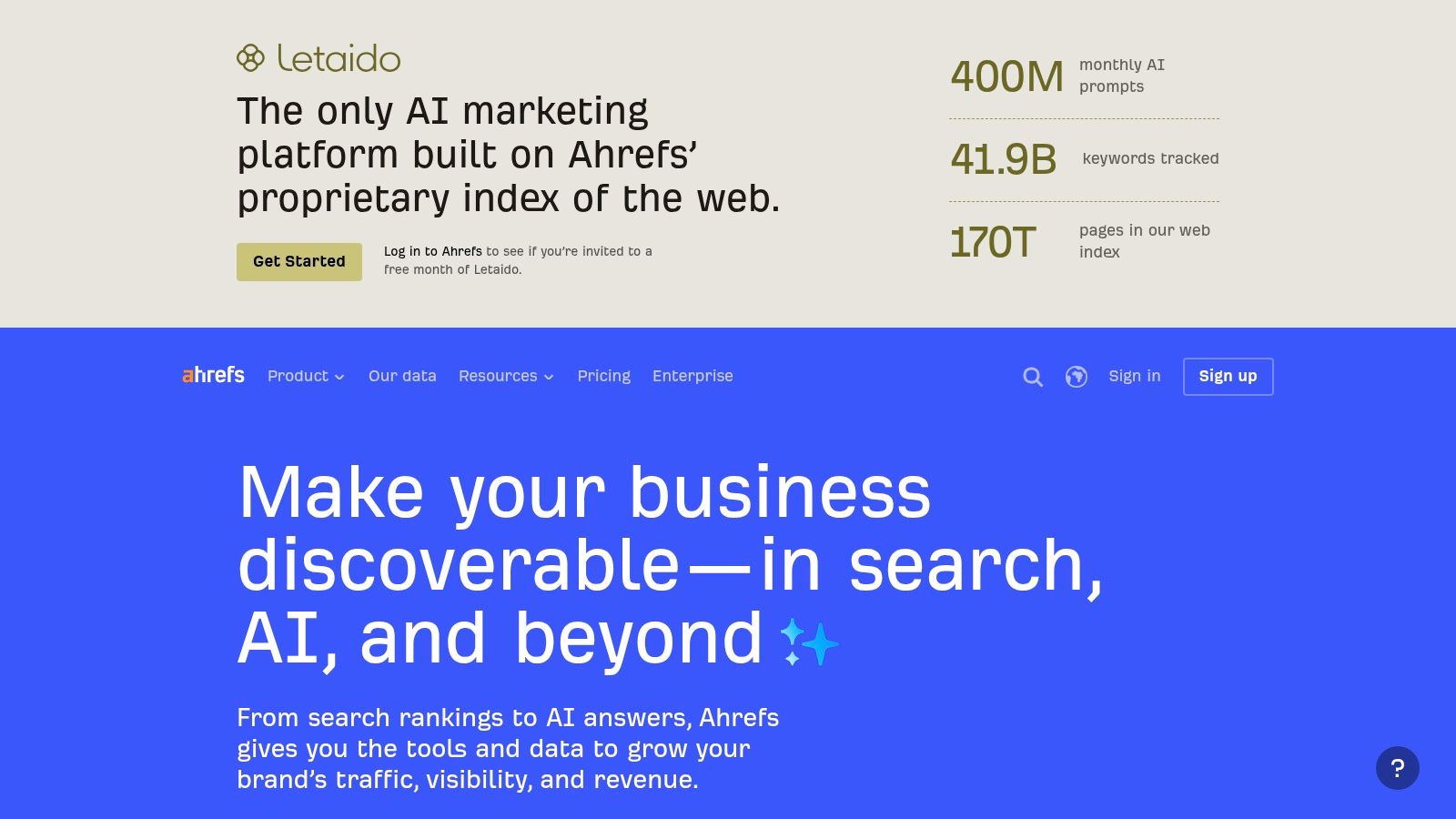
When a competing page gains ground, my next question is usually why that page deserves closer inspection. I'd consider Ahrefs when I want ranking monitoring connected to competing-page discovery, keyword research, backlinks, and site auditing.
Ahrefs lists a limited Starter plan at $29 per month and paid suite tiers starting at $129 per month, with tracking allowances dependent on the plan. I wouldn't assume the entry price includes the tracking capacity or research access I need.
My investigation would begin with the exact competing URL. I'd compare its query coverage, content purpose, and referring domains with my own page, then decide which differences are worth testing. A larger backlink count alone wouldn't justify an outreach campaign.
Practical rule: Use backlink differences to generate questions, not to declare the cause of a ranking change.
Google defines link spam around links created primarily to manipulate rankings. I'd inspect topical relevance, placement, anchor text, and editorial usefulness before copying a competitor's acquisition approach.
The upside is an investigation workflow that suits backlink-led analysis and content discovery. Contextual explanations within the product can also help when interpreting unfamiliar metrics.
The trade-off is paying for a research suite when rankings might be the only requirement. I'd check tracked-keyword, project, user, and data-access limits together, then test a representative competitor investigation rather than judging the purchase from the rank chart alone.
4. SE Ranking
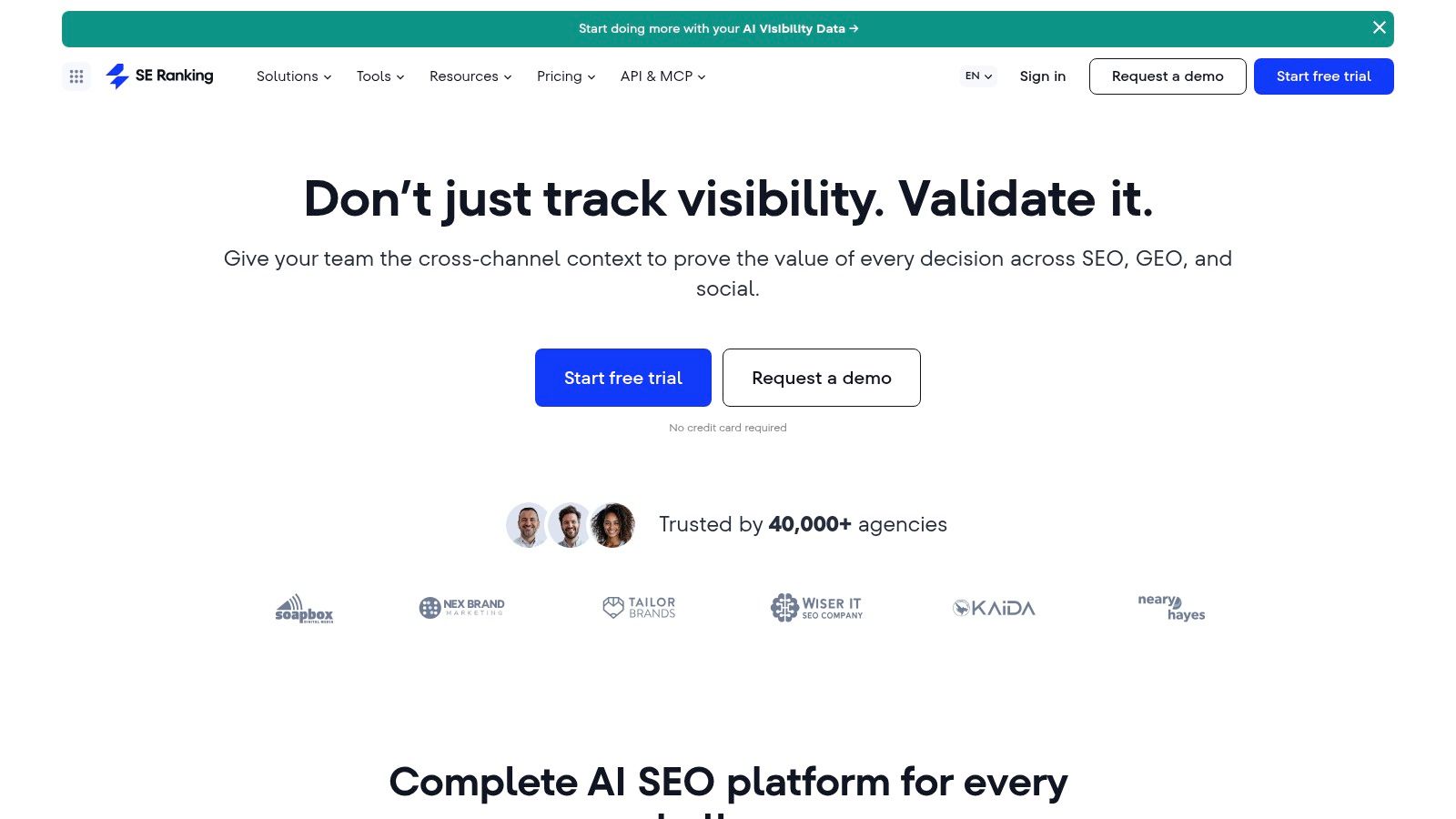
For recurring client work, I'd consider SE Ranking as a shared workspace for monitoring, auditing, research, and reporting. The appeal isn't merely seeing movement every day; it's having somewhere to investigate that movement and prepare the next client conversation.
SE Ranking lists its Core plan at $129 per month and describes a 14-day trial without a credit card in its FAQ. I'd use the trial to build an actual reporting workflow, including any agency features or API requirements, before evaluating cost.
My test project would include a service page, an informational article, and a page whose intended keyword currently returns the wrong URL. That gives me different problems to investigate rather than a clean demonstration where every query behaves as expected.
Make the Client Report Explain the Work
I'd want the report to distinguish ranking movement, diagnosis, and action. A declining keyword belongs beside the affected URL and the proposed investigation, not in an unexplained list of red arrows.
- Best use: Consultants, smaller businesses, and agencies that want daily tracking alongside audits, backlinks, competitor research, and content tools.
- Cost watch: Add-ons, agency options, and plan limits can change the buying decision.
- Implementation check: API access is an add-on, so I'd account for that before designing automated reporting.
If my only requirement were a compact daily dashboard, I'd compare more focused trackers first. SE Ranking earns consideration when I'll use the surrounding toolkit to resolve the issues I'm reporting.
5. Moz Pro
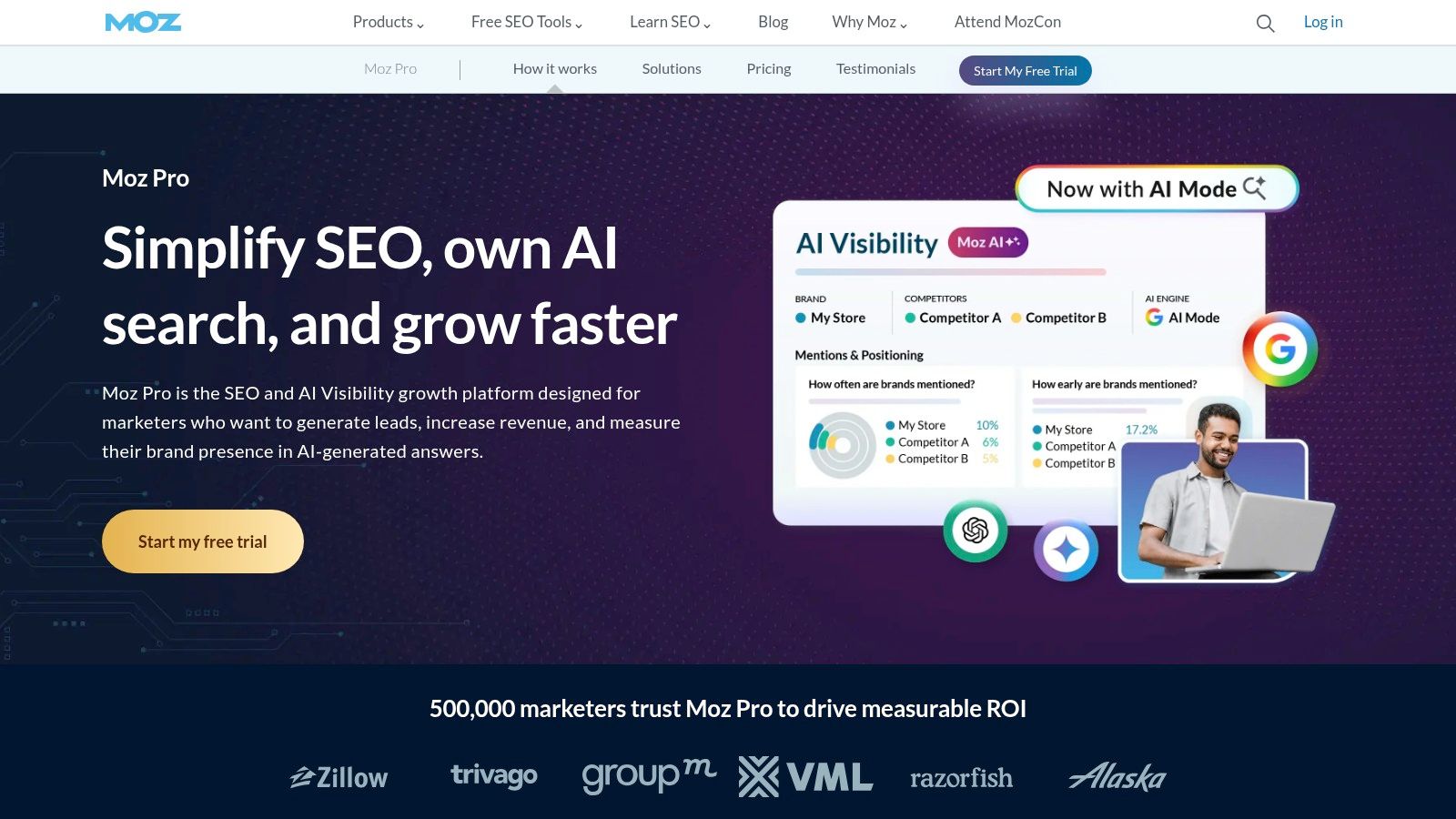
I'd put Moz Pro on the shortlist for a guided, general-purpose SEO workflow rather than a ranking-only operation. Campaign-based tracking, Keyword Explorer, SERP analysis, site crawling, and link research give me several ways to investigate the same page.
Moz Pro offers monthly and annual billing, with a listed 20% annual-billing discount. I'd check current campaign limits, tracking frequency, and expansion options directly before choosing a subscription.
For a smaller team, my evaluation would focus on handoff. Can a colleague understand the monitored keyword groups, locate the relevant crawl issue, and explain the next action without a separate walkthrough for every report?
Keep Technical Diagnosis Beside Rankings
If an important page isn't appearing, I wouldn't start by rewriting its introduction. Google explains page discovery through links and canonical URL selection, so I'd first inspect internal navigation, sitemap coverage, and duplicate URL variants.
That makes Moz's combination of crawling and research relevant to my evaluation. I'd still verify the exact implementation rather than assuming a campaign dashboard proves the intended page is discoverable.
What I like for this workflow: An approachable route between keyword research, ranking checks, links, and site health.
What I'd question: Whether I need the whole suite and whether the chosen campaign limits and refresh schedule match my reporting commitments. Some limits can be expanded for an additional cost, but I'd price that expansion before committing to the workflow.
6. Serpstat
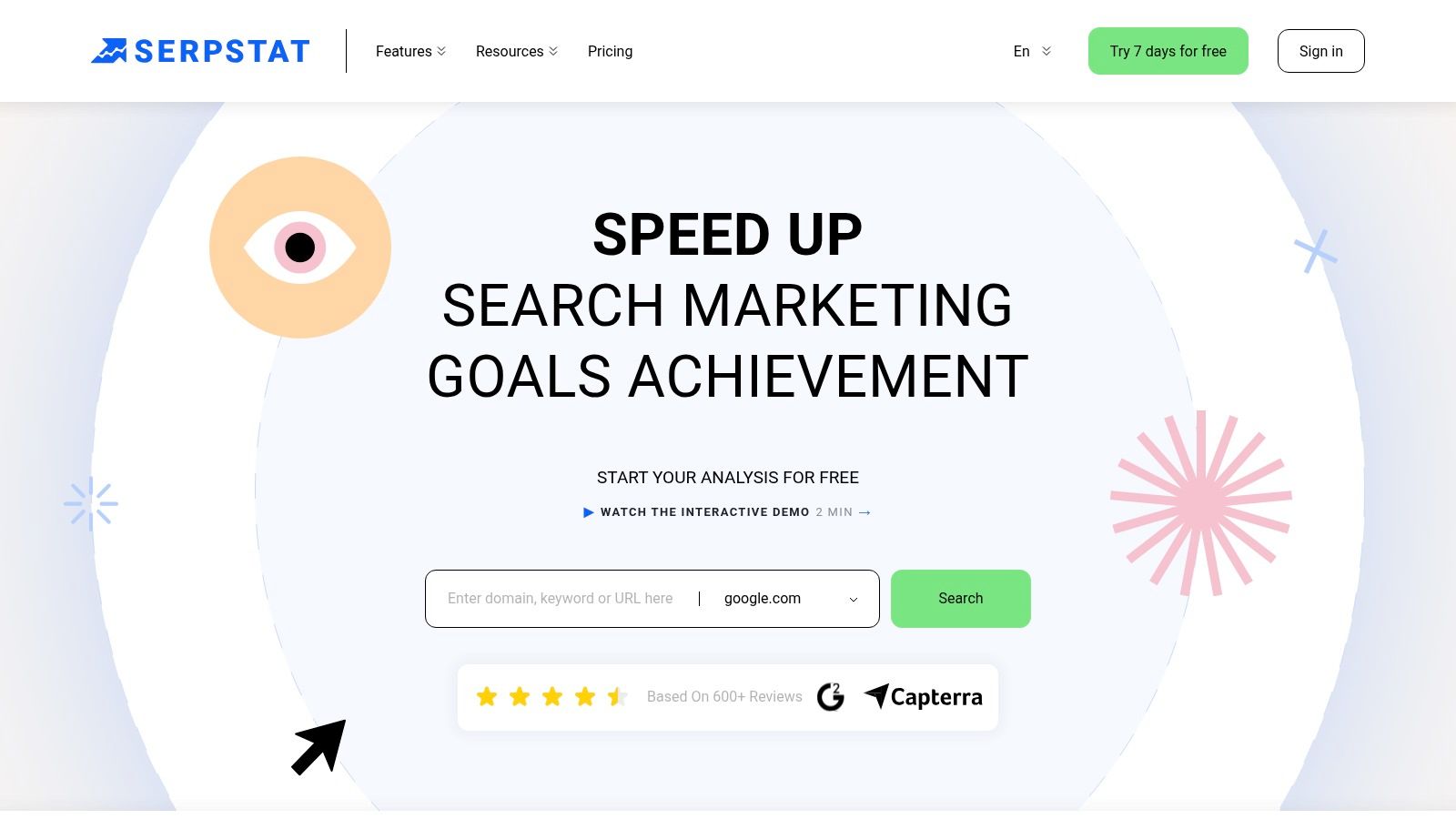
With Serpstat, I'd start with capacity planning, not the dashboard. Rank tracking, keyword and domain research, audits, and backlink analysis are relevant, but I need to understand which allowances support my workload.
Serpstat lists Individual at $50 per month, Team at $100, Team x2 at $169, and Agency at $410, with a 7-day trial whose allowances vary by plan. I'd compare the quotas alongside collaboration, scheduled reporting, and API requirements rather than treating the plan names as sufficient guidance.
My trial would follow a complete task: identify a declining query, inspect the ranking page, compare a competing domain, and prepare an actionable report. If I can't complete that sequence within the selected allowances, the entry price isn't the relevant price.
- Research fit: I can evaluate rankings alongside domain discovery, keyword opportunities, audit findings, and backlinks.
- Automation boundary: API and higher-volume capabilities aren't included in the entry Individual plan.
- AI visibility check: Some Team and Agency plans include AI visibility checks, so I'd confirm the exact search surface and output before including them in client reporting.
I'd also test whether a colleague can reproduce my findings. A useful report should preserve the query, ranking URL, market, device context, and observation date wherever the workflow supports them.
Serpstat is worth considering when I want suite-style research with published capacity limits. I'd be less interested if I only needed a simple ranking summary and wouldn't use the domain-research or audit tools.
7. Mangools SERPWatcher
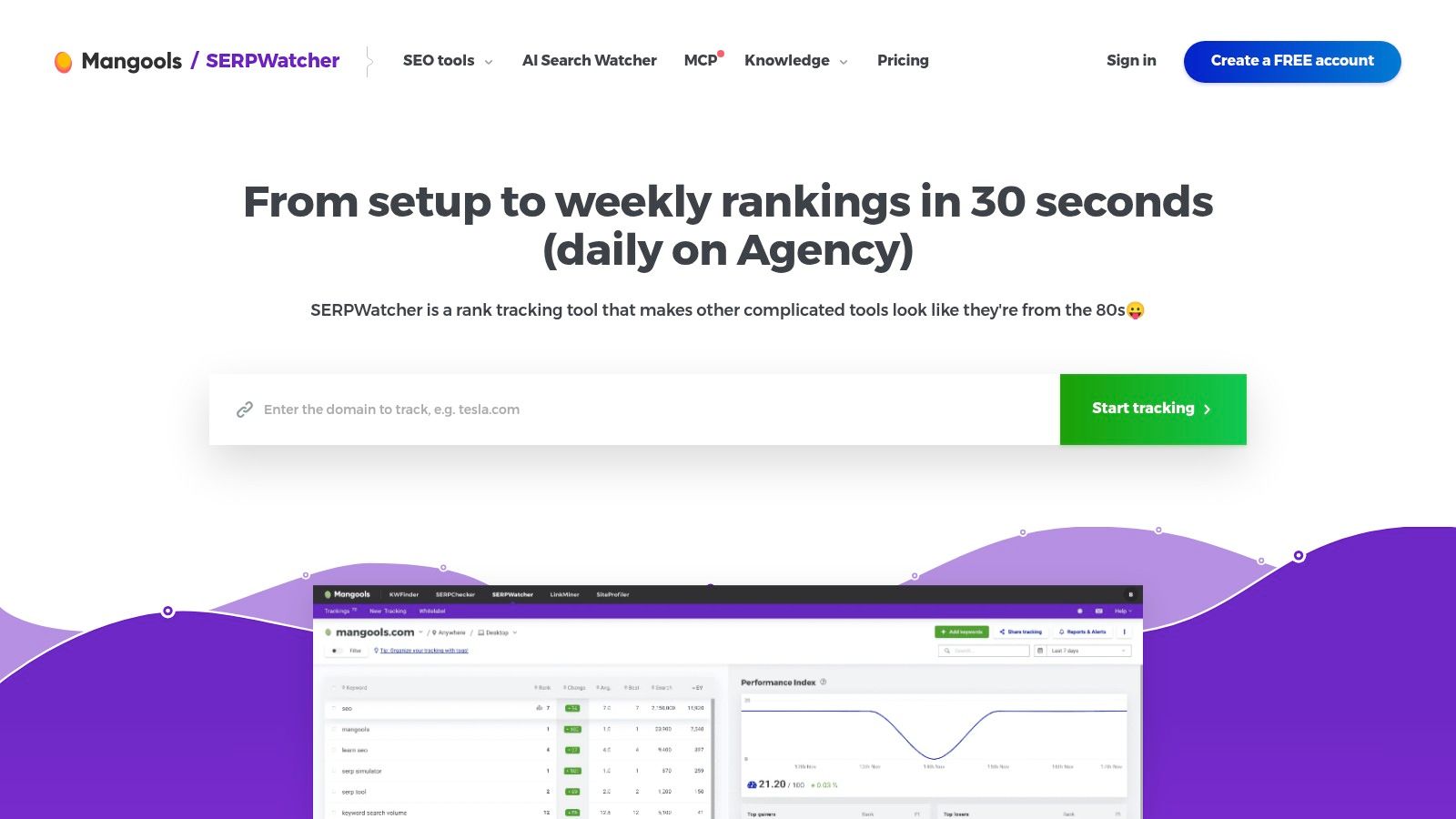
For a blog or small commercial site, I'd rather maintain a focused tracking set than collect queries nobody reviews. Mangools SERPWatcher is worth evaluating when I want readable progress reporting alongside a lighter research toolkit.
Mangools lists monthly Basic at $37.70, Premium at $52.70, and Agency at $97.70; Basic and Premium update weekly, while Agency includes daily updates. That refresh distinction would influence my choice more than the visual appeal of the dashboard.
I'd use the ranking-change and top-gainer or loser views to find pages requiring attention. Performance Index and estimated visits can provide context, but I wouldn't present estimated traffic as measured visits.
A readable ranking summary is useful only when I can trace the movement back to a query and a page.
Decide How Quickly You Need to React
For a site publishing occasional updates, a less frequent refresh may fit the review routine. For a migration, launch, or active decline, I'd want monitoring that matches the urgency of the work.
Useful extras include shared reports, email alerts, desktop or mobile tracking, and a Looker Studio connector. The connection with Mangools' keyword, SERP, backlink, and site-analysis tools also gives me somewhere to investigate.
The limitation is capacity and cadence. I'd verify keyword allowances across domains and choose a plan based on the update schedule I need, not assume every paid tier behaves like a daily tracker. Annual discounts are available, but I'd validate the workflow before accepting a longer commitment.
8. AccuRanker
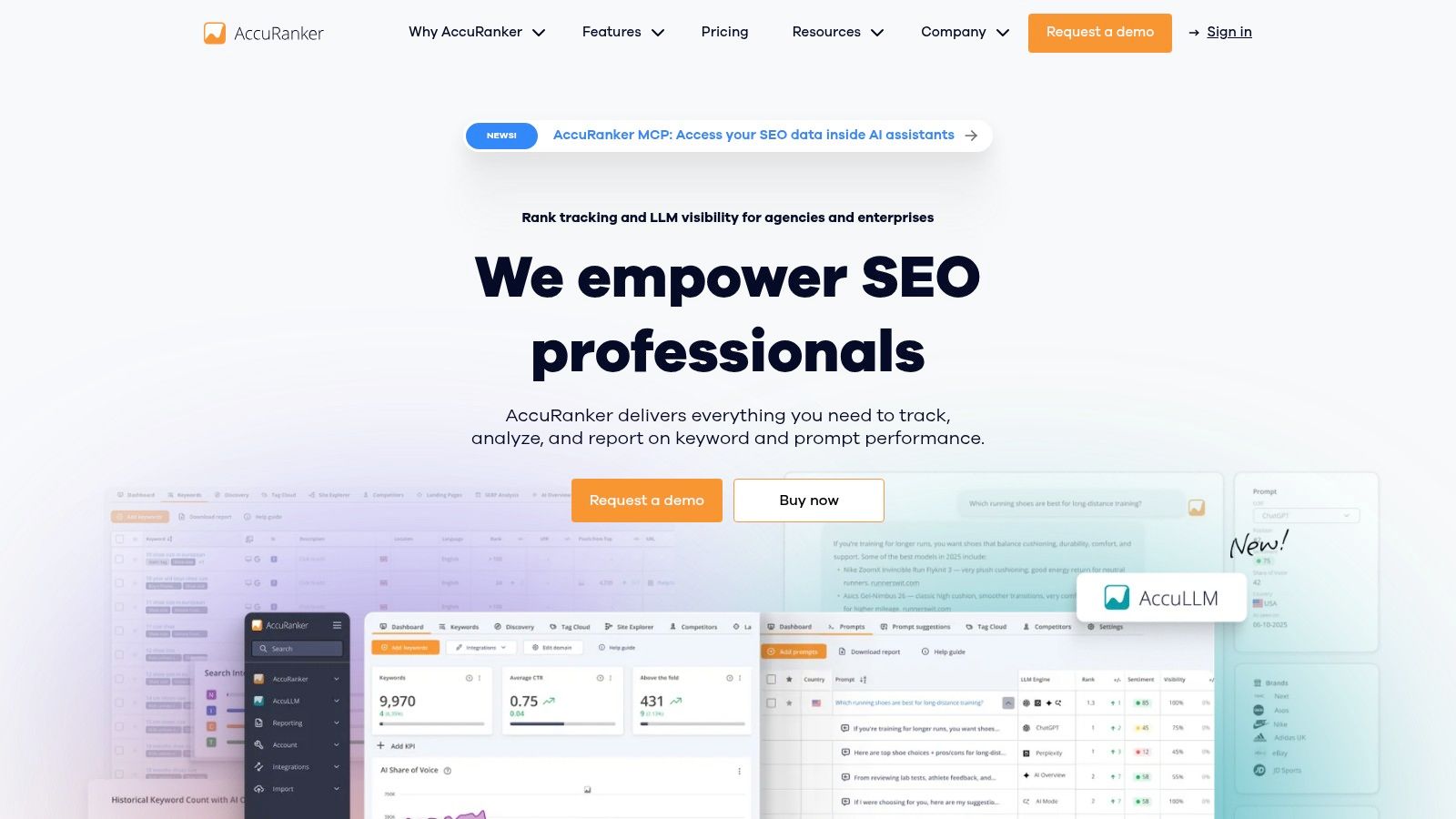
I'd evaluate AccuRanker when ranking analysis is a substantial operational workload, especially when I need tagging, filtering, integrations, and repeatable reporting. This is a different buying decision from choosing a broad SEO suite for occasional research.
AccuRanker lists Professional at $224 per month, includes daily updates, and states that current plans support unlimited users. Monthly and annual subscriptions are available, while higher tiers add capabilities such as API access, BigQuery, and raw SERP HTML.
My setup would tag keywords by landing-page type, intent, market, and business priority. That lets me investigate a category-level decline without mixing it with branded navigation or unrelated editorial content.
Investigate Variance Before Escalating
I wouldn't treat a reported position as a universal result. A study summarized in SEO Handbook found only 9.2% exact-URL overlap across repeated Google AI Mode result sets, which reinforces why I'd keep AI-result analysis separate from ordinary organic tracking.
For conventional tracking, I'd preserve location and device settings and look for sustained movement. Where I need deeper investigation, I'd verify which subscription exposes the necessary exports or underlying SERP evidence.
- Strong fit: Ranking-heavy agency work, segmented analysis, and reporting connected to Search Console and Analytics.
- Main trade-off: The entry cost is harder to justify for a small tracking set.
- Research boundary: I wouldn't expect it to replace a broad backlink-research platform.
Before buying, I'd define the SERP-tracking workflow I need and test that workflow end to end.
9. Wincher
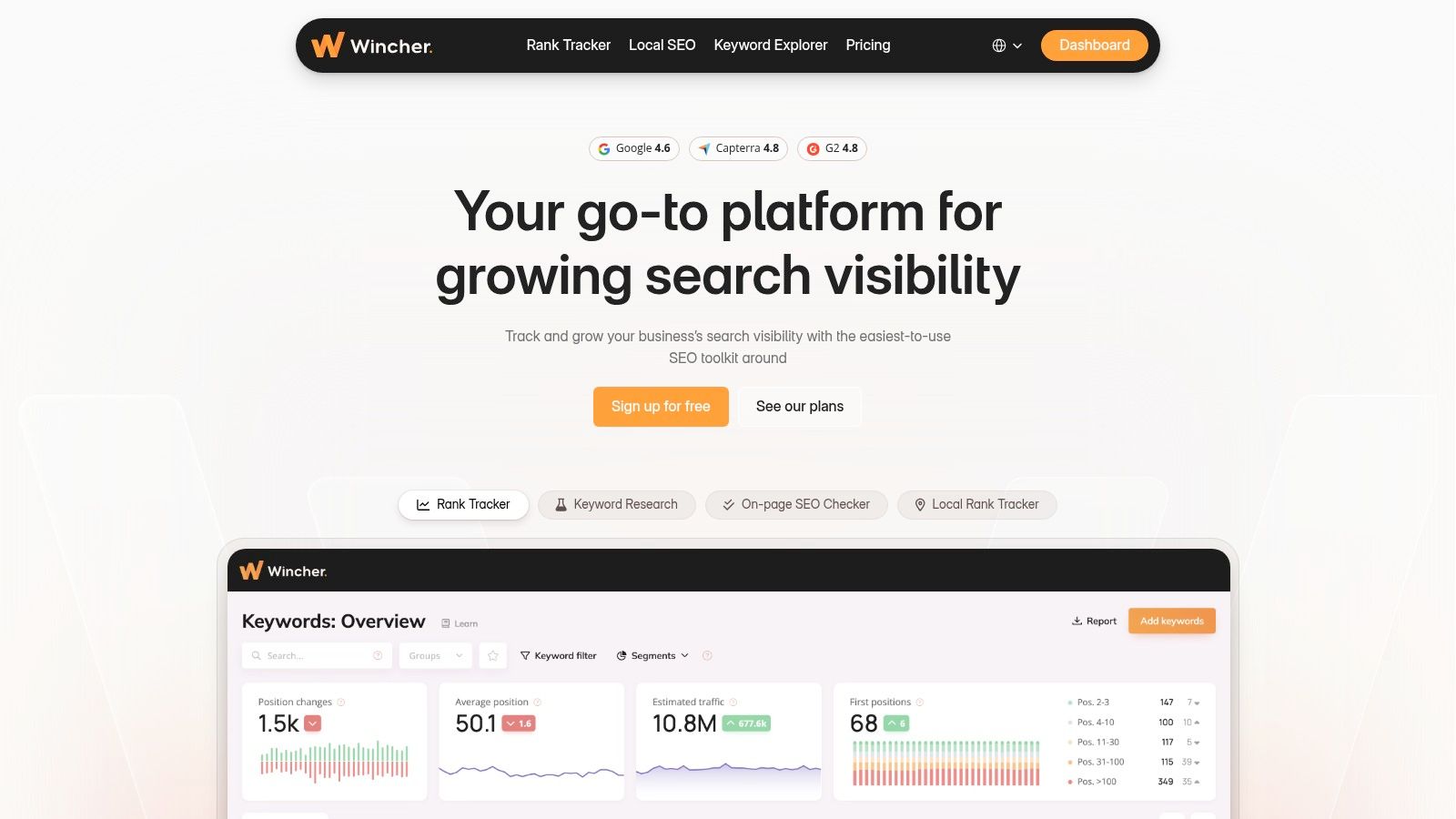
Sometimes I don't need another research suite. I need daily ranking updates, understandable grouping, competitor monitoring, and reports I'll review. That's the workflow in which I'd consider Wincher.
Wincher offers a free trial, daily updates, SERP snapshots, location and device monitoring, and Search Console integration. Pricing and keyword allowances are dynamic, so I'd verify the actual configuration rather than quote a price that may not match the project.
My first test would use commercially relevant keyword groups and the intended landing pages. I'd then compare the tracker's observations with Search Console impressions and clicks, keeping the date range and market as consistent as possible.
Prefer Clarity Over Dashboard Volume
Reviewer feedback commonly describes the interface as clear and easy to use. I'd test that claim by asking whether I can locate a decline, inspect the result context, and explain it without exporting everything into a separate spreadsheet.
The practical appeal is focused monitoring with alerts and competitor context. Higher plans add capabilities such as API access, Looker Studio, multiple users, and white-label reporting, which may matter as the workflow expands.
The compromise is research depth. If I need extensive backlink investigation or detailed keyword comparisons, I'd plan a separate research tool rather than expect Wincher to handle every diagnostic task.
For a small business, that separation can be sensible. I'd rather pay for a tracker I review consistently than maintain a broad suite whose reports never influence an update.
10. Advanced Web Ranking
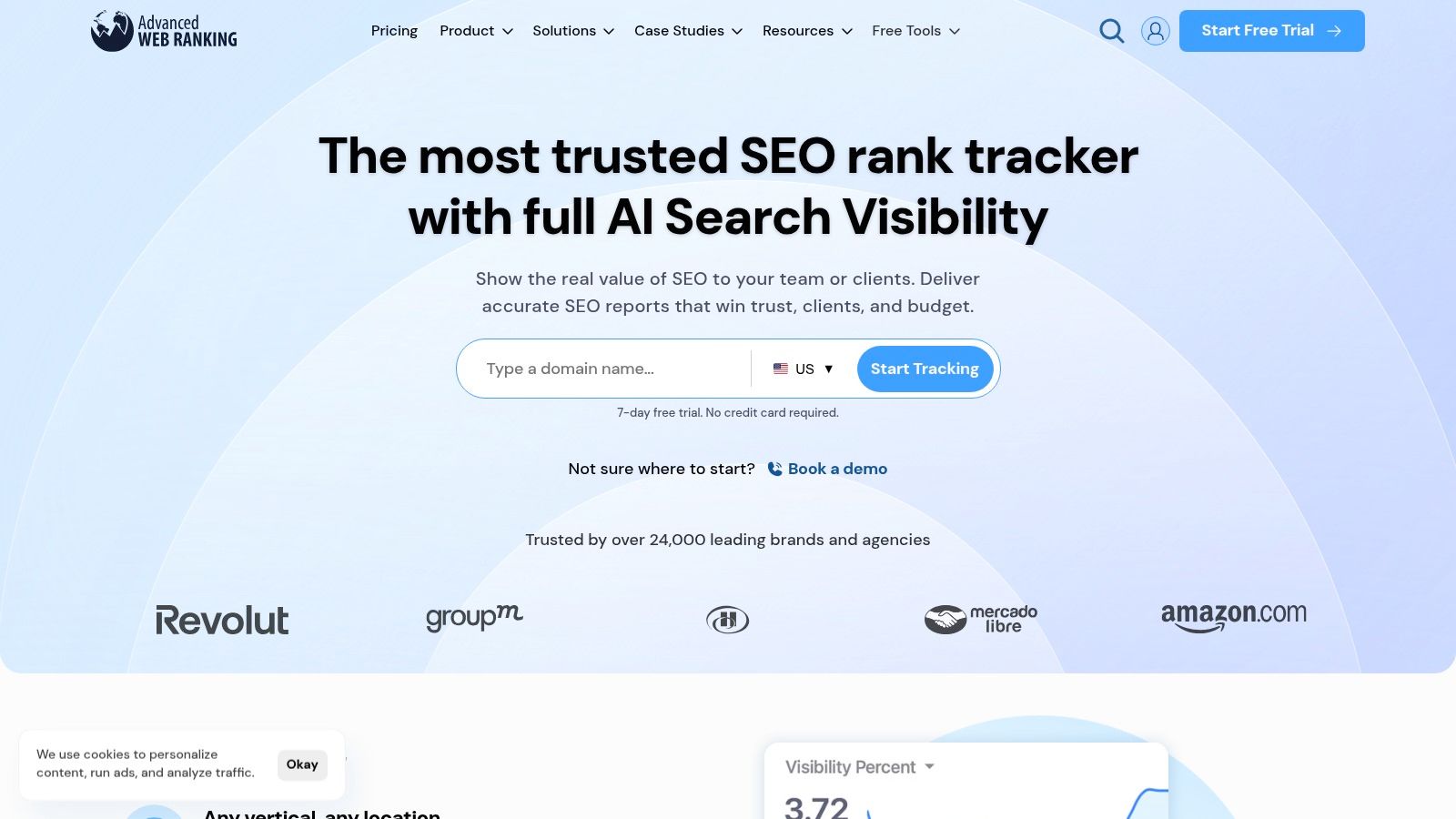
For agency reporting across substantial tracking workloads, I'd examine Advanced Web Ranking's capacity model before building the dashboard. Its keyword-unit approach means the practical allowance depends on settings such as update frequency, search engine, and location.
Advanced Web Ranking lists plans from Pro at $139 per month to Enterprise at $699 per month, alongside a 7-day trial and 30-day money-back guarantee. API access begins on Agency plans and above.
I'd model my intended tracking configuration before importing the full keyword set. Otherwise, I could mistake a nominal keyword allowance for the capacity available across all required markets and schedules.
- Reporting fit: Customizable dashboards, visibility metrics, market-share views, and competitor insights.
- Planning requirement: Budget keyword units around the settings I'll use.
- Small-site drawback: The starting price and capacity planning may be unnecessary for a compact monitoring project.
I'd also define competitor groups carefully. In my reporting, visibility against a relevant search competitor is more actionable than comparison with a large domain that appears only occasionally for the monitored topics.
Reporting boundary: I'd label visibility and market-share metrics as measurements of the monitored search set, not as total business market share.
AWR makes sense when I need dedicated ranking analysis and reporting flexibility. I'd test whether the client dashboard clearly separates meaningful page-level changes from aggregate movement before investing time in customization.
Top 10 Website Ranking Tools: Feature Comparison
| SEO Platform | Core Features | Standout Strength | Best For | UX / Trade-Off | Starting Price |
|---|---|---|---|---|---|
| 🏆 SemDash | Keyword, backlink, competitor, SERP, and AI Overviews research | ✨ 6.6B keywords, URL-level insights, and content planning in one workspace | 👥 SEO teams focused on competitor discovery and content/link opportunities | ★ Clean, fast interface; keyword coverage may vary by use case | 💰 Not provided |
| Semrush Position Tracking | Daily rank tracking plus keyword, backlink, audit, and competitor tools | ✨ Broad SEO toolkit with scheduled reporting | 👥 Teams needing rankings and wider SEO research | ★ Feature-rich; can take time to learn | 💰 $139.95/mo (Pro; 500 tracked keywords) |
| Ahrefs Rank Tracker | Location-based rankings with keyword, backlink, and site research | ✨ Strong competitor and backlink context | 👥 SEO practitioners doing backlink-led analysis | ★ Broad suite; costly if tracking is the main need | 💰 $29/mo Starter; suite tiers from $129/mo |
| SE Ranking | Daily tracking, competitor research, audits, backlinks, and content tools | ✨ Broad all-in-one coverage with agency options | 👥 SMBs, consultants, and agencies | ★ Wide toolkit; add-ons and limits affect cost | 💰 $129/mo (Core) |
| Moz Pro | Rank tracking, keyword research, site crawling, and link analysis | ✨ Guided workflow and approachable research tools | 👥 SEO users who value an accessible suite | ★ Campaign limits and tracking frequency vary by plan | 💰 Check current pricing |
| Serpstat | Rank tracking, keyword/domain research, audits, and backlinks | ✨ AI visibility checks on some higher plans | 👥 Freelancers and agencies needing tiered capacity | ★ Published tiers; API and higher-volume tools require higher plans | 💰 $50/mo (Individual) |
| Mangools SERPWatcher | Rank tracking with keyword, SERP, backlink, and site-analysis tools | ✨ Progress metrics, estimated visits, and gainers/losers | 👥 Bloggers, solopreneurs, and smaller teams | ★ Lower tiers update weekly; keyword limits may constrain scale | 💰 $37.70/mo (Basic) |
| AccuRanker | Daily rank tracking, reporting, intent tools, and integrations | ✨ Dedicated tracker with API and BigQuery on higher tiers | 👥 Agencies and teams with ranking-heavy workflows | ★ Focused tracking; less suited to broad SEO research | 💰 $224/mo (Professional) |
| Wincher | Daily rankings, competitor/local tracking, and reporting | ✨ Straightforward dashboard with alerts and SERP snapshots | 👥 Small businesses and marketers wanting simple reports | ★ Easy to use; less depth than broad SEO suites | 💰 Check current pricing |
| Advanced Web Ranking | Rank tracking, visibility metrics, competitor insights, and dashboards | ✨ Custom reporting and adjustable keyword-unit capacity | 👥 Agencies and SEO teams with substantial tracking needs | ★ Flexible reporting; capacity planning takes care | 💰 $139/mo (Pro) |
Build a Ranking Workflow You Can Trust
Price comparisons miss the point. I choose a website ranking tool by matching update frequency, tracking limits, reporting, and research depth to the decisions I need to make. A small-site monitoring routine, a competitor investigation, and a client reporting pipeline do not require identical software, and buying the largest suite will not rescue an unclear measurement process.
I'd start with a small set of commercially important queries and map each one to its intended landing page. Then I'd lock location and device settings, pick the search competitors that matter, and review movement weekly instead of reacting to every daily fluctuation. Only after the first month, once the reports have produced real actions, would I expand tracking.
Separate the Diagnosis From the Position
When a page declines, I investigate in a fixed order: confirm the ranking URL, compare the search-result layout, inspect the competing pages, and check discoverability before touching content. Keyword and backlink research helps me build explanations. It cannot turn a correlation into certainty.
I also treat a ranking loss and a click loss at the same rank as different problems. Pew Research Center's browsing analysis found traditional-result clicks in 8% of visits with an AI summary versus 15% without one, while summary citations received clicks in 1% of visits with a summary (Pew's analysis of Google browsing behavior). An unchanged organic position can still mean a smaller traffic opportunity.
So my reporting separates four observations:
- Organic position: Where the intended page appears under the recorded tracking settings.
- Result context: Whether AI answers, local results, or other features change the presentation.
- Citation visibility: Whether an AI answer mentions the domain or provides a clickable URL.
- Measured outcomes: Whether impressions, clicks, and qualified engagement support the interpretation.
Expand Only When the Workflow Earns It
For straightforward monitoring on a small site, I'd trial Wincher or SERPWatcher first and check whether weekly reporting covers the need. For SERP volatility investigations and competitor tracking that pull keywords, content, and links into one view, I'd compare SemDash, Semrush, Ahrefs, SE Ranking, Moz Pro, and Serpstat side by side on the same query set. For ranking-heavy agency work, I'd test AccuRanker or Advanced Web Ranking against reporting and integration requirements before committing.
I wouldn't buy everything. I'd choose a primary tracker, establish the first-party measurement baseline, and add research depth only where the current workflow leaves unanswered questions.
The final test is simple: can I turn a reported change into a defensible next action? If I can name the affected URL, preserve the search context, explain the uncertainty, and assign an update, the tool is earning its cost. If the output is only charts, I simplify the setup before increasing the budget.
SemDash brings keyword, backlink, competitor, and historical SERP research together so you can investigate ranking changes at the page level. Visit SemDash's rank tracking workspace to compare a priority page with competing URLs, inspect keyword gaps, and turn the findings into a focused content or link-building plan.