%20(1)-B86R08ZzwhPzS6UZbG3mSxRWPCwGwn.png)



Most beginners buy an SEO tool before deciding what question it needs to answer. That's why new sites often end up with several impressive dashboards and no clear next action. A keyword report doesn't tell you which page to improve, a backlink count doesn't tell you which link is worth pursuing, and a rank tracker doesn't fix a weak search result.
I'd choose tools by job, not by feature count. The five jobs that matter first are keyword research, backlink analysis, on-page optimization, rank tracking, and content planning. Free options come first where they're good enough. Paid platforms earn their place when they reduce guesswork or eliminate manual work. Each pick below includes the workflow I'd use, the trade-offs I'd accept, and what to check before paying.
One market reality shapes this approach. Google holds 89.94% of worldwide search-engine share, while Bing holds 5.29%. Google should usually be your primary data source, but Bing coverage still matters for broad audiences and Microsoft-focused workplaces. I'd start with Google Search Console, add a focused free tool, then consider SemDash as the featured all-in-one option when competitor research, content planning, backlink discovery, and SERP monitoring need to live together.
Table of Contents
- 1. SemDash
- 2. Google Search Console
- 3. Google Trends
- 4. Ahrefs Free
- 5. Semrush
- 6. Moz Pro
- 7. Ubersuggest
- 8. Mangools
- 9. Surfer
- 10. Yoast SEO
- Top 10 Beginner SEO Tools, Features & Pricing
- Pick Your Starter Stack and Run the First Week
1. SemDash
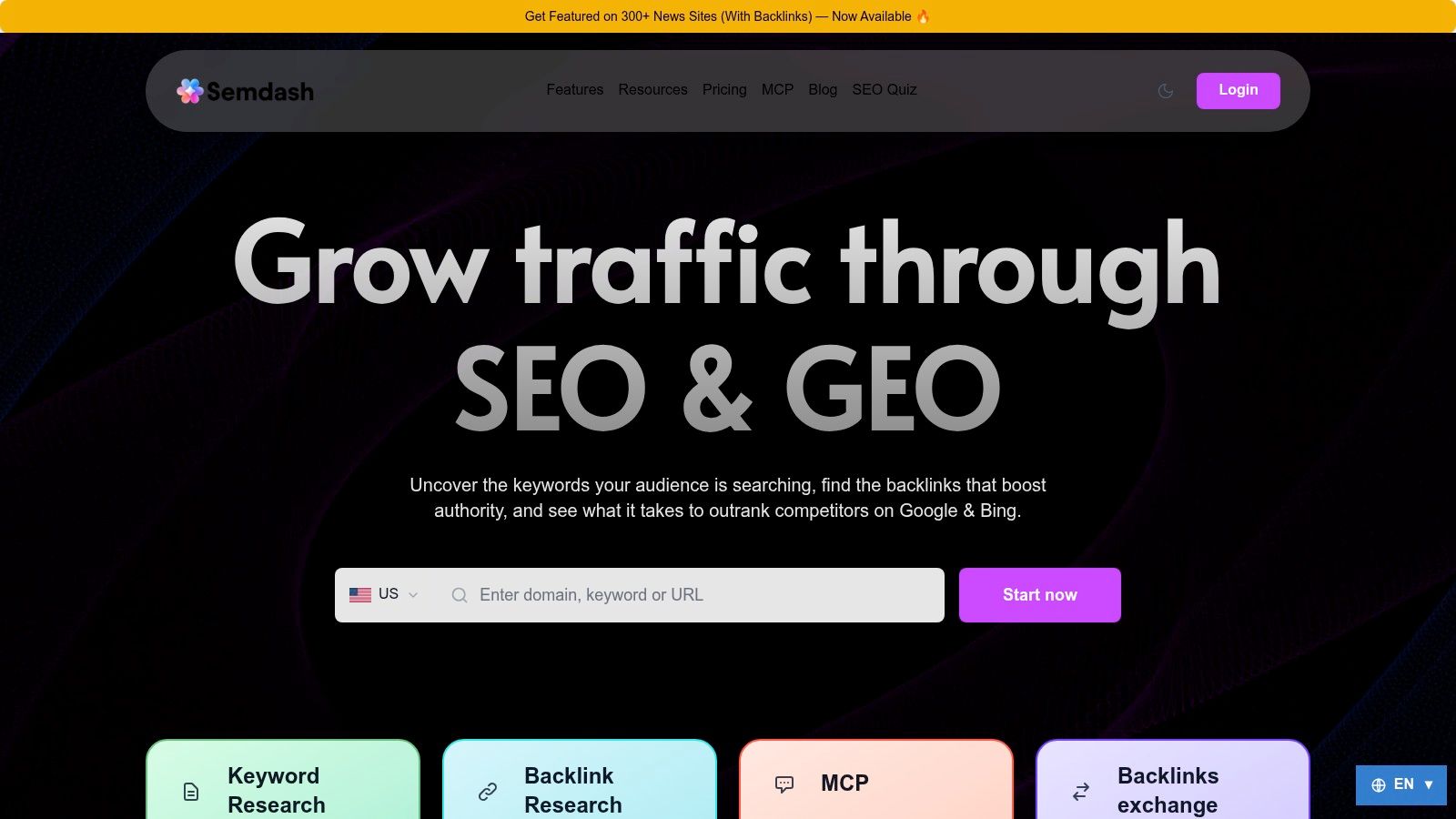
SemDash fits the point where keyword research alone stops being enough. I'd open it to answer practical questions: which competitor pages gain visibility, which URL should target a query, which links are missing, and how has the SERP changed? Keyword, backlink, and SERP research sit in one cloud workspace, so a beginner has fewer spreadsheets to connect.
I'd start with a competitor domain. Review its ranking keywords, open the pages attached to those terms, and run a keyword gap report. This separates realistic opportunities from broad topics that could produce unfocused content. Then inspect the SERP, classify search intent, and cluster related queries before assigning one primary topic to one URL.
Practical rule: Never publish from a keyword list alone. Confirm the intent, inspect the ranking URLs, and decide which page on your site deserves the query.
Where SemDash earns its place
SemDash combines domain and keyword gap reports, URL-level ranking data, top-page analysis, backlink gaps, and historical SERP review. Its research index includes 6.6 billion Google keywords, 2.7 trillion backlinks, and 600 million SERPs, according to the SemDash platform overview. Those figures indicate database scale, not guaranteed accuracy for every niche. I'd validate important opportunities against Search Console impressions and clicks.
Its content workflow also covers newer search features. The AI Overviews visibility workflow identifies queries that trigger domain mentions and shows the URLs cited in Google's generated answers. Google began rolling out AI Overviews in the United States on May 14, 2024, then expanded them to more than 100 countries and territories on October 28, 2024, according to Google's Search announcement. I'd track AI visibility alongside traditional rankings, not use it as a substitute.
Pros, cons, and access
Pros
- Broad discovery: Keyword, backlink, SERP, competitor, and page-level reports share one workspace.
- Useful content planning: AI-assisted briefs, intent classification, clustering, People Also Ask, and People Also Search expansions turn research into page plans.
- Link recovery workflows: Unlinked brand mentions and broken-backlink discovery can surface opportunities that standard competitor reports miss.
- Learning support: SemDash includes an SEO Academy, tutorials, a public roadmap, and live support calls.
Cons
- Some domains may show fewer raw keyword results: Users comparing databases may find fewer fringe or low-value terms than in larger platforms.
- Advanced scale varies by plan: Bulk multi-domain analysis and enterprise workflows may have limits. Test the exact workflow before committing.
- Optional services need separate scrutiny: SemDash also sells paid services, including a “Get Featured on 300+ news sites” backlink offering. Assess that separately from the software.
SemDash offers a free tier or trial for testing core workflows. Review current access and pricing on the SemDash website.
2. Google Search Console
Google Search Console is the first tool I'd connect, before buying an all-in-one suite. It gives you first-party data for your own site, including clicks, impressions, click-through rate, average position, indexing, and URL inspection. Third-party platforms estimate competitors and markets. Search Console tells you what Google recorded for your property.
I usually begin in the Performance report. I filter for pages with impressions but weak click-through rate, then open the query and URL dimensions. That produces a practical editing queue. A page may already appear for relevant searches, but its title or snippet may not make the result attractive enough to earn the click.
Google's definition of average position needs care. It uses the topmost result from the property and averages that across queries where the site appeared, rather than meaning every impression ranked at that position. Google explains these Performance report metrics, including the difference between impressions, clicks, click-through rate, and position.
Starter workflow
- Verify the property: Add the site and confirm ownership.
- Submit the sitemap: Use the Sitemaps report, then check whether important URLs are indexed.
- Inspect priority URLs: Test new or changed pages with URL Inspection.
- Export opportunities: Find queries with impressions but poor engagement, then improve the matching page.
Search Console is free and safe for small sites. Its weakness is equally clear. It's Google-only and offers limited competitor research. I pair it with Google Trends for demand direction, then add a broader platform only when I need competitor gaps or historical SERP analysis.
3. Google Trends
Google Trends is best for deciding which topic deserves attention now, not for producing a definitive keyword list. It shows relative search interest over time, by region and topic, and exposes related queries that can reveal seasonal or emerging language.
I use it before committing to a content brief. Suppose I'm choosing between two similar phrases. I compare them over a suitable time range, review regional differences, and check whether one term spikes only during a short event. A rising phrase may justify fast content. A seasonal phrase may need publication well before its peak. A steadily declining topic may still matter, but I won't mistake temporary interest for durable demand.
What it does well
Google Trends needs no account for basic exploration and stays easy to explain to a beginner. Related topics and related queries are useful for expanding an outline, especially when the initial wording comes from an internal team rather than from real search language. You can also export or embed results for lightweight reporting.
The limitation is fundamental. Trends uses relative, indexed values, not exact search volumes. I never use it alone to decide that one keyword has more commercial demand than another. I use it to validate direction and seasonality, then confirm the opportunity with Search Console or a keyword research platform.
4. Ahrefs Free
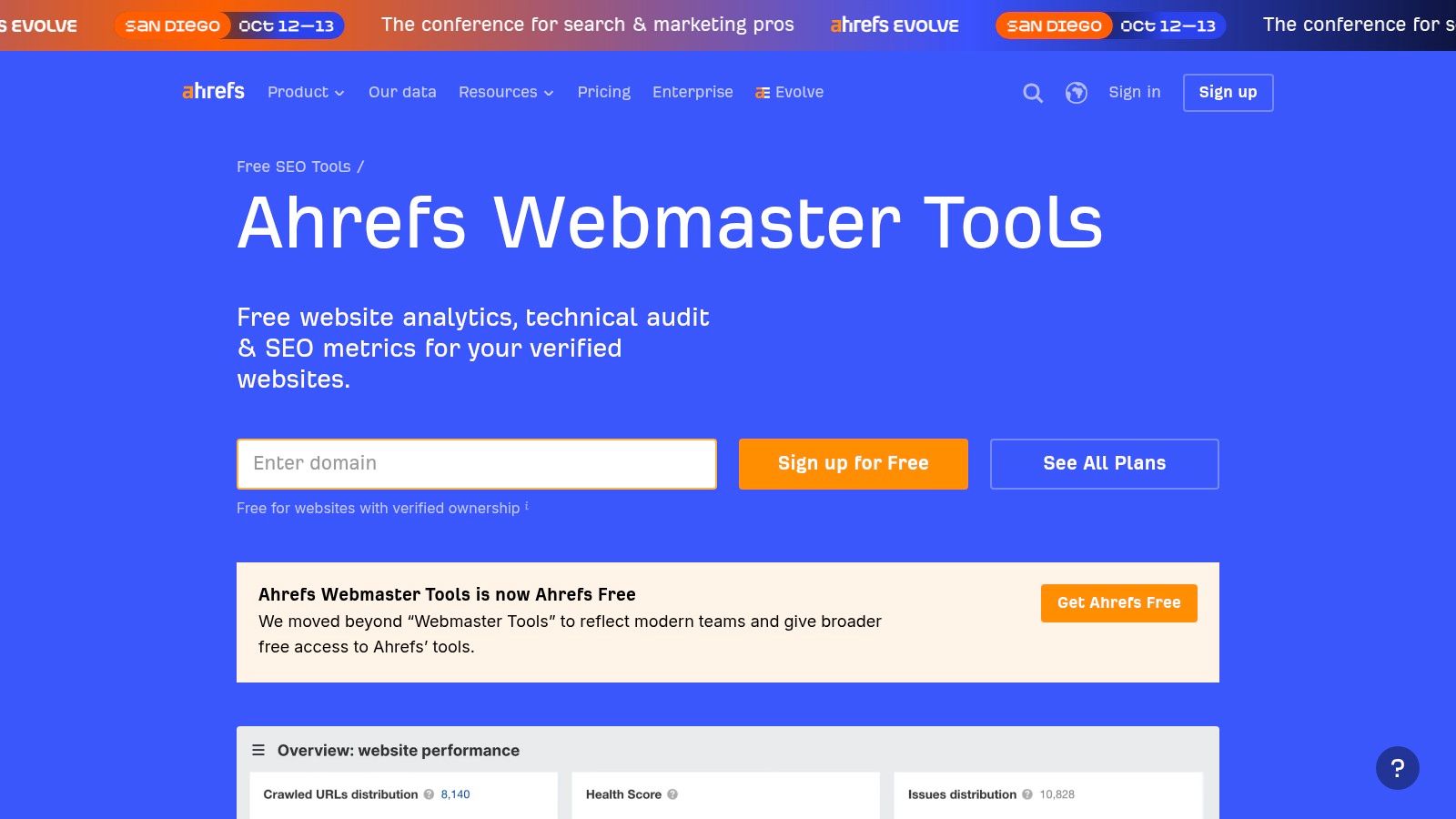
Ahrefs Webmaster Tools gives beginners a useful bridge between free Google diagnostics and a professional SEO suite. I'd use it for technical auditing and an initial view of my own site's backlink and keyword profile, not as a complete competitor research system.
The Site Audit crawl is the main reason to start here. It checks more than 170 technical and on-page issues, as described in the Ahrefs Webmaster Tools documentation. I'd connect the verified site, run the crawl, and group findings by templates. Fixing the same title or canonical problem across a template is more efficient than editing isolated URLs.
What I'd inspect first
- Crawlability: Find pages search engines may struggle to access.
- Indexability: Separate pages worth indexing from pages that should remain excluded.
- On-page gaps: Review missing or duplicated titles, descriptions, and headings.
- Link health: Check broken internal links and the site's visible backlink profile.
Ahrefs' free access is valuable for learning, but the limits appear when you need deep historical data, full backlink discovery, or extensive competitive lookups. The toolbar also exposes authority metrics such as Domain Rating and URL Rating. I treat those as comparative signals, not as ranking targets.
This is a good pick if your immediate job is “find problems on my own site.” It's a weaker choice if your immediate job is “build a detailed content and competitor plan without paying.”
5. Semrush
Semrush is the platform I'd introduce when a beginner needs competitor research, keyword analysis, audits, and position tracking in one account. Its breadth is useful, but breadth is also the main risk. A new user can spend more time opening reports than making decisions.
I'd limit the first session to three workflows. Start with a competitor's Organic Research report. Identify pages and queries that appear relevant to your business, then use Keyword Gap to find topics competitors cover that your site doesn't. After that, build a small tracking set with location and device settings that match your actual audience.
The workflow that prevents dashboard overload
- Competitor research: Find ranking pages and query themes that deserve manual SERP review.
- Keyword selection: Use SERP features and difficulty context, then reject terms whose intent doesn't match your offer.
- Position tracking: Monitor the pages you intend to improve, rather than every possible keyword.
- Technical review: Use Site Audit to prioritize crawl, metadata, and internal-link problems.
Semrush has strong documentation and onboarding, and a free account or trial can help you test the interface. The free tier is tightly limited, so meaningful research may require a paid plan. I wouldn't buy it just because it has many tools. I'd buy it when manual competitor comparisons, ranking reports, and audit exports are slowing down the work.
For a beginner, Semrush is a growth platform, not necessarily a day-one platform. Start narrow and learn one report thoroughly before expanding.
6. Moz Pro
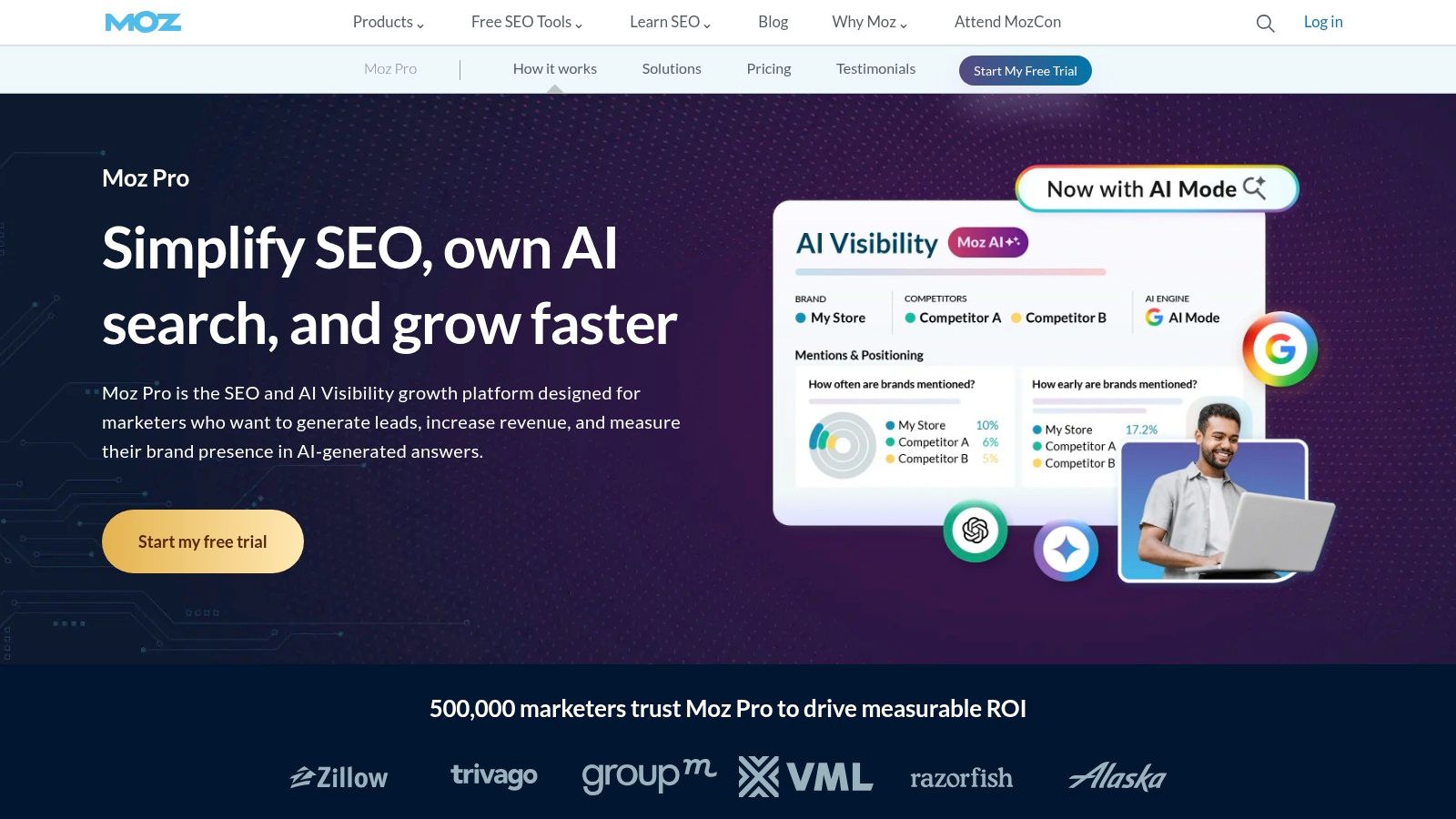
Moz Pro works well for beginners who want a structured introduction to keyword discovery, rank tracking, technical audits, and link evaluation. Its tutorials and onboarding reduce the amount of interpretation required, which helps when SEO terminology is still new.
I'd begin in Keyword Explorer with a focused topic, not an entire business category. Review the suggested terms, then open the SERP before assigning a keyword to a page. A difficulty score can support a decision, but it can't tell you whether the searcher wants a definition, comparison, product page, or local service page. The ranking results answer that.
Moz's Link Explorer and MozBar are helpful for basic backlink review. Spam Score can flag domains that deserve closer inspection, but I wouldn't reject a link based on one metric. I'd examine topical relevance, the linking page, the surrounding content, and whether the link appears editorially useful.
Strengths and limits
What works: The learning curve is gentle, the educational material is accessible, and structured campaigns are easy to explain to a small team.
What may not last: Smaller keyword and link databases can become limiting when you need broad international research, large competitor sets, or deep backlink discovery.
I'd choose Moz Pro when the priority is building sound habits and reporting a manageable campaign. I'd choose a larger platform when the priority shifts to extensive market reverse-engineering. That distinction matters more than brand preference.
7. Ubersuggest
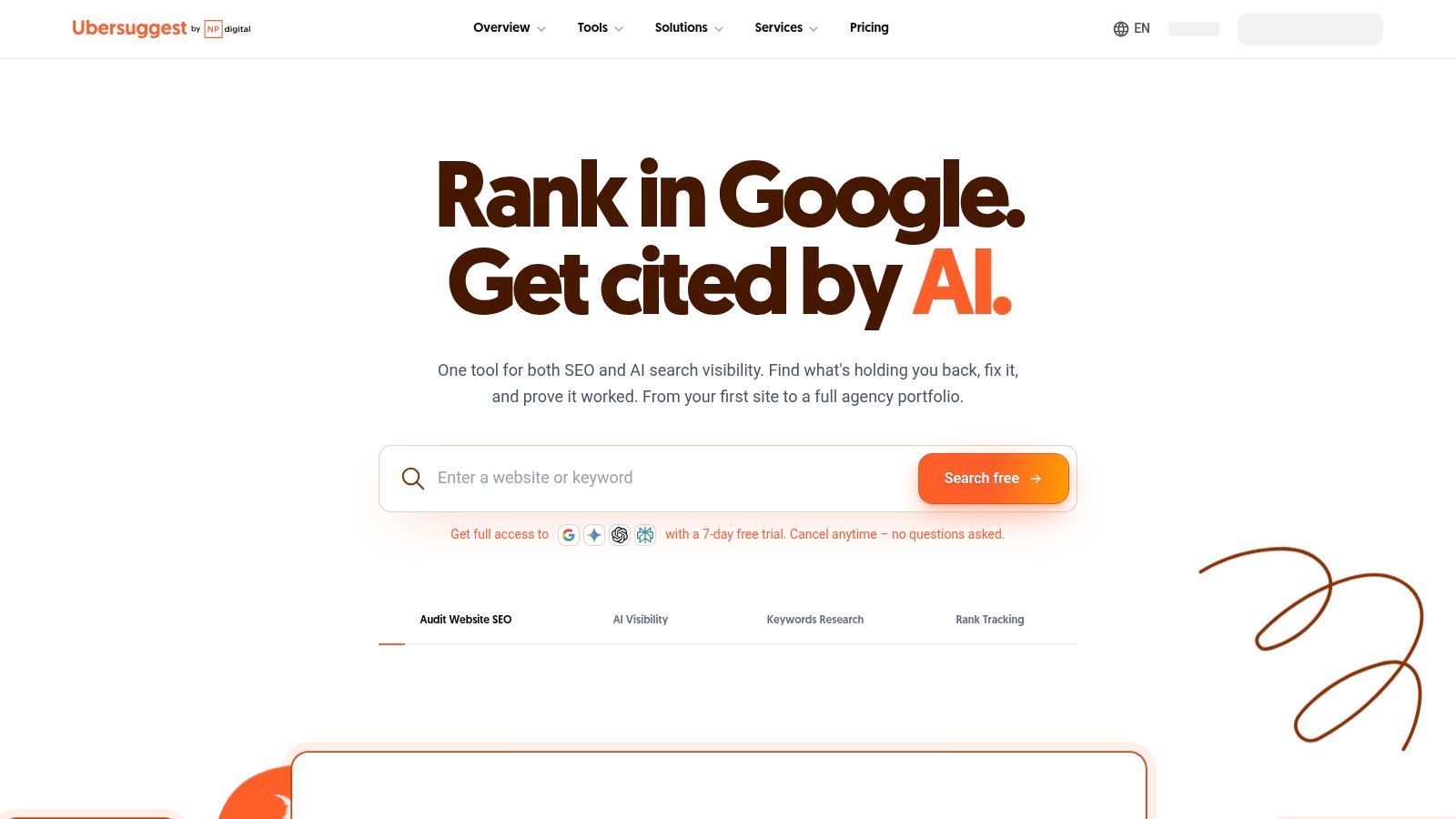
Ubersuggest is aimed at solopreneurs and small teams that want keyword ideas, basic audits, competitor gaps, and rank tracking without a heavy interface. I'd use it when the first challenge is turning a business topic into a workable list of pages.
The dashboard is simple enough to support a repeatable routine. Enter a topic, review keyword ideas and content suggestions, inspect a competitor domain, and move selected terms into a project for tracking. The site audit then gives you a separate list of health issues to address. Keeping discovery, tracking, and diagnostics in one lightweight environment can be useful when a larger suite would create unnecessary friction.
Where I'd draw the line
Ubersuggest's lower entry barrier is its main advantage. It supports monthly and annual subscriptions, and it also offers a one-time lifetime license option. Current limits and access can change, so I'd review the Ubersuggest product page before choosing a plan.
The trade-off is data depth. Advanced enterprise reporting, large-scale research, and client workflows such as white-labeling aren't its strongest use cases. I'd also validate important volume estimates against my own Search Console data once the site begins earning impressions.
For a broader comparison of lightweight alternatives, I'd read Ubersuggest alternatives for practical SEO research. The useful question isn't whether Ubersuggest has the largest database. It's whether it helps you choose and improve the next page without adding operational overhead.
8. Mangools
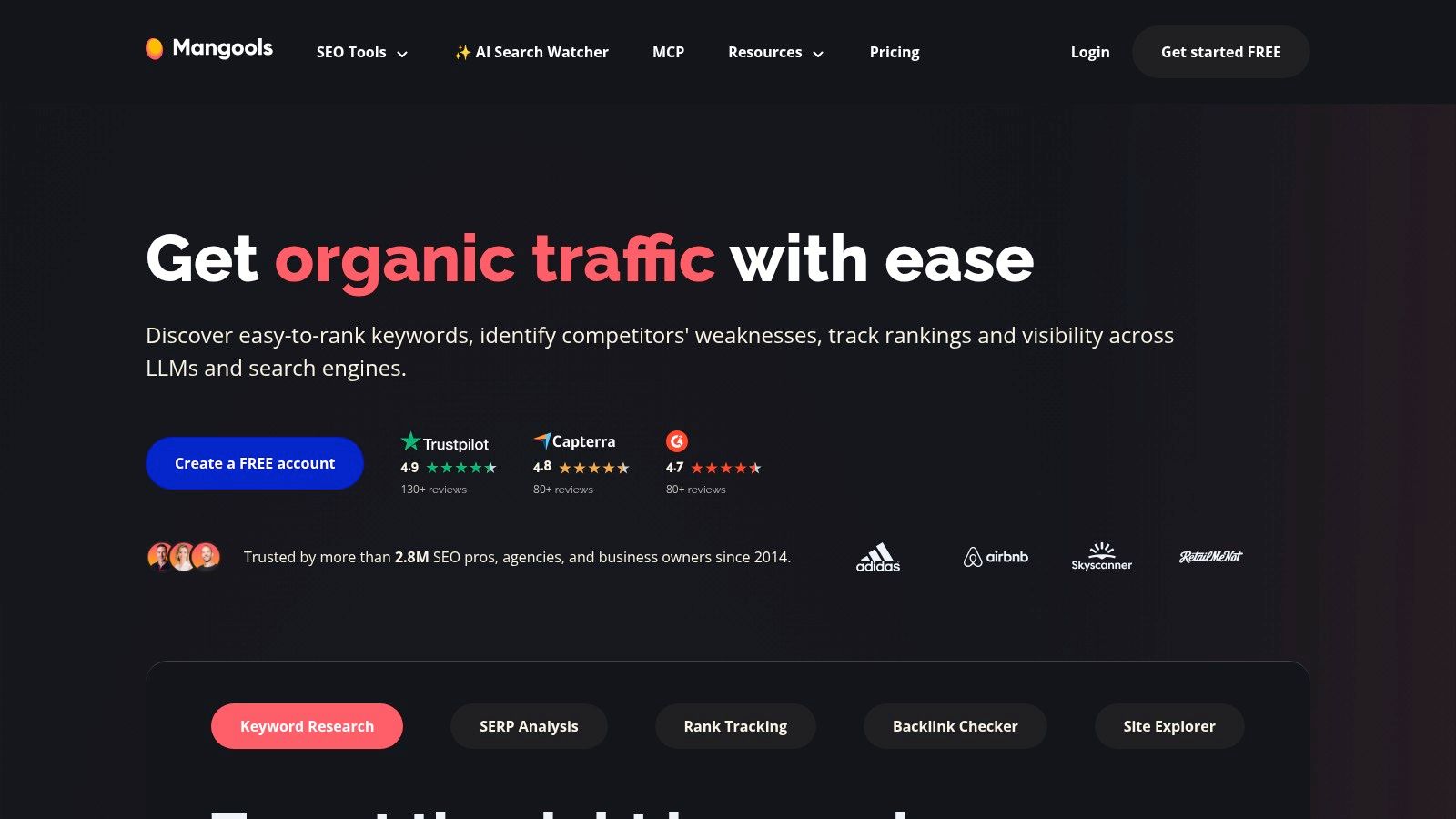
Mangools is a compact toolkit for beginners who want keyword discovery and rank tracking without a steep learning curve. KWFinder handles long-tail research, SERPWatcher monitors selected terms, SERPChecker gives a clearer view of ranking pages, and LinkMiner and SiteProfiler cover basic link and domain checks.
I like the separation between jobs. A beginner can use KWFinder to find a specific phrase, open SERPChecker to inspect the competing pages, and then add the chosen query to SERPWatcher. That sequence is easier to understand than opening a large suite with dozens of disconnected reports.
A simple Mangools routine
- Start in KWFinder: Filter ideas by relevance and inspect difficulty context.
- Open the SERP: Look for mismatched intent, weak pages, and formats you can improve.
- Track only committed targets: Add keywords attached to a real page plan.
- Use LinkMiner selectively: Review potential referring pages without treating every discovered link as an outreach target.
Mangools is priced for individuals and small teams, and plans can scale as the project grows. Its smaller datasets and limited enterprise reporting are the main constraints. I wouldn't choose it for a large international program or complex agency reporting. I would choose it when speed of learning matters more than maximum database coverage.
If you're comparing compact platforms, Mangools alternatives for keyword and SERP workflows gives useful context. The best fit depends on whether you need simplicity or deeper competitor and backlink research.
9. Surfer
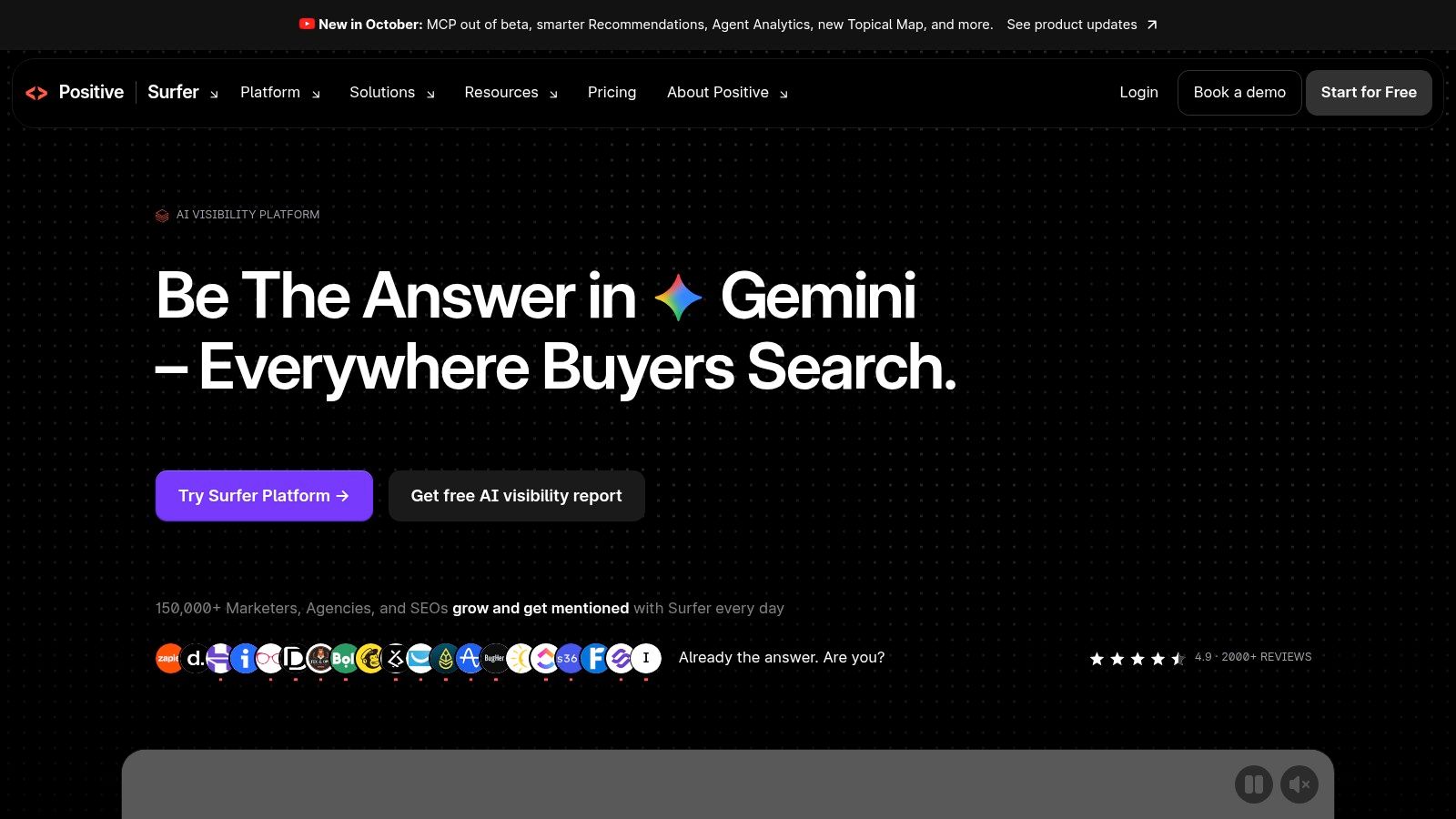
Surfer is built for the beginner whose main job is writing or improving content. Its Content Editor uses live SERP analysis to provide keyword and entity suggestions, while Page Audit compares a page with competing results. The experience is prescriptive, which can be helpful when a writer knows the subject but doesn't know how to turn SERP evidence into an outline.
I'd create a brief only after checking intent myself. Surfer can identify patterns among ranking pages, but it shouldn't replace judgment about the reader's problem. If the results are mostly product comparisons, a generic educational article won't satisfy the searcher just because it includes more related terms.
What works and what fails
The strongest feature is the guided workflow. Templates and content instructions help standardize briefs across writers, and the onboarding material makes the recommendations easier to interpret. For a small content team, that can create a shared baseline without asking every writer to become a technical SEO specialist.
The limitation is scope. Surfer focuses on content and on-page optimization, not deep technical auditing or backlink prospecting. Plan limits can also become restrictive for teams producing content at high volume. I'd pair it with Search Console and a crawler, then use it for the writing stage rather than expecting it to manage the whole SEO program.
A higher content score doesn't rescue the wrong format. I check the search results and the reader's intent before I follow an optimization recommendation.
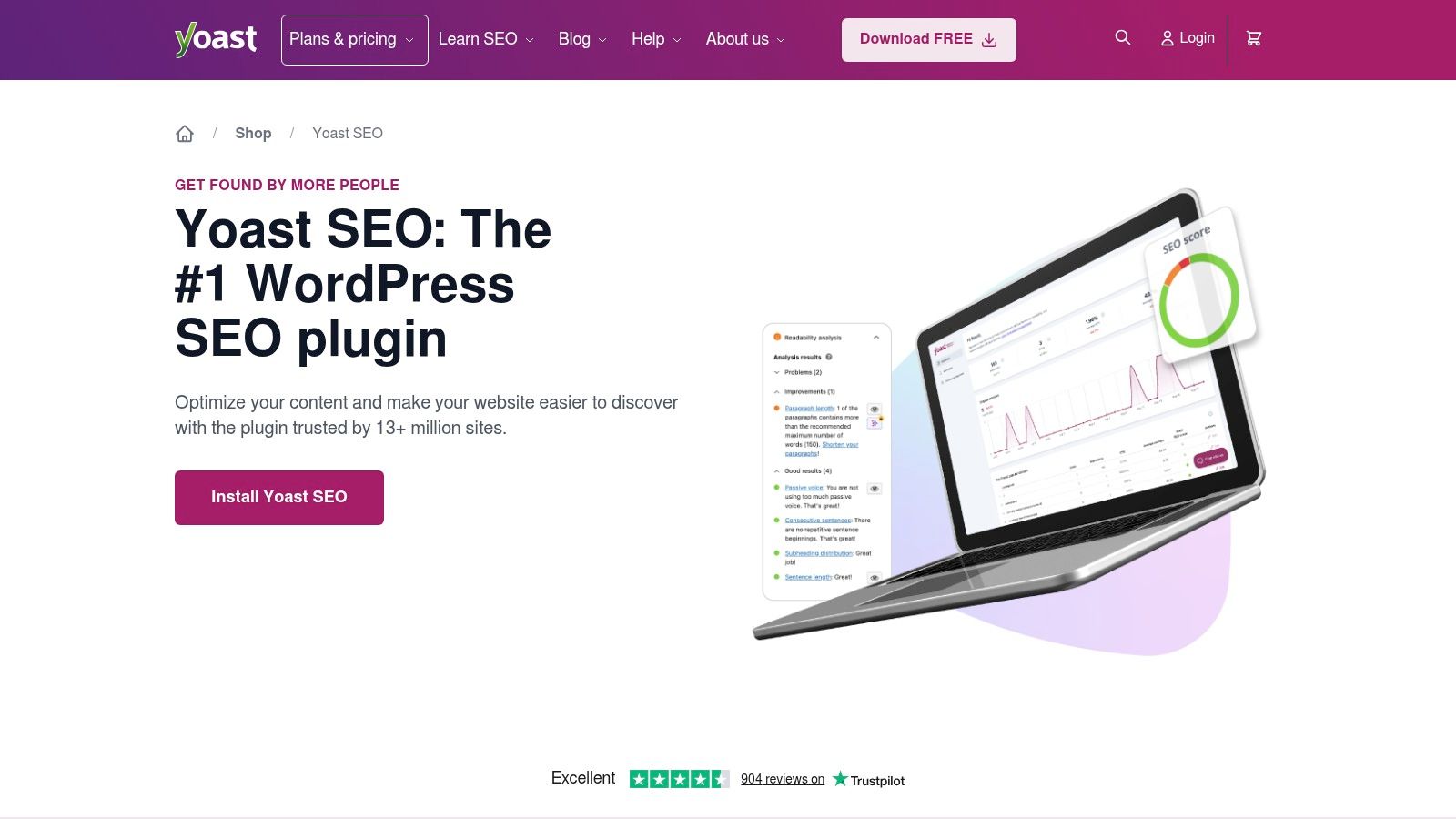
10. Yoast SEO
Yoast SEO is the practical choice for a beginner running a WordPress site who needs on-page guidance inside the editor. It checks focus keyphrases, readability, metadata, internal links in premium workflows, XML sitemaps, schema, and other foundational settings.
I'd install it as a publishing aid, not as a research platform. Before publishing, I'd review the title, description, heading structure, internal links, image context, and whether the page answers the query better than the current results. Yoast's traffic-light checks can catch omissions, but they shouldn't become the goal.
Use the checks without chasing green
A green indicator can confirm that a page has covered a checklist item. It cannot confirm that the introduction is useful, the offer is credible, or the page deserves to rank. Beginners often add awkward phrasing to satisfy a focus keyphrase test. That usually makes the copy worse.
Yoast also automates important technical elements, including XML sitemaps, schema, and meta tags. Premium features add internal-link suggestions, redirects, and AI assistance. External tools are still necessary for competitor research, backlink analysis, broader keyword discovery, and rank tracking.
If the site isn't on WordPress, Yoast isn't the right purchase. Most other platforms provide their own SEO fields and controls. In that case, use Search Console for first-party diagnostics and choose a research tool based on the job you need completed.
Top 10 Beginner SEO Tools, Features & Pricing
| Product | Core features | Unique selling points | UX / Quality (★) | 👥 Target audience | 💰 Price / Value |
|---|---|---|---|---|---|
| SemDash 🏆 | Keywords (6.6B), Backlinks (2.7T), SERP (600M), URL‑level mapping, AI briefs | ✨ AI Overviews (AI citations), unlinked‑mention detection, broken‑link recovery, fast UI | ★★★★★ (Fast, clean) | 👥 SEO specialists, agencies, content & growth teams | 💰 Free tier + paid plans, budget‑friendly |
| Google Search Console | Performance (queries/pages/CTR), Indexing, URL inspection, Sitemaps | ✨ First‑party Google data & actionable indexing fixes | ★★★★☆ (Accurate, essential) | 👥 Site owners, devs, beginners | 💰 Free |
| Google Trends | Relative interest, seasonality, related queries, exports | ✨ Trend spotting & rising queries for ideation | ★★★☆☆ (Exploratory, no volumes) | 👥 Content ideation, marketers | 💰 Free |
| Ahrefs Free (AWT) | Site Audit (170+ checks), limited Site Explorer, DR/UR metrics | ✨ Pro‑grade crawls in a free tier for audits | ★★★★☆ (Robust crawl, limited lookups) | 👥 Beginners learning before upgrade | 💰 Free tier; paid for full data |
| Semrush | Keyword research, Site Audit, Backlink analytics, Rank tracking | ✨ Broad all‑in‑one toolkit with deep reports | ★★★★☆ (Powerful but complex) | 👥 Agencies, growing teams | 💰 Trial/free limits; paid (mid‑high) |
| Moz Pro | Keyword Explorer, Rank tracking, Link Explorer, MozBar | ✨ Strong tutorials + established metrics (Spam Score) | ★★★☆☆ (Beginner‑friendly) | 👥 Small sites, learners | 💰 Paid tiers; moderate |
| Ubersuggest | Keyword ideas, rank tracking, site health, project dashboards | ✨ Low cost & lifetime license option | ★★★☆☆ (Simple, limited depth) | 👥 Solopreneurs, small teams | 💰 Low‑cost monthly/annual or lifetime |
| Mangools | KWFinder (long‑tail), SERPWatcher, LinkMiner, SiteProfiler | ✨ Compact, UI‑friendly bundle, fast to learn | ★★★★☆ (Approachable) | 👥 Individuals, small teams | 💰 Affordable plans |
| Surfer | Content Editor, Page Audit, templates & workflows | ✨ Prescriptive on‑page guidance from live SERPs | ★★★★☆ (Content‑focused) | 👥 Content writers, SEOs optimizing pages | 💰 Mid‑tier (content plans) |
| Yoast SEO (WordPress) | On‑page analysis, sitemaps, schema, redirects (premium) | ✨ Traffic‑light checks + one‑click WP setup | ★★★★☆ (Very beginner‑friendly) | 👥 WordPress site owners | 💰 Free + Premium upgrade |
Pick Your Starter Stack and Run the First Week
The right starter stack is smaller than most tool lists suggest. Choose one free research tool, one diagnostic tool for your own site, and an all-in-one platform only when your workflow needs competitor gaps, backlink research, page mapping, or historical monitoring.
For most beginners, I'd start with Google Trends for topic direction and Google Search Console for first-party performance and indexing. If the site runs on WordPress, Yoast can support the publishing process. Add SemDash, Semrush, Moz Pro, Ubersuggest, or Mangools when a specific limitation blocks the next decision. Don't subscribe to several platforms just to compare dashboard aesthetics.
A practical first week looks like this:
- Verify the site in Search Console: Confirm ownership, submit the sitemap, and inspect the homepage and key pages.
- Map two or three target queries: Use Trends to compare direction, then inspect the live SERP and choose a page for each query.
- Create one content brief: Record the intent, competing URLs, required sections, internal links, and the specific reader problem the page must solve.
- Draft or improve one page: Use Yoast or Surfer for on-page checks, but edit for clarity and usefulness rather than a perfect score.
- Set up rank tracking: Track only the queries attached to real pages. Include the correct country, device, and search engine.
- Review the baseline: Save the current URL, target query, title, indexability status, and any existing Search Console impressions.
Search Console should remain your reference point for your own Google performance. The Performance report separates clicks, impressions, click-through rate, and average position, so you can distinguish visibility from visits instead of treating one rank score as the whole story. For technical checks, use field-oriented Core Web Vitals targets. Google classifies Largest Contentful Paint as good at 2.5 seconds or less, Interaction to Next Paint at 200 milliseconds or less, and Cumulative Layout Shift at 0.1 or less in its Core Web Vitals guidance. The assessment uses the 75th percentile, so one fast test on your laptop isn't enough.
Indexing mistakes also deserve a careful workflow. Robots.txt and noindex are different controls. Google must be able to crawl a page to read a noindex directive, as explained in Google's robots meta tag documentation. If you block the URL in robots.txt, Google may not see the noindex instruction. Make the URL crawlable, apply the correct directive, and verify the outcome in Page Indexing.
Budget decisions should follow the same logic. Available guidance disagrees about how much a beginner should spend, with one small-business recommendation suggesting free Google tools plus one paid product in roughly the $30 to $50 monthly range, while another benchmark places solo or startup SEO-tool budgets at approximately $100 to $300 per month. Those figures come from a small-business tool recommendation and a broader SEO budget discussion. I'd treat the disagreement as a reason to stage purchases, not as a reason to copy either budget.
Start today by verifying your site in Search Console, choosing two target queries, and assigning each one to a specific URL. If your research now requires competitor gaps, URL-level SERP evidence, backlink opportunities, or content clustering, test one all-in-one platform against that fixed workflow instead of buying by reputation. The platform should save decisions, not just display more data.
For broader beginner-focused practical SEO for Brisbane small business, keep the same principle: make each tool answer a business question and attach every insight to a page or action.
SemDash brings keyword discovery, competitor gaps, backlink research, SERP history, URL-level ranking data, content briefs, clustering, and AI Overviews citation visibility into one workspace. Test the workflow against your two target queries and visit SemDash when you're ready to replace scattered research with a clearer SEO process.