

The most popular advice about SISTRIX alternatives is also the least useful: pick the platform with the biggest database and move your projects across. I wouldn't start there. A larger keyword count won't preserve your reporting logic, explain a change in visibility, or tell you which landing page deserves attention.
Switching away from SISTRIX usually fails before it starts because the replacement inherits the reports without the reasoning behind them. You recreate a dashboard, compare incompatible visibility scores, and discover that your client still needs the historical context you left behind. The subscription changes, but the analytical work gets harder.
I'd separate the decision into the jobs you need to replace:
- Keyword and visibility work: Competitor discovery, ranking URLs, content gaps, and historical SERP analysis.
- Link research: Referring domains, link context, backlink gaps, and recovery opportunities.
- Site audits: Crawl diagnostics, affected URLs, prioritization, and repeatable checks after implementation.
You don't necessarily need a single replacement for all of them. The 2024 SEOFOMO consulting survey surveyed 337 independent and agency SEO specialists and identified Screaming Frog, Semrush, Google Search Console, and Ahrefs as the most-used consultancy tools. That's a useful reminder to evaluate a working tool stack, not an imaginary all-purpose subscription.
My recommendation is to shortlist by workflow, then run each candidate against the same domain and competitor set for two weeks. Keep your existing exports. Test whether you can make the same decisions, with less friction, before you cancel anything.
Table of Contents
- 1. SemDash
- 2. Semrush
- 3. Ahrefs
- 4. SE Ranking
- 5. Moz Pro
- 6. Serpstat
- 7. SpyFu
- 8. Mangools
- 9. SEO PowerSuite
- 10. Majestic
- How the 10 SISTRIX alternatives compare on use case, free access, and main limitation
- Choosing Your Replacement With a Two-Week Trial Plan
1. SemDash
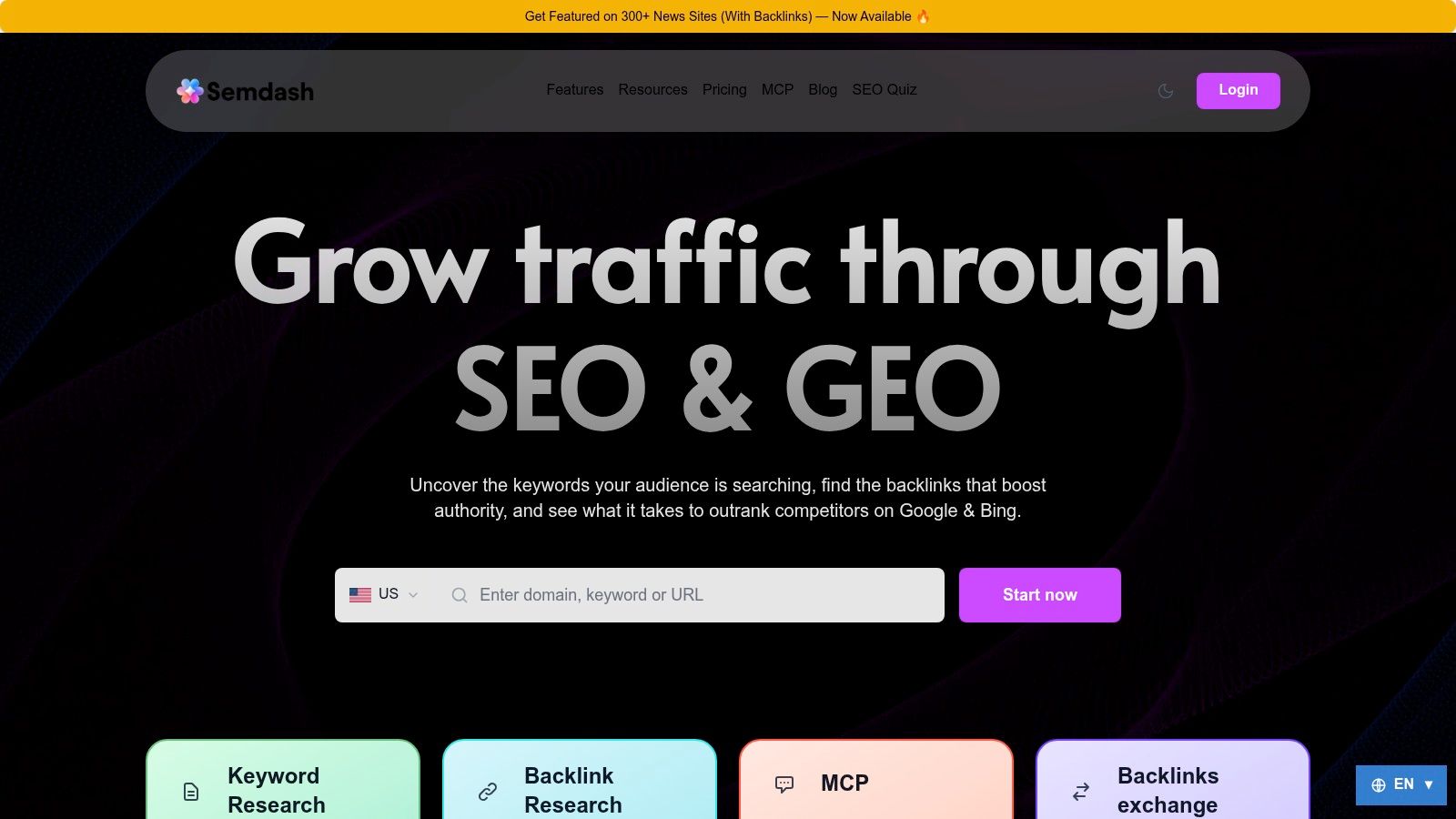
Best replacement for connected competitor, keyword, and backlink research. Our workspace connects Domain Keywords, Keyword Gap, Top Pages, Traffic Share, and backlink research, so you can move from a competitor domain to a specific page opportunity without rebuilding the analysis in a spreadsheet.
I'd evaluate that connection before database size. Start with a competing SaaS comparison page, inspect its ranking terms and exact URLs, then use clustering, People Also Ask, and People Also Search to define a page brief. Our AI-assisted briefs use actual SERP data, while Historical SERP lets you inspect how results have changed over 12 months.
Our research datasets include 6.6 billion Google keywords, 2.7 trillion backlinks, and 600 million SERPs. Those figures describe scale, not guaranteed coverage of your niche. One reviewer reported finding fewer keywords than in Ahrefs, so I'd test specialist terminology and regional queries rather than assuming the larger-looking dataset wins.
What I'd test before moving reporting
Run Keyword Gap and Backlink Gap on your existing competitor set. For every promising term, verify the ranking URL and decide whether you need a new page or an update to an existing one. Then check whether the referring domains offer relevant editorial opportunities.
- Useful depth: AI Overviews visibility identifies triggering keywords and the precise cited URLs, including competitor pages.
- Practical recovery: Broken-backlink and unlinked-mention workflows support reclamation alongside prospecting.
- Limits to investigate: Bulk multi-domain analysis was a reviewer request, and research coverage can vary by site. Don't assume this replaces a dedicated technical crawler.
Customers praise the approachable interface, responsive support, and value; I'd still judge the trial by completed work rather than testimonials. Our free plan and free trial let you evaluate coverage, and our Academy, tutorials, and free live calls support setup.
An optional news-placement service is separate from the research workflow. I wouldn't treat purchased distribution as proof that a backlink prospect is editorially valuable.
2. Semrush
I'd choose Semrush when the replacement needs to support more than SEO research. Keyword gaps, backlink comparisons, position tracking, audits, content planning, advertising research, and local-marketing tools sit within a broad suite.
That breadth makes sense for an agency handling organic and paid search together. You can investigate a competitor's organic landing pages, examine advertising activity, and turn the findings into separate SEO and paid-search actions. You aren't paying solely to reproduce a visibility chart.
The trade-off is complexity. If you only need competitor keywords and occasional backlink checks, extra menus and configuration can become work rather than value. Higher historical-data access and expanded limits also depend on your subscription.
Trial the handoff, not every feature
Choose an existing content assignment. Use keyword-gap research to find the opportunity, inspect the competing URL, check intent, and produce the brief your writer would receive.
- For reporting: Recreate your recurring client report and inspect the export, not just the dashboard.
- For audits: Compare affected URLs and implementation guidance rather than competing health scores.
- For cost control: Model your real projects, seats, tracking needs, and reporting requirements before committing.
For broader context, compare AI SEO features and pricing against the functions you'll use.
Review volume can help you find recurring usability complaints, but it doesn't establish coverage for your domain. Capterra's SISTRIX alternatives listing reports Semrush at 4.6/5 from 2,326 reviews, useful procurement context rather than a substitute for your own trial.
3. Ahrefs

For a link-led replacement, I'd put Ahrefs on the shortlist. Site Explorer brings domain, page, organic-keyword, and backlink investigation together, while Keywords Explorer supports keyword discovery and SERP analysis.
Say you're evaluating a competitor's integration directory. Start with that directory rather than the whole domain. Inspect the pages attracting links, identify which also rank for relevant searches, and separate useful resource ideas from links you couldn't reasonably earn.
Ahrefs also provides Site Audit and Rank Tracker. Free Webmaster Tools can support monitoring for verified sites, but that doesn't mean the free account reproduces unrestricted competitor research.
Practical rule: A backlink export is a prospecting input, not an outreach list. Inspect the linking page before deciding whether the opportunity deserves a pitch.
For a fair trial, compare the same competitor pages and record relevant referring domains, not just total links. Check whether you can recover a missing link, identify an appropriate resource placement, or explain why a competing page attracts citations.
The main constraint I'd investigate is usage capacity. Lower-cost plans can impose restrictive limits, while higher-capacity access may be difficult to justify for a solo consultant. Repeat your normal research session, including exports and revisiting reports, so you expose those limits before migration.
I wouldn't replace a long-running SISTRIX visibility series with an Ahrefs traffic estimate and present it as continuous history. Keep the old series intact, introduce the new metric clearly, and validate page-level opportunities separately.
4. SE Ranking
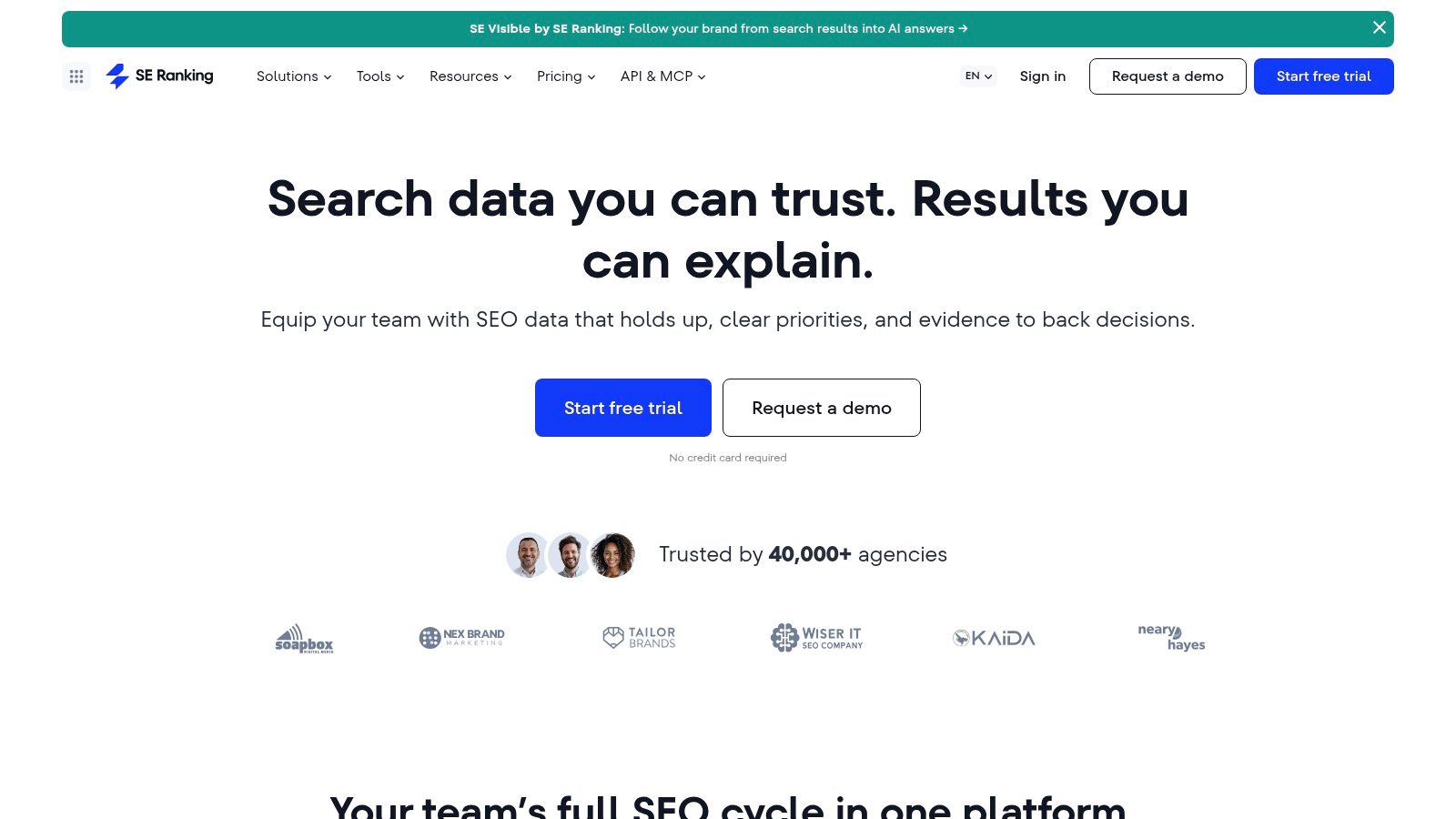
Recurring agency monitoring is the workflow I'd test first in SE Ranking. Rank tracking, keyword and competitor research, backlink analysis, website audits, on-page checks, reporting, and local SEO can cover much of a routine account-management cycle.
The practical question isn't whether those features exist. It's whether your account manager can investigate a ranking change, check the affected page, assign a fix, and explain the result without collecting screenshots from unrelated reports.
I'd configure your existing keyword groups, locations, and devices before comparing results. Otherwise, a different country or tracking setup can appear as a coverage problem when you've changed the test.
Make the agency workflow earn its place
- Reporting: Build the report your client receives, including annotations and landing-page detail.
- Auditing: Turn an issue into an implementation task with affected URLs and a clear acceptance criterion.
- Permissions: Test the seats and access levels your team needs, not only the administrator account.
- AI visibility: Confirm which current-plan capabilities are included and whether they answer your specific reporting question.
According to the vendor, annual plans include migration assistance. I'd use that for setup support, while retaining responsibility for metric definitions and historical continuity.
The downside is that higher limits, extra seats, and agency features can change the total cost. Some functions depend on plans or add-ons. Evaluate the configuration you'll need after onboarding, not the smallest advertised package.
For a multilingual shop, include a translated category page in the trial. Country-level charts alone won't tell you whether the intended regional landing page is ranking.
5. Moz Pro
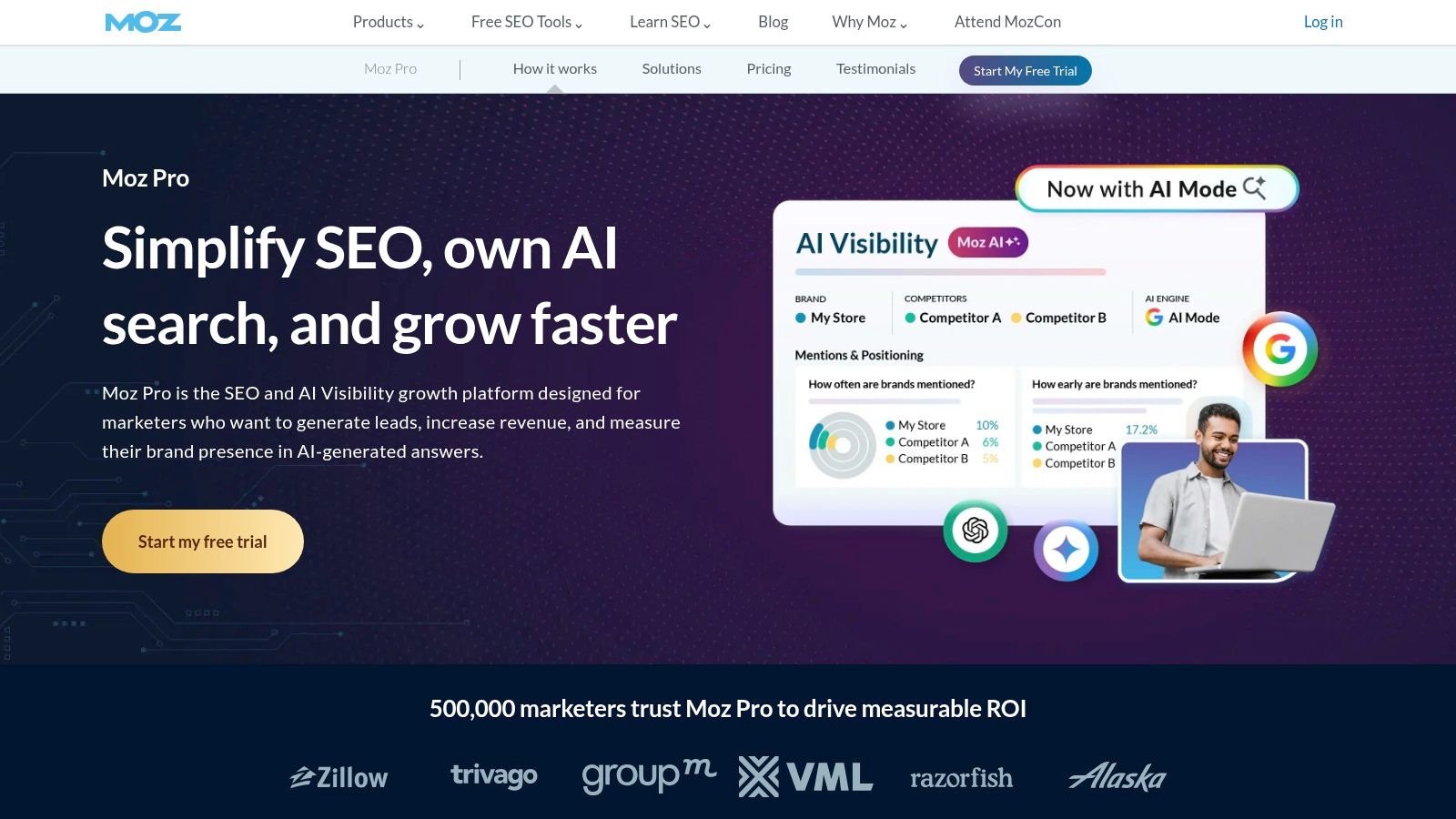
I'd consider Moz Pro for a focused mix of keyword research, rank tracking, crawling, page optimization, and link analysis. It's a sensible shortlist entry when you want core SEO workflows without making advertising intelligence part of the buying decision.
The distinction I'd explain to stakeholders immediately is that Domain Authority and Page Authority are third-party metrics, not Google ranking factors. Use them to organize comparisons within Moz, then inspect the actual pages and links. Don't turn an authority score into an outreach acceptance rule.
For example, a specialist industry association may offer a more relevant citation than a broad publication with a stronger-looking score. Your decision should account for the audience, linking context, and destination page.
Put recommendations through an implementation test
Choose a commercial page with a known issue. Run the crawl and page-optimization checks, review the recommendations, and write a development or editorial ticket from the output.
- A useful result: You can explain what to change, which URLs are affected, and how you'll verify the fix.
- A weak result: You can improve a dashboard score but can't connect the recommendation to a meaningful page problem.
- A coverage check: Your selected plan accommodates the sites, tracked terms, and crawl scope you manage.
Link Explorer adds comparative link research, and some plans include AI-search and visibility capabilities. I'd assess those separately rather than treating their presence as proof that the platform replaces every SISTRIX report.
My main reservation would be buying around familiar metrics instead of workflow fit. A score your client recognizes is convenient, but it shouldn't decide the migration.
6. Serpstat
If your main frustration is exporting keyword lists and manually grouping them into pages, I'd evaluate Serpstat around research-to-cluster workflows. Keyword research, competitor analysis, rank tracking, backlink research, and site audits provide broader coverage around that task.
Clustering is useful only when you inspect the proposed page boundaries. Say you're planning content around accounting software. Informational questions, product comparisons, and integration searches may share vocabulary while requiring different page types.
I'd take a real backlog into the trial and check whether keyword clustering and text analysis help you make those distinctions. A neatly grouped export isn't a finished content strategy.
Don't approve a cluster until you can name the page it belongs on and explain why the searcher would want that page.
Serpstat's regional databases matter if your work extends beyond a single market. Test the actual country, language, and specialist terms you need, rather than extrapolating from broad English-language queries.
The main buying constraints are search, export, project, collaboration, and API limits. Higher tiers provide expanded capacity and additional capabilities, but your own workflow determines whether those limits are adequate. Run a normal batch export and any recurring automation during evaluation.
If clustering works but another part of the workflow remains awkward, compare the options in our Serpstat alternatives guide. I wouldn't accept weak regional coverage just because the clustering interface feels convenient.
Before switching, produce an actual content brief and audit ticket. Those deliverables reveal more than a feature tour.
7. SpyFu
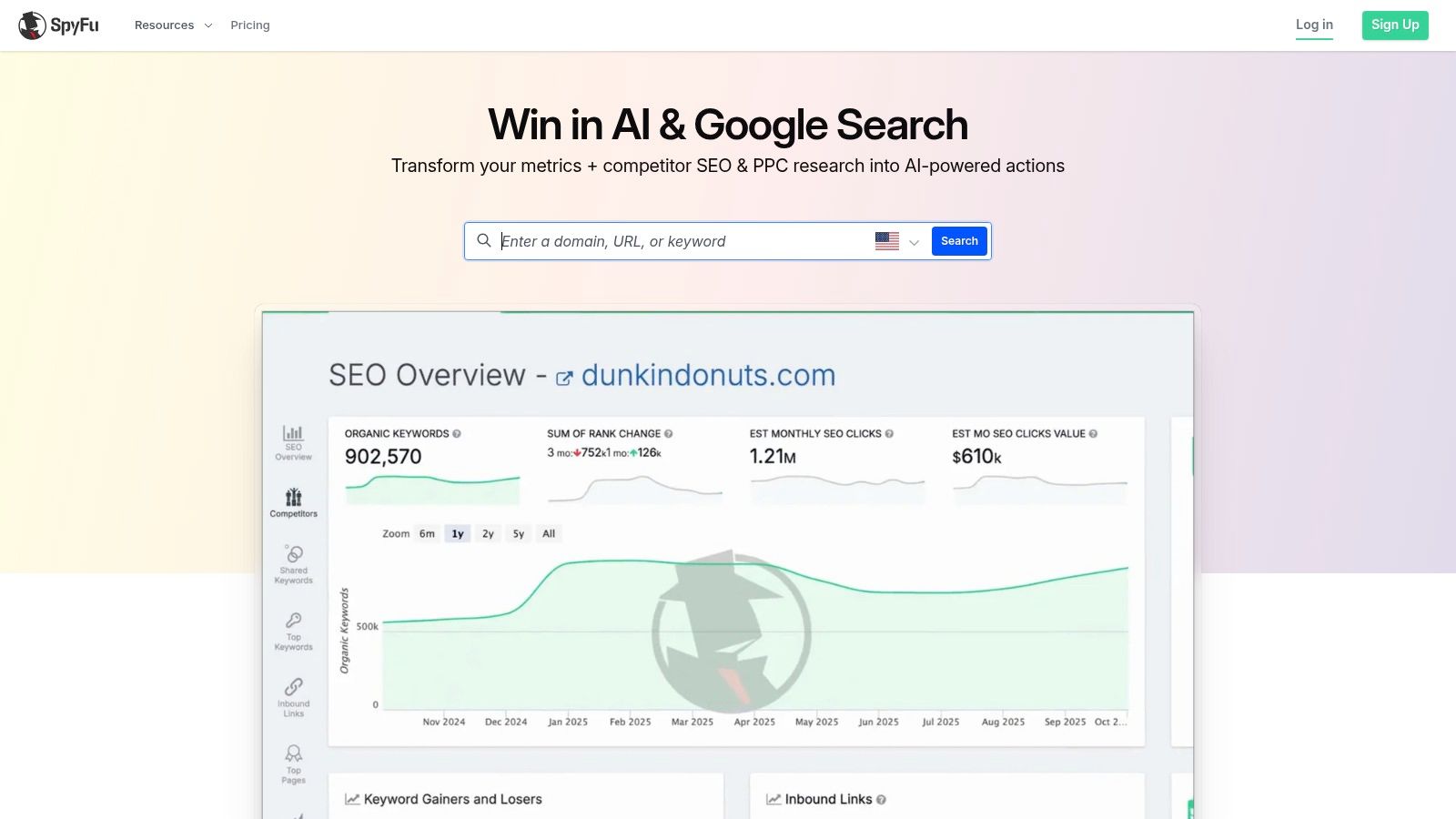
SpyFu belongs on the shortlist when competitor search intelligence is the job. I'd use its organic keywords, paid-search activity, historical information, domain comparisons, and keyword grouping to investigate how competitors approach a market.
I wouldn't make it my first choice for replacing a technical-audit workflow. That distinction matters if your SISTRIX subscription currently supports both competitive reporting and implementation checks. Replacing the research component doesn't remove the need for a crawler.
For a SaaS trial, compare a direct product rival with a publisher that competes for the same informational searches. Keep those categories separate. Otherwise, your keyword-gap report can encourage you to imitate an editorial business rather than improve your product acquisition pages.
Test the explanation behind the export
Use the same competing domains throughout the evaluation. Inspect historical rankings and advertising activity, then write a short recommendation that distinguishes organic opportunities from paid-search hypotheses.
For a disciplined setup, compare competitors using relevant criteria, including audience, offer, geography, and landing-page type. Domain overlap alone isn't enough.
- Good fit: You need to explain what competitors rank for or advertise on.
- Weaker fit: You need detailed technical diagnosis and implementation validation.
- Trial constraint: Free searches return limited results, and entry-level exports and results are capped.
According to SpyFu, paid plans include US and international data. I'd still test your actual market before subscribing.
Custom-branded reporting and SEO rank tracking are available on eligible plans. Confirm that the export you need is included, because a useful research screen doesn't automatically make a usable recurring client report.
8. Mangools
A smaller business doesn't always need a large suite. I'd consider Mangools when keyword research and SERP validation matter more than extensive reporting infrastructure.
KWFinder handles keyword discovery and competitor-keyword lookups. SERPChecker supports result analysis, SERPWatcher handles tracking, LinkMiner covers backlink investigation, and SiteProfiler provides domain insights. The bundle separates common jobs into focused tools.
For a service business, I'd start with a commercial query, inspect the actual results, and decide whether the competing pages match your intended offer. Search volume is secondary if the results indicate that searchers want a directory, calculator, or tutorial rather than your service page.
Simplicity still needs a capacity test
Run a normal working session, not a demonstration lookup. Research related terms, investigate competitor pages, inspect backlinks, and add the terms you intend to monitor.
- Lookup capacity: Check how daily limits affect a concentrated research session.
- Export depth: Confirm that returned rows cover the analysis you need.
- Tracking scope: Include existing commercial terms as well as new opportunities.
Free browser-based SEO tools can support quick checks and initial research. They're useful for evaluation, but they don't establish whether the paid bundle can absorb your recurring workload.
The compromise is scale. Lookup, row, and tracking caps may be manageable for a solo operator but awkward for an agency doing batch research or extensive exports.
I'd choose the focused interface if it helps you validate opportunities consistently. I wouldn't choose it merely because the demo feels easier than SISTRIX. Repeat the work you normally find tedious and see whether it stays manageable.
9. SEO PowerSuite
Desktop software changes the migration decision. With SEO PowerSuite, you're evaluating separate applications and local working conditions, not another browser dashboard.
Rank Tracker covers keyword-position monitoring. WebSite Auditor handles technical and on-page checks, SEO SpyGlass supports backlink research, and LinkAssistant provides prospecting and outreach workflows. I'd shortlist it when dedicated desktop applications suit how you work.
The audit component deserves a practical test. Crawl the same site scope, investigate a known issue, and check whether you can turn the result into a precise implementation ticket. Include exclusions and canonical handling in your setup so you don't compare differently configured crawls.
Migration warning: A tool can reproduce your analysis while making collaboration harder. Test file access, scheduling, and colleague handoffs before treating desktop software as a direct cloud replacement.
For international sites, validate implementation beyond country-level ranking reports. Google's multi-regional site guidance recommends hreflang for language variants and says each variant should reference every version, including itself; it also warns that locale-adaptive content may not have every variant crawled, indexed, or ranked.
I'd include those URL relationships in an audit test, then verify any findings against the page markup or sitemap. A language selector isn't evidence of correct implementation.
A free version supports evaluation, but test the working conditions you'll depend on. Local resources, installation, shared access, and collaboration can be decisive.
If the desktop model doesn't suit your team, our SEO PowerSuite alternatives guide provides another starting point. Don't force an operational mismatch just because the individual applications cover your feature list.
10. Majestic
I'd choose Majestic as a specialist replacement for link intelligence, not as a complete substitute for SISTRIX. Backlink profiles, referring domains, site comparisons, link context, and Fresh and Historic indexes are the relevant workflows.
Trust Flow and Citation Flow provide proprietary ways to compare profiles. I'd use them to guide investigation, then inspect the underlying links. Neither score removes the need to assess relevance, placement, destination, and whether a link still exists.
For a fair comparison, use a competitor page that attracts links you'd plausibly want. A domain-wide export can mix editorial references with directories, syndication, user-generated pages, and irrelevant placements.
Judge qualified opportunities, not raw volume
Google's spam policies define link spam around creating links primarily to manipulate rankings. I'd therefore judge a gap report by legitimate opportunities for useful resources, corrections, or reclamation, not by how many domains you can contact.
- Check context: Read the linking page and understand why the competitor earned the reference.
- Check destination: Match the opportunity to a relevant resource, not automatically your homepage.
- Check recovery value: Separate lost links from changed URLs, removed pages, and reporting differences.
The clear advantage is focus. You can keep a dedicated link-research environment alongside another platform for keywords, content planning, and tracking.
The clear limitation is also focus. Majestic won't replace the full keyword, audit, and content workflow of an all-in-one suite. I'd buy it when link analysis is the work that justifies the subscription, not when I need a single dashboard for every SEO task.
How the 10 SISTRIX alternatives compare on use case, free access, and main limitation
| Item | Best for | Free option or trial | Main limitation |
|---|---|---|---|
| SemDash | Keyword and backlink research, competitor analysis, and content planning | Free plan and free trial | Focused on SEO research and analysis rather than a full digital-marketing suite |
| Semrush | Teams needing a broad SEO and digital-marketing suite | Free account with limited access | Can feel complex, and costs rise with usage needs |
| Ahrefs | Backlink and competitor research | Free Webmaster Tools for verified websites | Low-cost plans have restrictive limits; higher-capacity plans can be expensive |
| SE Ranking | Agencies and teams managing multiple SEO workflows | Free trial available | Higher limits, extra seats, and agency features can increase costs |
| Moz Pro | Core SEO research, rank tracking, and link analysis | Free Moz tools and a free trial | Plan limits constrain usage; authority scores are estimates, not Google metrics |
| Serpstat | All-in-one keyword, competitor, and site-audit workflows | Free tools and a free trial | Usage limits and API access depend on the plan |
| SpyFu | Competitor organic and paid-search intelligence | Free searches with limited results | Less suited to comprehensive technical auditing; entry-level results are capped |
| Mangools | Accessible keyword, SERP, rank, and backlink research | Free browser-based SEO tools | Usage caps may limit extensive exports and enterprise reporting |
| SEO PowerSuite | Desktop-based ranking, audit, backlink, and outreach workflows | Free version available | Desktop installation and local resources; shared team access may be less suitable |
| Majestic | Specialist backlink and referring-domain analysis | Free backlink checker with limited data | Does not replace broader SEO tools for keywords, audits, or content planning |
Choosing Your Replacement With a Two-Week Trial Plan
Pick the alternative that supports the SISTRIX workflow you use most, not the longest feature list. I'd shortlist a broad research platform for competitor and content work, a link specialist for backlink investigation, or an audit-focused setup when implementation is the bottleneck.
Don't expect a trial to prove ranking improvements. Use it to test coverage, repeatability, and decision quality. You should finish with usable exports, a completed analysis, and a clear understanding of what remains outside the replacement.
Establish the baseline before testing
Export your existing keyword groups, competitor domains, important ranking URLs, backlink findings, and recurring reports. Record country, device, search engine, filters, and date ranges. Keep your Search Console baseline separate from third-party estimates.
For AI visibility, test indexed URLs and record exact citations rather than domain mentions alone. Google's AI-features documentation says supporting pages must be indexed and eligible to appear in ordinary Search with a snippet, so AI tracking doesn't replace conventional search checks.
Use the same domain and competitor set in every candidate. Changing competitors mid-trial makes it harder to distinguish better coverage from a different research question.
Spend the first week reproducing decisions
Start with a free plan or trial where available. Recreate your highest-value recurring task, whether that's a competitor gap analysis, link-prospect qualification, or a technical audit.
- For keywords: Compare relevant terms and the exact ranking URLs, including specialist queries your business depends on.
- For links: Compare qualified referring domains and inspect linking pages manually.
- For audits: Compare affected URLs, severity reasoning, and whether the recommendations become actionable tickets.
- For reporting: Export the report and check whether a colleague can interpret it without your narration.
Record missing data, manual cleanup, and plan restrictions. A polished dashboard won't compensate for an export that requires rebuilding every month.
Use the second week to test repeatability
Repeat the workflow with the same saved settings. Check whether you can identify changes, revisit evidence, and produce a consistent recommendation without reconstructing the project.
Keep visibility, clicks, and business outcomes distinct when choosing your key metrics in SEO reporting. Don't splice a replacement platform's proprietary score into the old SISTRIX chart as though the methodology never changed.
I'd move the highest-value reporting first and retain the old export as a fallback for a billing cycle. Preserve historical reports with their original labels, document the change in methodology, and explain any coverage gaps before the next client meeting.
Commit when the replacement lets you make defensible decisions with an acceptable workload. If it only reproduces a prettier summary, keep testing.
Our keyword-gap, backlink-gap, page-level competitor research, and SERP tools connect opportunity discovery with content planning. Visit SemDash to start free, run your existing domain and competitor set through the same trial, and judge whether our workflow can replace the research you currently do in SISTRIX.