

Exporting thousands of keywords isn't planning. I'd rather have a short list of page-level opportunities with clear intent, a target URL, and a reason to publish than a sprawling spreadsheet sorted by search volume. A keyword research planner should help you make publishing decisions, not just collect phrases.
The gap between research and execution usually appears after the export. You've got variations, questions, competitor terms, and difficulty scores, but you still can't tell a writer which page to create. Without that decision, adding more keywords only increases the sorting work.
My recommendation is to separate discovery, clustering, prioritization, and opportunity-hunting. Choose a tool for the decision you're struggling with, rather than buying the platform with the longest feature list.
A usable keyword plan ends with pages and priorities. An export ends with rows.
That distinction applies whether you're planning SaaS landing pages, a niche publishing site, or a keyword workflow for React Native launches. The channel changes, but you still need to connect the language people use with a useful destination.
These picks cover different parts of that workflow. Some are strong at expanding a seed topic, some help investigate ranking competitors, and others earn their place by exposing specific opportunities. I wouldn't subscribe to all of them. I'd choose a primary workspace, then add a specialist only when I could name the missing capability.
Table of Contents
- 1. SemDash
- 2. Google Keyword Planner
- 3. Semrush Keyword Magic Tool
- 4. Ahrefs Keywords Explorer
- 5. Moz Keyword Explorer
- 6. KWFinder by Mangools
- 7. Ubersuggest
- 8. LowFruits
- 9. Keyword Tool
- 10. SE Ranking Keyword Research
- Keyword research planner tools compared
- How to Pick One and Build Your First Keyword Plan
1. SemDash
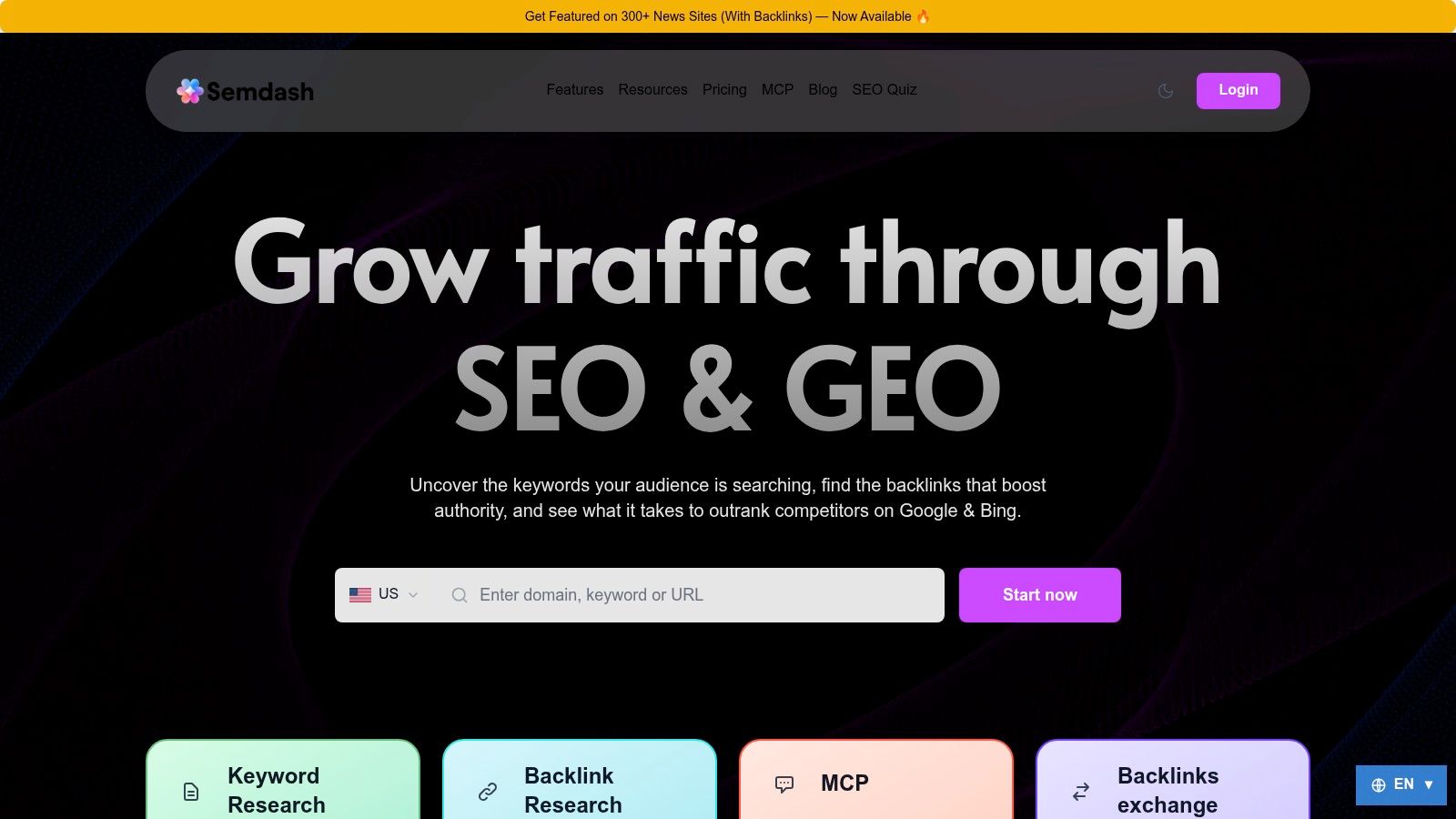
Popularity lists would put a familiar name first. I put SemDash here because it covers the planning stages that usually stall after an export: competitor discovery, clustering, and the choice of which page to publish.
Use it when the job is connecting a rival's keywords to ranking URLs, intent, and a content assignment in one workspace. SemDash's keyword research draws from a database of 6.6 billion keywords, and URL-level mapping shows the specific page Google sends traffic to for each term. That detail decides whether you update an existing guide, build a commercial page, or drop a competitor keyword that does not fit the site.
Turn competitor coverage into page decisions
Pull a competing domain, then read Top Pages and Domain Keywords before you keep a gap. Expand the keepers with Longtail keywords, People Also Ask, and People Also Search. Keyword Clustering then groups those queries into page-level topics so two URLs are not competing for the same intent.
Check intent with the one-click AI analysis and the live SERP before anyone writes a brief. A comparison query and a how-to query need different outlines. If rankings look unstable, review 12 months of SERP history and only then reserve a calendar slot. AI Overview visibility is separate from a classic ranking: record the exact URLs cited, including competitors' pages, instead of treating a mention as the same result.
Backlink Gap and backlink research belong in the same pass when the page will also need links. The practical gain is continuity. Discovery can move into clustering, a SERP check, and an AI content brief based on SERP data without a second export. You can get started for free, which is enough to run that sequence on your own market.
The trade-off: Keyword coverage varies between platforms. Test SemDash on your niche and target markets rather than relying on database size alone.
2. Google Keyword Planner
If you're choosing between competing estimates of demand, I'd start with Google Keyword Planner. It's particularly useful for demand validation and paid-search planning, not for deciding whether your site can rank organically.
You can discover ideas from seed terms or a website, then evaluate a selected list. In Google's historical-metrics documentation, average monthly searches include a keyword and its close variants within the selected location, month range, and Search Network settings.
Keep advertising metrics in their lane
I recommend setting the target country before comparing topics, then reviewing the trend rather than accepting the annual average. A seasonal product category needs a publishing schedule, not just a volume label.
Don't confuse advertising competition with organic difficulty. Bid estimates can inform commercial research, but they don't tell you whether the ranking pages have stronger content, links, or brand recognition.
- What works: Generating campaign ideas and validating broad demand with first-party Google Ads information.
- What falls short: Organic SERP analysis, competitor keyword gaps, and page-level clustering.
- Access trade-off: You need a Google Ads account, and search volumes may appear as broad ranges.
For an SEO-focused application, use this SEO keyword planner workflow to connect demand estimates with intent and page selection. I'd use Keyword Planner as a baseline, then inspect the results before approving a brief.
3. Semrush Keyword Magic Tool
Best for discovery when a broad topic needs controlled expansion. With Semrush Keyword Magic Tool, I'd start with a product category, use topic subgroups to isolate relevant branches, and apply question filters only after removing unrelated meanings.
Say you sell project management software. Searching the broad category is useful, but exporting every associated term mixes templates, careers, certifications, software comparisons, and implementation questions. I'd separate those branches before considering difficulty or demand.
Treat topic groups as starting points
Automatic grouping helps organize a large research session. It doesn't settle whether similar terms deserve the same page, especially across countries or languages.
The Semrush AI Overviews study is useful context for evaluating changing search-result environments; I'd still compare the actual ranking URLs and dominant content formats in each target market. Shared wording alone isn't enough to justify a shared page.
- Strongest use: Building and filtering a substantial discovery list, with SERP-feature indicators alongside keyword metrics.
- Workflow advantage: Connecting research with competitor analysis, position tracking, audits, and backlink work.
- Main compromise: Paying for a broad platform when you only need occasional keyword expansion.
Limited free access can help you assess the interface, but research and export allowances depend on the plan. I'd confirm those allowances against your expected workload, particularly if you manage separate country lists or frequent client exports.
4. Ahrefs Keywords Explorer
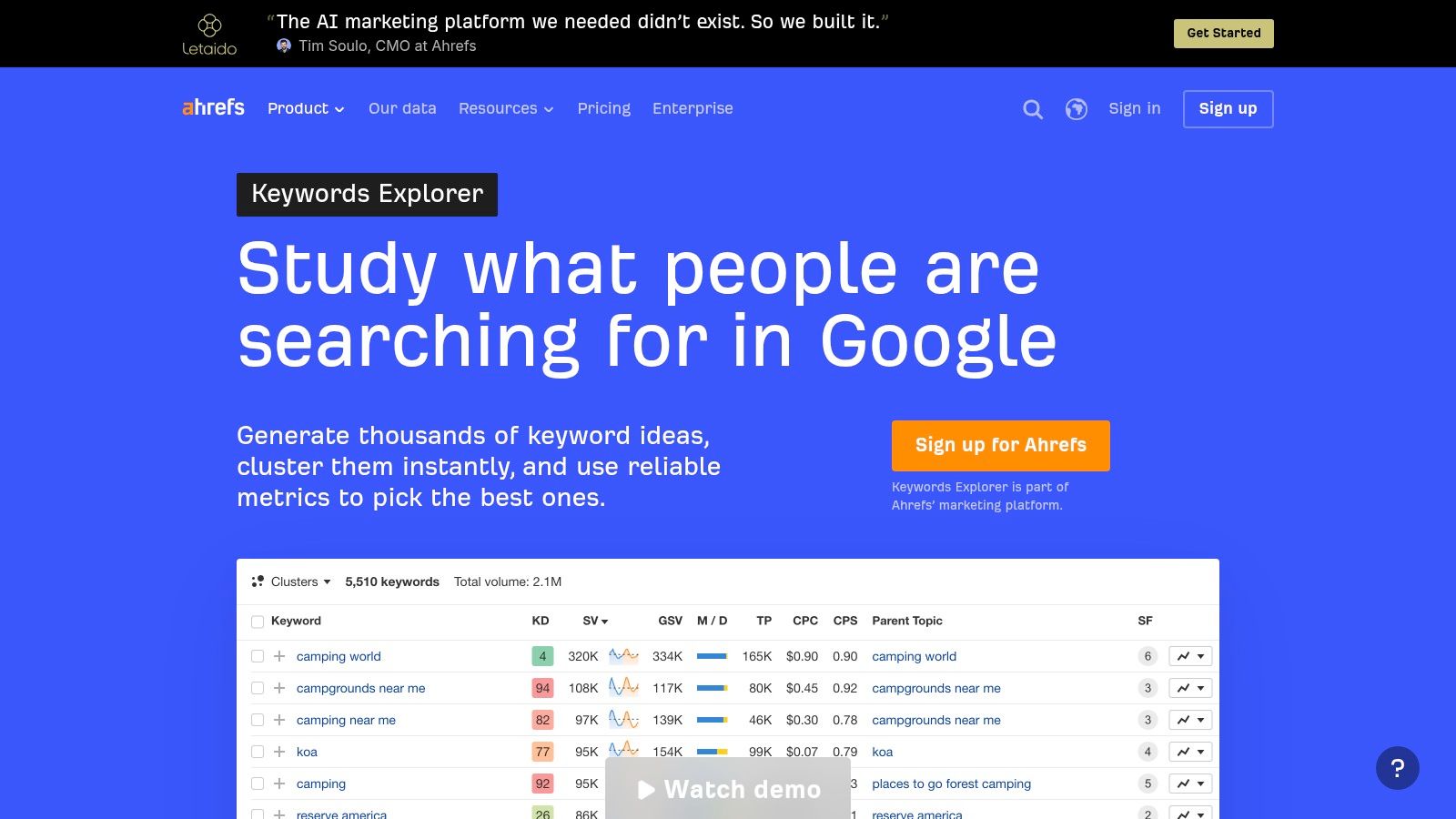
A keyword can look attractive until you inspect the pages already ranking. I'd use Ahrefs Keywords Explorer for prioritization that needs backlink and competitor context, rather than choosing targets from a difficulty column alone.
For a query such as “best accounting software for contractors,” I'd inspect the ranking URLs, page types, and link profiles. Then I'd ask whether you can produce a useful comparison, including trade-specific requirements, rather than another interchangeable list.
Practical rule: Use difficulty to decide what to investigate, not what to publish.
The connection with Site Explorer and Competitive Analysis makes this investigation more coherent. Keyword lists, clustering, and AI-assisted capabilities can support organization, although feature access depends on your plan.
Where I'd be cautious
A strong backlink profile doesn't make every ranking page unbeatable. Equally, a modest difficulty estimate doesn't mean a new site can satisfy the query's commercial expectations.
I'd record the required page format, credible differentiation, and likely authority gap beside each candidate. That turns a competitiveness check into an editorial decision.
Paid access can be hard to justify for sporadic research, and allowances or credits vary by plan. Free verified-site tools are useful, but I wouldn't treat them as unrestricted Keywords Explorer access. Choose this option when competitor investigation is central to your planning work.
5. Moz Keyword Explorer
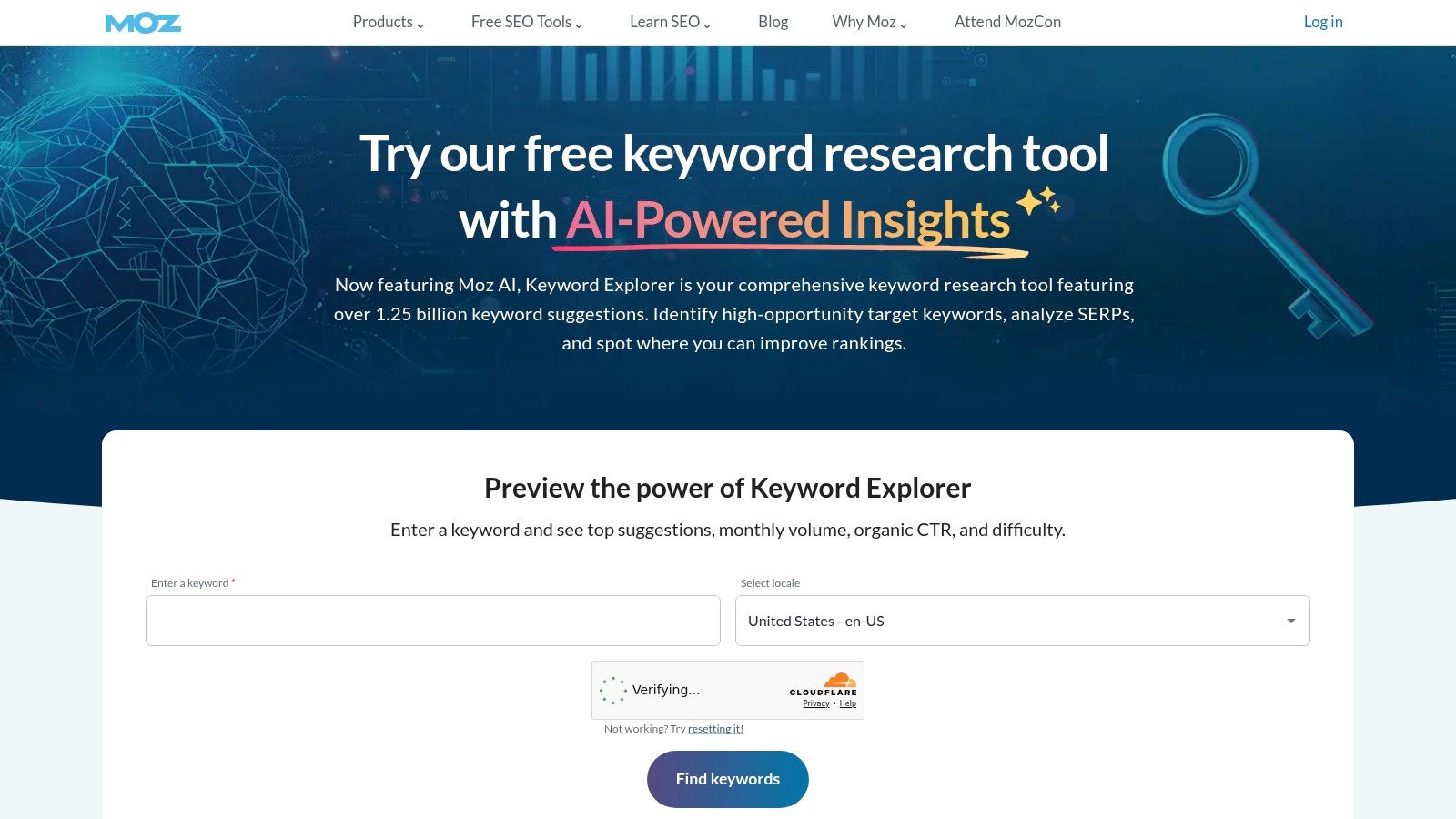
Choose Moz Keyword Explorer when you want discovery and manageable keyword lists without making every research session a sprawling competitive investigation. I'd use its suggestions, demand estimates, difficulty metrics, and SERP analysis to build a shortlist that you can review.
Explore-by-site adds a useful alternative starting point. Instead of brainstorming from a blank seed field, investigate a relevant domain or page, then assess which ranking terms match your offer and audience.
Make the saved list decision-ready
I recommend separating research lists by intended destination, not merely by subject. “Payroll software pricing” and “how to calculate payroll” can belong to the same business category while requiring very different pages.
- Preserve intent: Keep commercial comparisons separate from educational tasks until the SERPs justify combining them.
- Name the destination: Add an existing URL or a clearly defined proposed page.
- Record the next action: Mark each opportunity as update, create, investigate, or reject.
The benefit is less ambiguity when you return to the list. You don't need to repeat the entire research session to remember why a phrase mattered.
The limitation is access, not just interface preference. A free Moz Community account offers limited use; broader access requires a trial or subscription. I'd choose it if its research and list-management approach suits your workflow, but not to duplicate capabilities in a platform you already pay for.
6. KWFinder by Mangools
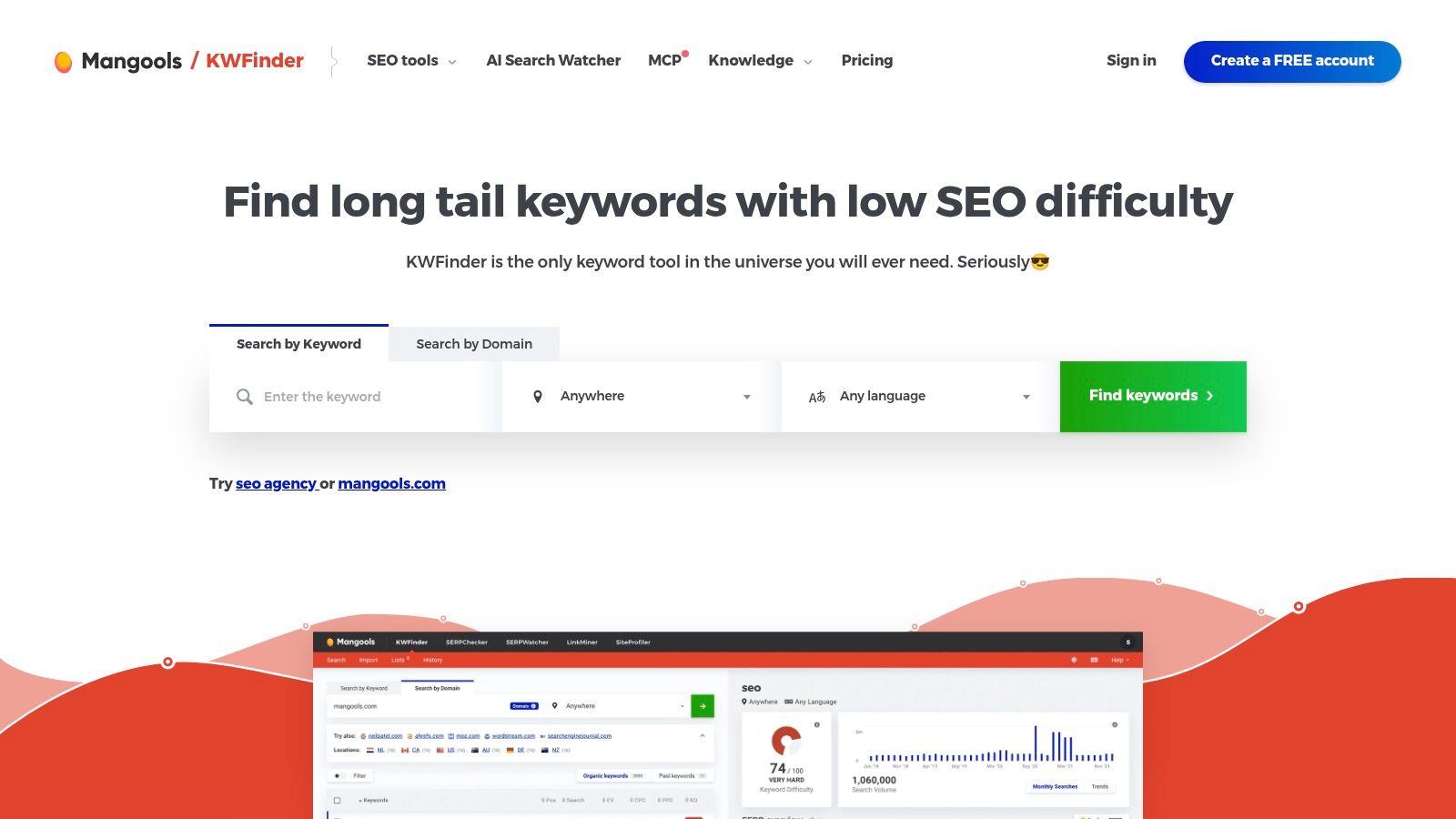
For a solo marketer who needs to investigate a focused batch of topics, I'd shortlist KWFinder by Mangools. Its appeal is a concentrated keyword-and-SERP workflow, rather than the breadth of an agency research platform.
You can start with a topic or domain, review suggestions and search volume, then inspect the results alongside Keyword Difficulty. I recommend that sequence because the ranking pages provide context that the score alone can't.
Investigate the reason behind the score
Say you're considering “email marketing for wedding photographers.” I'd check whether the results favor software pages, practical tutorials, or business-specific examples before deciding what to create.
Use this guide to checking keyword difficulty as a framework for looking beyond the headline metric. Evaluate page relevance and link strength, then identify the specific improvement you can make.
- Good fit: Bloggers, solo consultants, and small teams doing focused research.
- Useful bundle: Mangools also includes rank-tracking, backlink, and site-analysis tools.
- Constraint: Daily lookup quotas can interrupt broad discovery or repeated market comparisons.
KWFinder isn't sold separately from the Mangools suite, so compare the bundle with what you'll use. For more elaborate clustering and reporting, I'd plan on exporting into a dedicated planning sheet rather than expecting the research interface to handle every production decision.
7. Ubersuggest
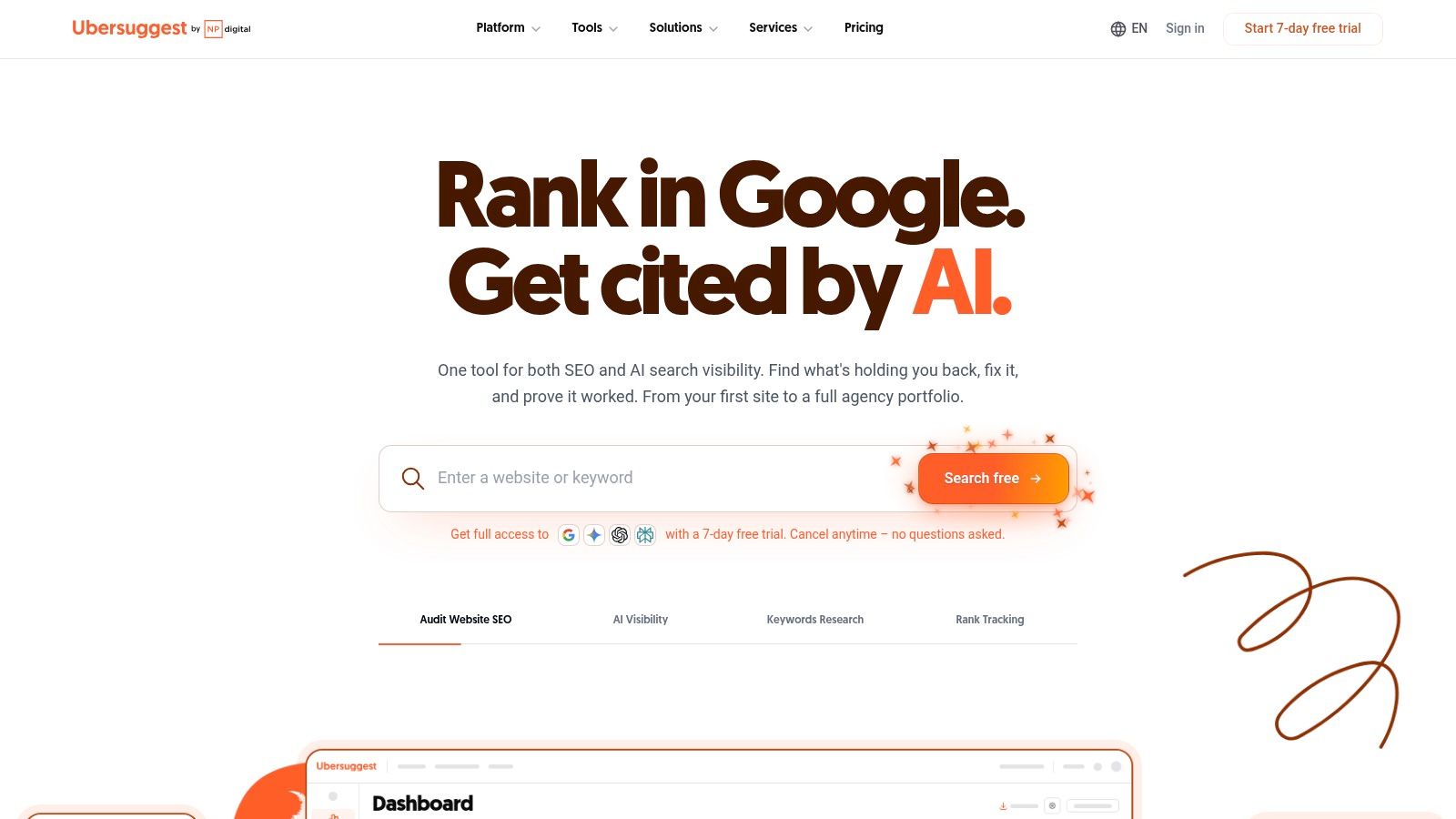
If you're responsible for both creating content and keeping a small website healthy, Ubersuggest offers a practical compromise. I'd consider it for basic discovery, competitor-page research, and ongoing monitoring, rather than specialist SERP investigation.
Questions, comparisons, and related terms give you different routes into a topic. For an online bookkeeping service, I'd investigate comparison queries separately from tax questions, because the best next action might be a consultation on one page and a supporting resource on another.
Choose the report that changes your decision
Start with a relevant competitor's top pages, then inspect keyword suggestions around the pages closest to your services. I'd reject unrelated traffic opportunities before spending time enriching their metrics.
- Useful breadth: Keyword ideas, intent, difficulty, CPC, competitor research, rank tracking, and audits in an approachable package.
- Flexible purchasing: Limited free access sits alongside monthly, yearly, and lifetime paid options.
- Operational limit: Daily use, reporting depth, and bulk-analysis capabilities depend on the account or plan.
I wouldn't choose a lifetime option solely to avoid a recurring subscription. First establish that the reports answer your recurring questions and that the allowances match your research pace.
Treat third-party estimates as directional. Before commissioning content, inspect the live SERP and confirm that the proposed page serves the audience you want, not just an audience your competitor happens to attract.
8. LowFruits
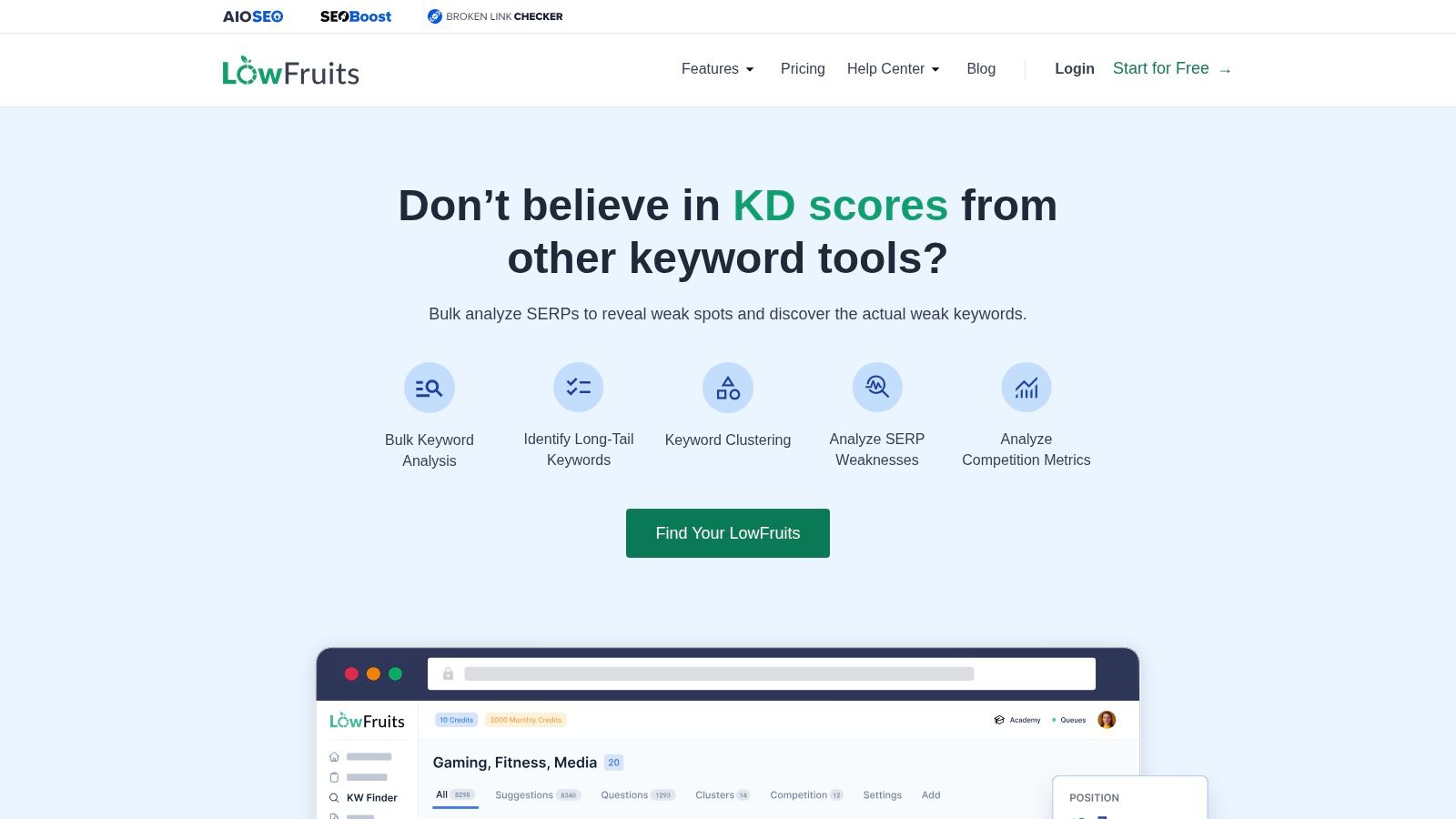
Opportunity-hunting is where I'd give LowFruits a separate role. Rather than using it as a complete SEO workspace, I'd use its autocomplete-led ideas and SERP analysis to investigate long-tail queries with potentially weak-ranking pages.
For a niche site about home coffee equipment, broad “best espresso machine” research may be less actionable than a specific troubleshooting query. I'd investigate whether the existing results answer the exact problem, then assess whether you can provide a tested procedure, original photos, or a clearer diagnosis.
A weak result is an invitation to investigate. It isn't a promise that your page will rank.
Inspect weakness at page level
Don't dismiss a result just because it comes from a forum or a smaller domain. Check whether the answer is current, specific, complete, and supported by firsthand detail.
The useful planning question is what you can do better, not whether the result looks easy to replace. A forum discussion may satisfy a nuanced question better than a polished but generic article.
Pay-as-you-go credits offer an alternative to a recurring subscription, while subscriptions add capabilities such as competitor extraction, rank tracking, and domain exploration. Subscription credits reset rather than rolling over, so I'd align research sessions with the allowance.
This is a specialist addition, not my recommendation for replacing keyword management, technical audits, or backlink analysis.
9. Keyword Tool
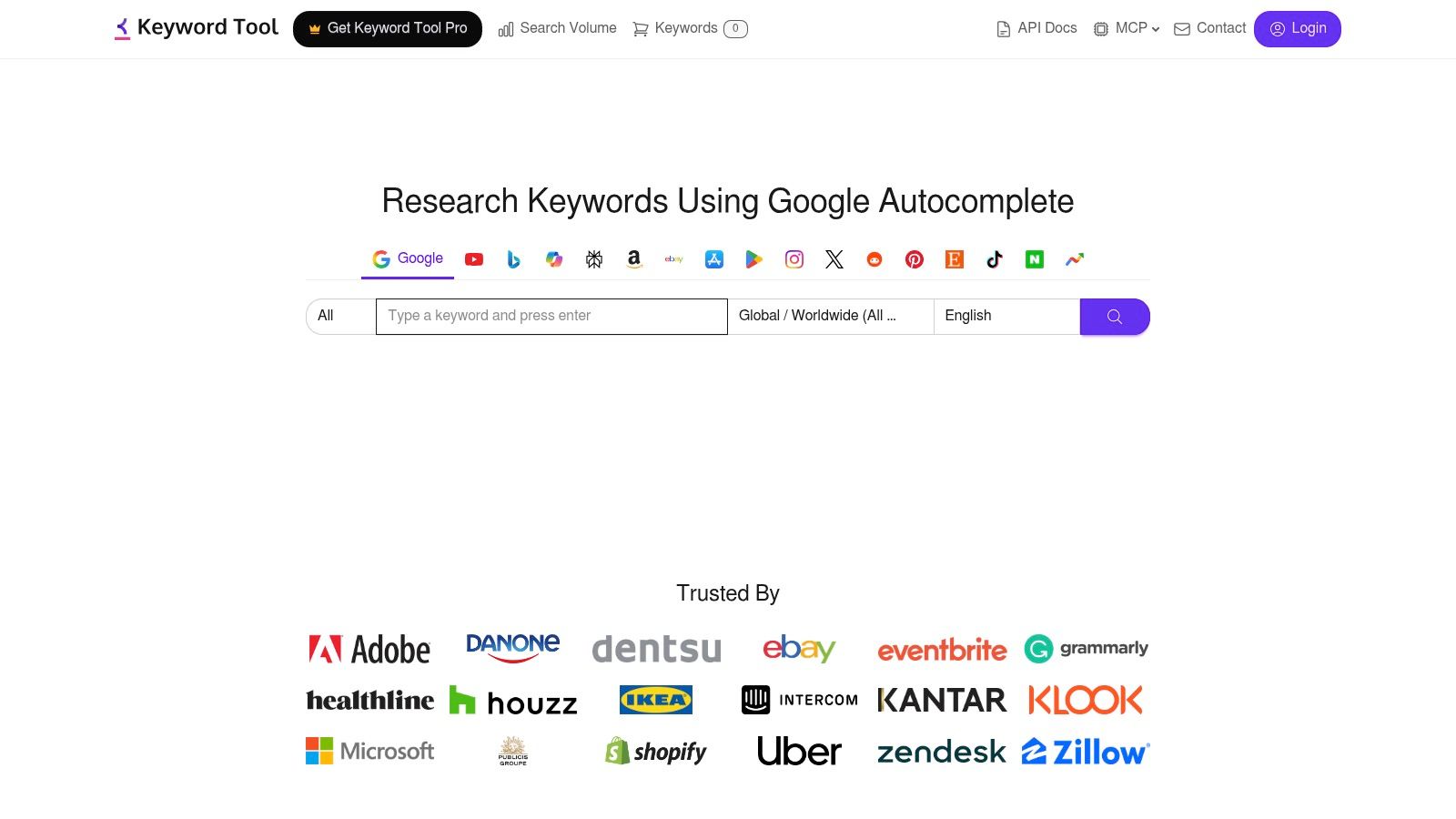
Google-oriented keyword databases aren't always the right starting point. If you're planning YouTube videos or Amazon listings, I'd use Keyword Tool to explore platform-specific autocomplete language before importing assumptions from web search.
The location and language options also make it useful for discovering variations that a generic English seed list can miss. I'd keep those results separated by platform and market until you've checked what each audience is trying to accomplish.
Use autocomplete for language, not certainty
For example, “coffee grinder review” could support a video comparison, while a shopping-platform query may emphasize capacity, materials, or compatibility. I'd preserve those modifiers instead of collapsing everything into a broad “coffee grinders” cluster.
- Best contribution: Long-tail discovery across search and content platforms.
- Free-access value: Exploring suggestions before paying for richer metrics.
- Paid capabilities: Volume enrichment, trends, CPC, bulk checks, and eligible API or MCP access.
The trade-off is that discovery doesn't equal a completed plan. You'll still need demand validation, intent review, and page mapping elsewhere.
Allowances can be shared across the web interface and other access methods, so I'd account for automated usage before planning a large manual session. Avoid treating an autocomplete suggestion as proof of substantial demand or a reason to create a standalone page without further review.
10. SE Ranking Keyword Research
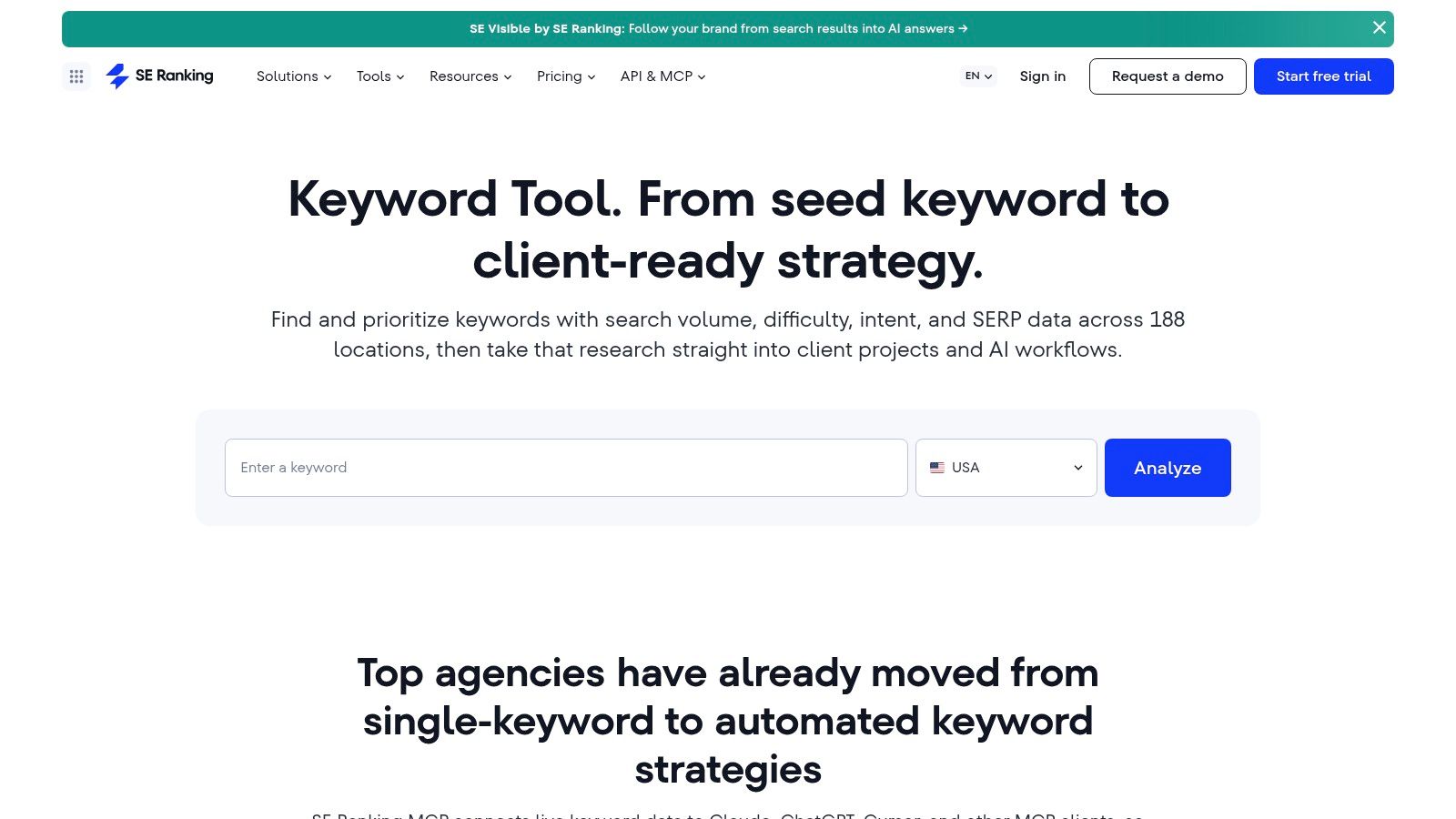
I'd consider SE Ranking Keyword Research when keyword planning needs to connect with agency delivery or in-house reporting. Suggestions, historical trends, competitor research, rank tracking, audits, and backlink tools can support an ongoing program rather than an isolated discovery session.
Start with the regional database that matches your audience. Then review similar, related, question, and long-tail ideas before inspecting the organic results for the candidates closest to your business.
Carry the decision into measurement
For an agency engagement, I recommend saving more than the keyword and its metrics. Record the target URL, intended conversion, baseline status, and reason for priority so the reporting conversation stays connected to the original decision.
Google's guidance on AI features and websites explains that AI Overview links contribute to Search Console's Search-results Performance totals and don't require special AI markup. I'd therefore compare observed impressions and clicks with your planning assumptions, rather than assuming visibility guarantees visits.
- Strong fit: Teams that need research alongside tracking, audits, and reporting.
- Automation option: A keyword data API for structured research workflows.
- Main compromise: A broader subscription than occasional keyword planning requires.
A trial lets you assess the workflow, but paid allowances vary by plan and feature. I'd test an entire assignment, from discovery to reporting, rather than judge the platform solely on its initial suggestions.
Keyword research planner tools compared
Popularity lists hide the planning job. I sort these ten tools by stage: discovery, clustering, prioritization, or opportunity-hunting. Free access, the capability that matters in that stage, and the limit that changes the work sit in one row.
| Best for | Free access | Standout capability | Main limitation |
|---|---|---|---|
| SemDash, opportunity-hunting across keywords, competitors, and SERPs | Free start available | Keyword, competitor, backlink, 12-month SERP history, and one-click AI intent in one workspace | Scoped to Google and Bing, not YouTube or Amazon phrase research |
| Google Keyword Planner, prioritization and broad demand checks | Free with a Google Ads account | Google Ads search-demand estimates and bid data | Limited SEO difficulty, SERP, and competitor analysis |
| Semrush Keyword Magic Tool, discovery and topic clustering | Limited free access | Large database with topic groups and SERP-feature indicators | Research limits depend on plan; subscriptions can be costly |
| Ahrefs Keywords Explorer, prioritization with backlink and SERP context | Limited access for verified site owners | Connects keyword opportunities with backlink and competitor research | Paid access and credits vary by plan |
| Moz Keyword Explorer, discovery and organized research lists | Limited access through a free account | Explore-by-site reveals terms a domain or page ranks for | Full access requires a trial or subscription |
| KWFinder by Mangools, prioritization for smaller teams | Paid only; no free tier | Combines keyword difficulty with SERP analysis | Daily lookup quotas; only available with the Mangools suite |
| Ubersuggest, basic planning and monitoring for small sites | Limited free account | Combines keyword suggestions with competitor research and site tools | Free usage is limited; estimates should be checked against live SERPs |
| LowFruits, opportunity-hunting for long-tail, weaker SERPs | Pay-as-you-go credits available | SERP analysis highlights weak-ranking results | Specialist tool, and weak results do not guarantee easy rankings |
| Keyword Tool, discovery from platform autocomplete | Free suggestions available | Finds long-tail ideas across platforms such as YouTube and Amazon | Free metrics are limited; not a full competitor-analysis suite |
| SE Ranking Keyword Research, agency and in-house planning workflows | 14-day trial available | Combines keyword metrics with competitor research and regional data | Usage limits vary by plan; estimates should be checked against live results |
How to Pick One and Build Your First Keyword Plan
Choose the tool around your current bottleneck. If you can already find relevant terms but can't turn them into assignments, another discovery database probably won't solve the problem.
Discovery
Start with your offer, customer questions, existing pages, and relevant competitors. Use Keyword Planner for demand validation, Keyword Magic Tool for broad expansion, or Keyword Tool when platform-specific phrasing matters.
Then validate direction and timing. Google's Trends guidance recommends examining search-interest patterns and related queries; I'd use that to distinguish seasonal demand from sustained interest, not as a replacement for volume estimates. Reject rising phrases that don't fit your products or expertise.
Clustering
Group by shared intent and plausible destination, then inspect SERP overlap before finalizing the group. The keyword-planning guidance on topic and intent mapping supports mapping related terms to existing or planned pages rather than keeping ambiguous keyword buckets.
I wouldn't automatically combine “best project management software,” “project management software pricing,” and “how to manage projects.” Shared vocabulary doesn't mean you can satisfy comparison, purchase, and instructional needs with the same page.
For international work, compare ranking URLs and page formats by market. Split when local terminology, commercial requirements, or intent differ; consolidate when the same destination serves the audience.
Prioritization
Judge each cluster by business relevance, achievable differentiation, demand, and remaining motivation to click. Ask what the searcher still needs after reading the results page: a product, detailed comparison, troubleshooting sequence, template, or local provider.
Don't manufacture an SEO traffic forecast from a paid-search forecast. Google's Keyword Planner documentation distinguishes historical search demand from forecasts that incorporate campaign inputs such as bids, budget, and seasonality.
For solo marketers, I'd favor a consolidated workspace over repeated exports between overlapping subscriptions. Add a specialist such as LowFruits only when niche-site opportunity hunting solves a specific gap, and use Ahrefs-style competitor investigation when ranking feasibility needs deeper scrutiny.
Keep the business outcome explicit, whether you're planning SaaS acquisition pages or keyword research that improves Amazon profitability. Record the target URL, page format, desired action, and reason for priority beside every cluster.
Pick one tool, cluster your list, and map every cluster to a page before writing anything. Approve the destination first, then commission the content.
SemDash brings keyword discovery, competitor gaps, clustering, and SERP analysis into one workspace so you can turn research into page-level decisions. Visit SemDash to get started for free, investigate a relevant competitor, and build your first mapped keyword plan.